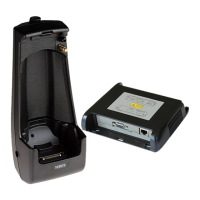
Only use an approved Sepura charging device to charge the battery, in accordance with the
specifications of the charging device.
For more information on handling, charging and storing batteries, read the Product Bulletin Battery
Care and Management (document no. MOD-13-1654).
Maintenance checks
Perform the following checks:
Inspect the battery regularly for any signs of physical damage. If the battery shows signs of
swelling, wear or damage, it must be replaced.
Check the battery contacts are clean and that the battery compartment is clean from dust and
debris.
Check the age of the battery. Sepura recommends replacing batteries every 500 charge
cycles or when older than 24 months*. The age of the battery is identified by the manufacture
date code on the battery label.
*The estimate assumes a charge cycle per each 8 hour shift. If the batteries are used for 3 x 8 hour
shifts then they may not last for 24 months.
Encoder knob (Navi-knob)
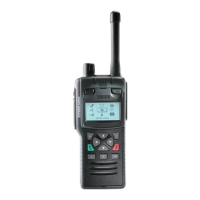
The Encoder knob (1), operationally known as the Navi-knob, is used to adjust the volume and
change the talkgroup selection.
Maintenance checks
Perform the following checks:
Check that the knob is rotating freely.
Check that the volume is adjusted when the knob is rotated.
Keypad
The keypad should be kept clean and in good working condition.
Maintenance checks
Power on the radio.
Perform the following checks:
Press the context keys and ensure they are functioning correctly and activate a response on
the radio.
Check that the alpha-numeric keys are working correctly. The easiest way to check that the
keys are working is to create a text message. Select Menu > Messages > Create Message.
Press each key and ensure that the response is correct. Press Cancel to delete the message
when you have finished testing the keys.
It is recommended to replace the keypad if any of the keys are malfunctioning.
22 SC21 Series hand-portable radio



 To Next Page
 Loading...