9
Fitting a SIM Card
1. Undo the cover securing screw and tilt open the SIM card cover.
PZ-2
2. Carefully t the SIM card into the
slot, pushing in fully until it clicks
into position.
CAUTION! To maintain the
product IP seal rating, ensure
that the SIM card cover is retted
and the securing screw is fully
hand-tightened.
CAUTION! Ensure there is enough depth in the DIN
slot to accommodate the SCG22 and connected
cables without causing damage.
DIN Slot Mounting Considerations
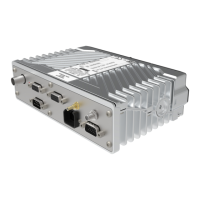
If the SCG22 is mounted into a DIN slot, consideration must be given to
the depth available to safely accommodate the radio and any connecting
cables.
If there is a depth restriction in the DIN slot:
If there are no depth restrictions:
Fit the longer clips, supplied
with the DIN Slot Mount Kit
The screw is retained on the cover.
Note: For installations where a remote SIM reader
is used, see the section "Connecting a Remote SIM
Reader" on page 34.


 To Next Page
 Loading...