15
1. Fix the bracket securely in position, using
an appropriate number and type of xing
screws for the surface material.
2. Lower the transceiver into the bracket and align the xing holes. Fit
the two adjustment knobs and tighten at the desired angle.
SCG22 U Bracket Mount Kit
The SCG22 can be tted to the optional U Bracket Mount Kit (300-
02052), providing a exible mounting solution to a at surface. If the
SCC3 console is tted to the front panel of the SCG22, the bracket can
be tilted to provide an optimum viewing angle.
29
205
190
179
15
122
91
61
133
149
Rear connector locations
Outline of SCG22 profile.
All dimensions are in millimetres
Drill four holes at the fixing centres indicated to
suit the fastener type (5 mm MAX diameter)
Front connector location
Mounting Bracket
CAUTION! Ensure xing screws are of an appropriate
type and length for the surface material the bracket is
being mounted on to.
IMPORTANT! Allow sucient space around the
SCG22 for cables and access to connectors
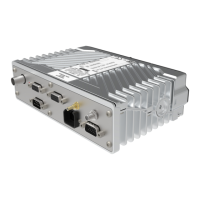
If the SCG22 needs to be installed on a at surface, such as in a car
boot, the xed mounting bracket option supplied (in the box) can be used.
Fit the mounting plate to the bottom of the SCG22 using the four
screws supplied. Secure the mounting bracket and SCG22 assembly
to the desired surface using four screws. The bracket can be used as a
template to mark and pre-drill the holes if required.


 To Next Page
 Loading...