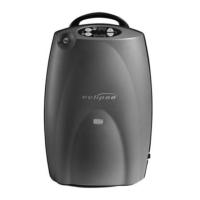
User Controls and System
Status Indicators
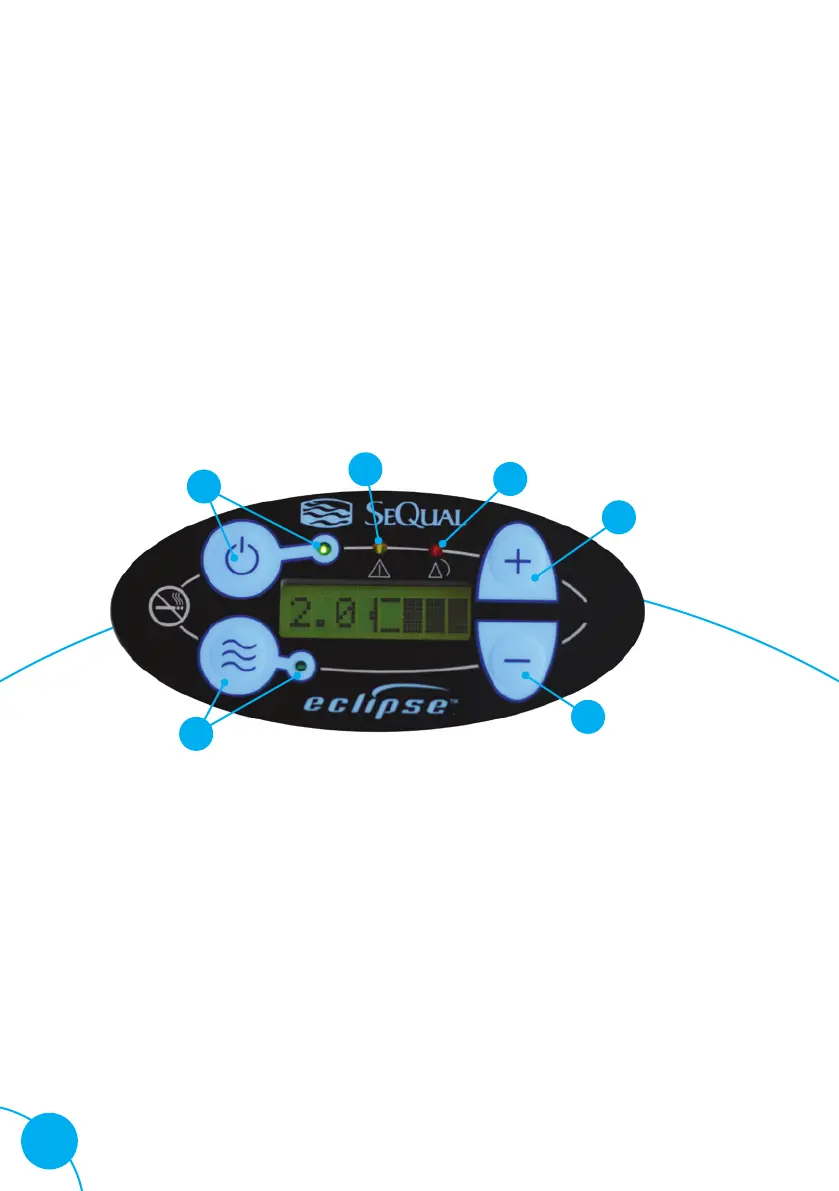
On/Off button (green) indicator
This button powers the device on or off. The green
indicator is lit when the device is powered on.
Increase or decrease flow setting button
Use these buttons to set the flow setting.
A On/Off button and (green) indicator
B Alert (yellow) indicator
C Alarm (red) indicator
D Increase flow setting button
E Decrease flow setting button
F Flow mode button and indicator
A
B
C
D
E
F
6 Healthcare Helpline: 0800 373580 I 8.00am-6.30pm every day


 To Next Page