42
Master Tune
Sequential
Master Tune
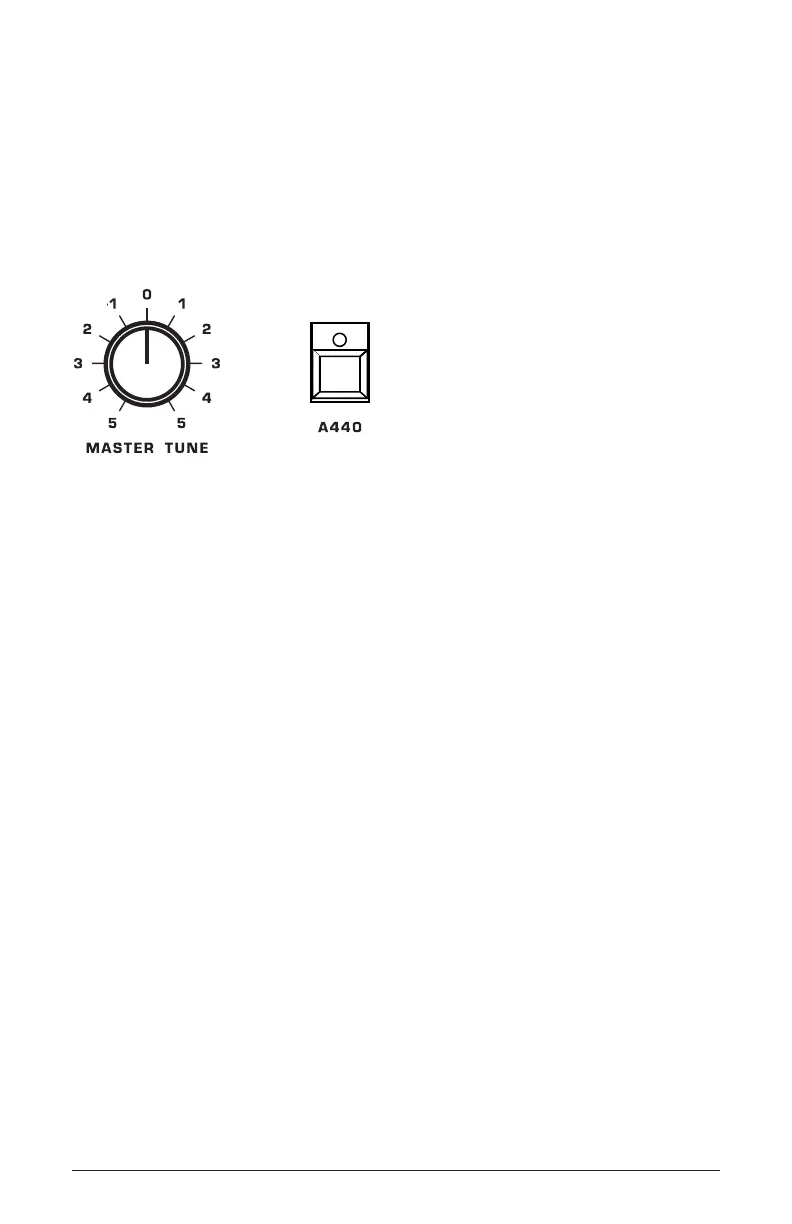
The master tune control allows you to manually tune the Prophet-5
to the A440 reference tone or to an external reference such as another
instrument. It has a tuning range of approximately a semitone (half step)
sharp or at. This knob has a center detente, and when in the center posi-
tion, the Prophet-5 should be at concert pitch.
The Master Tune and A440 reference tone controls
To manually tune the Prophet-5 to A440:
1. Recall the basic preset by holding down record and pressing preset.
2. Hold down an “A” in the middle of the keyboard.
3. Press the a440 switch. The Prophet-5 generates an A440 reference
tone.
4. Turn the master tune knob until you match the pitch of the A440
reference tone.
5. When you’re done, press the a440 switch again to turn off the refer-
ence tone.















 To Next Page