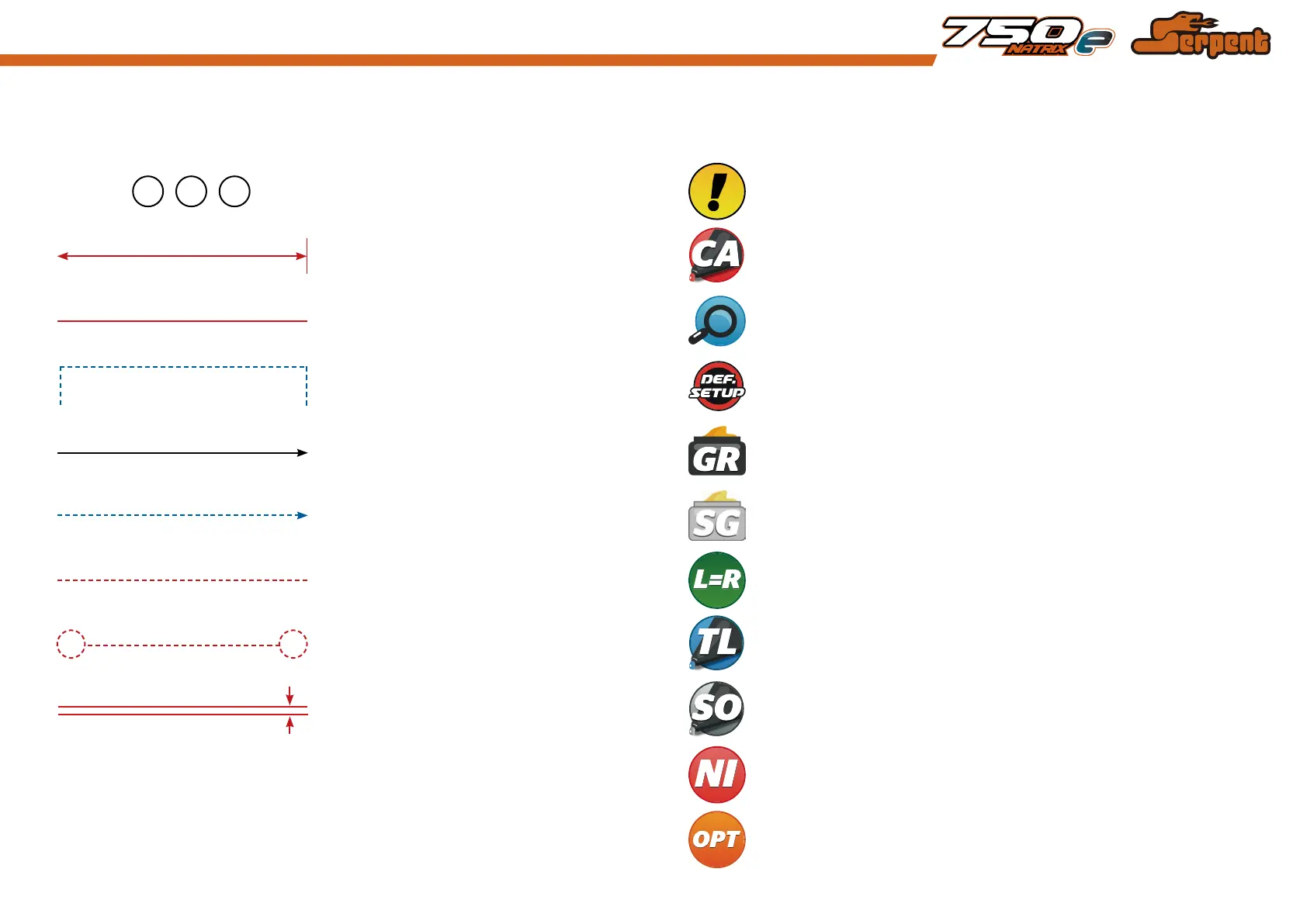
Each step contains a variety of numbers, lines, and symbols. The numbers represent the order in
which the parts should be assembled. The lines are described below.
Each step contains a variety of symbols described below.
Carefull, read and check very well.
Assembly path of one item into another Detail view to explain assembly or order of parts better.
Group of items (within lines) should be
assembled first
Default set-up: This symbol indicates the default setup.
Glue one item to another Silicone grease: apply a small amount of grease to the parts shown.
Direction the item should be moved
Grease: apply a small amount of grease to the parts shown.
Press/Insert one item into another Left and right parts should be assembled in the same way.
Connect one item to another
Thread lock: apply a small amount on the parts shown. Before to apply the threadlock,
make sure to degrease the parts very well, as otherwise the threadlock will not work.
Gap between two items Silicone oil: use the indicated silicone oil for the shocks and differentials.
Parts or items not included in the kit.
Optional part, not standard in the kit.
Step number; the order in which you should
assemble the indicated parts
1 32
Apply a small amount of cyano glue. Use wear protection for eyes and hands.Length after assembly
HOW TO USE THE MANUAL
ICONS DESCRIPTIONLINES DESCRIPTION
3



 To Next Page