PRO2 User Guide
Chapter 8: Using the Command Line Interface (CLI)
• 198
Command Syntax
set https [disabled | enabled]
set https port <port>
set https usercert [disabled | enabled]
set https userpass <passphrase>
Parameters
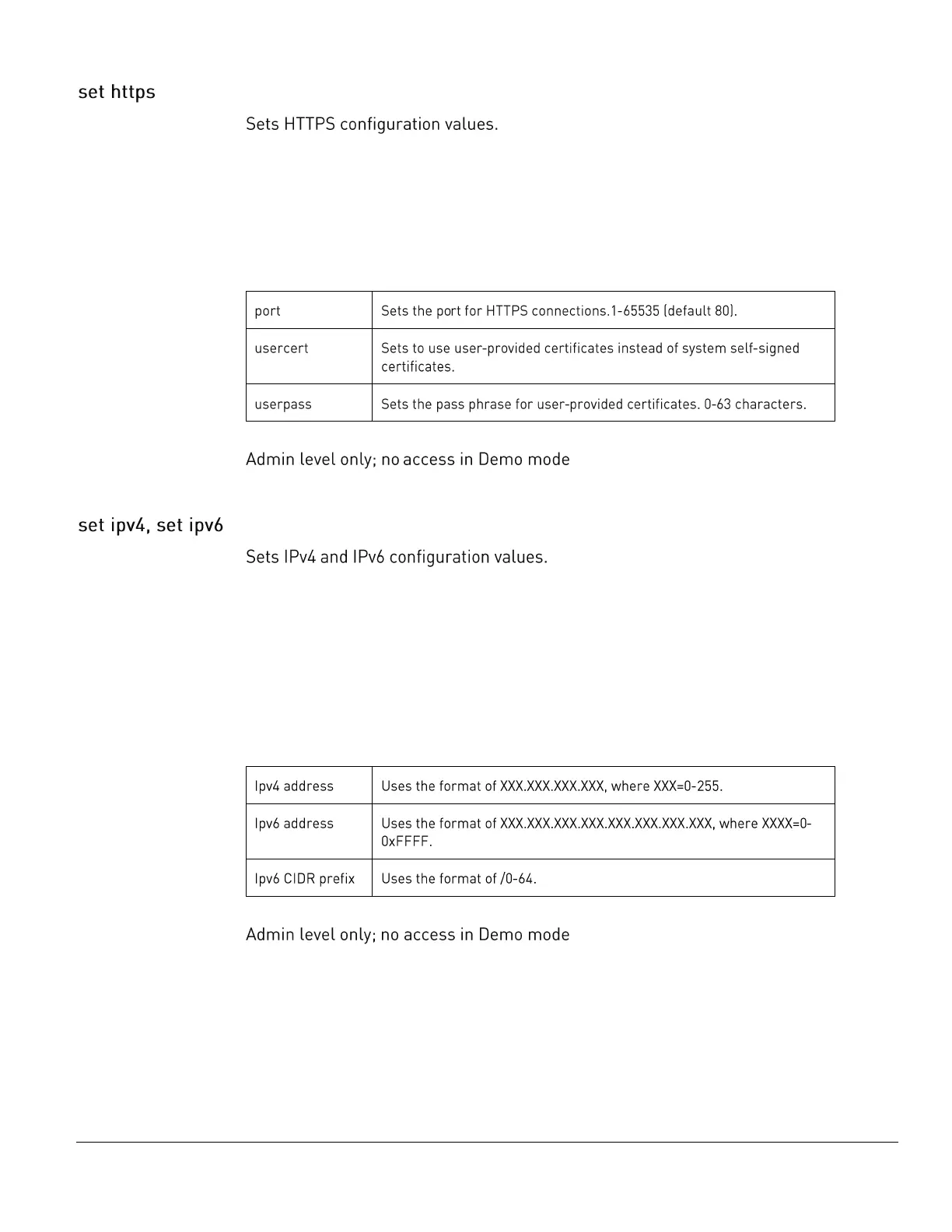
The set https command uses the following parameters:
Command Access
Command Syntax
set ipv4 address <ipv4 address>
set ipv4 gateway <ipv4 address>
set ipv4 subnet <ipv4 address>
set ipv6 address <ipv6 address>
set ipv6 gateway <ipv6 address>
set ipv6 prefix <ipv6 CIDR prefix>
Parameters
The set ipv4 and set ipv6 commands use the following parameters:
Command Access



 To Next Page