PRO2 User Guide
Chapter 8: Using the Command Line Interface (CLI)
• 201
Command Syntax
set line email [disabled | enabled] <name | id | ALL>
set line load [alarmhi | alarmlo | warnhi | warnlo] <name | id | ALL> <value>
set line load hyst <value>
set line snmpt [disabled | enabled] <name | id | ALL>
Parameters
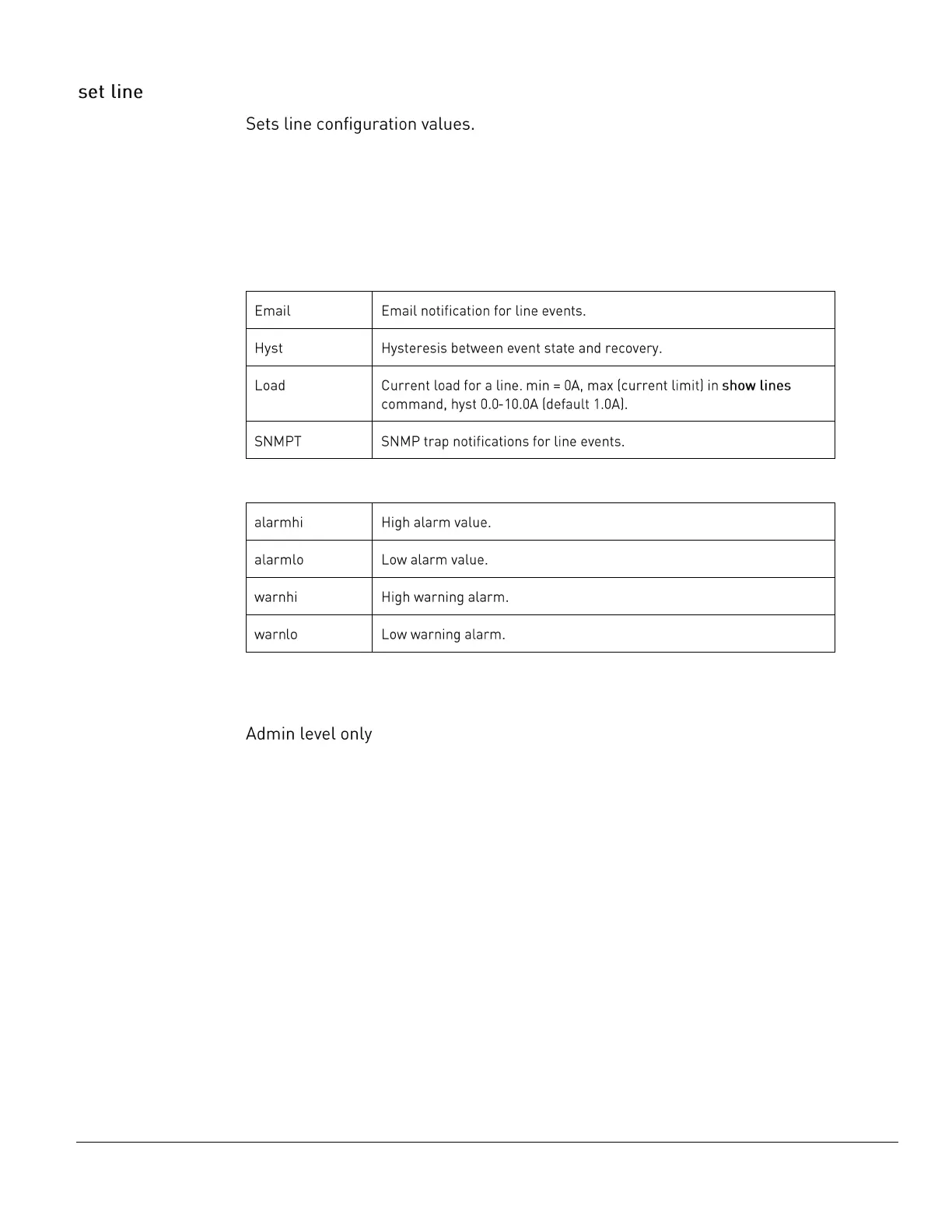
The set line command uses the following parameters:
Sub-Parameters
The set line command uses the following sub-parameters:
min <= alarmlo <= warnlo <= warnhi <= alarmhi <= max
Command Access



 To Next Page