PRO2 User Guide
Chapter 8: Using the Command Line Interface (CLI)
• 219
Command Syntax
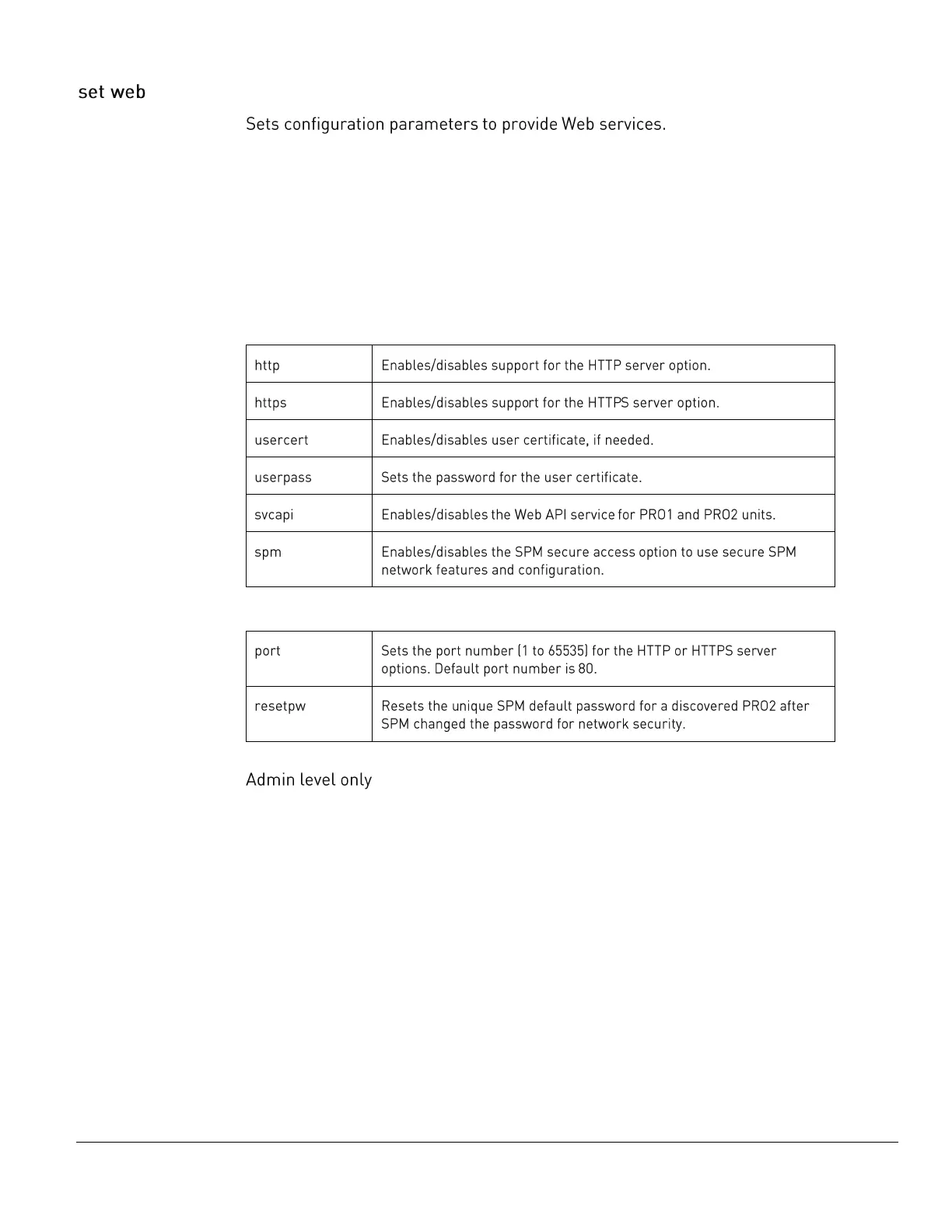
set web http [disabled | enabled | port]
set web https [disabled | enabled | port]
set web https usercert [disabled | enabled]
set web https userpass {password}
set web svcapi [disabled | enabled]
set web spm [disabled | enabled | resetpw]
Parameters
The set web command uses the following parameters:
Sub-Parameters
The set web command uses the following sub-parameter:
Command Access



 To Next Page