PRO2 User Guide
Chapter 8: Using the Command Line Interface (CLI)
• 229
Command Syntax
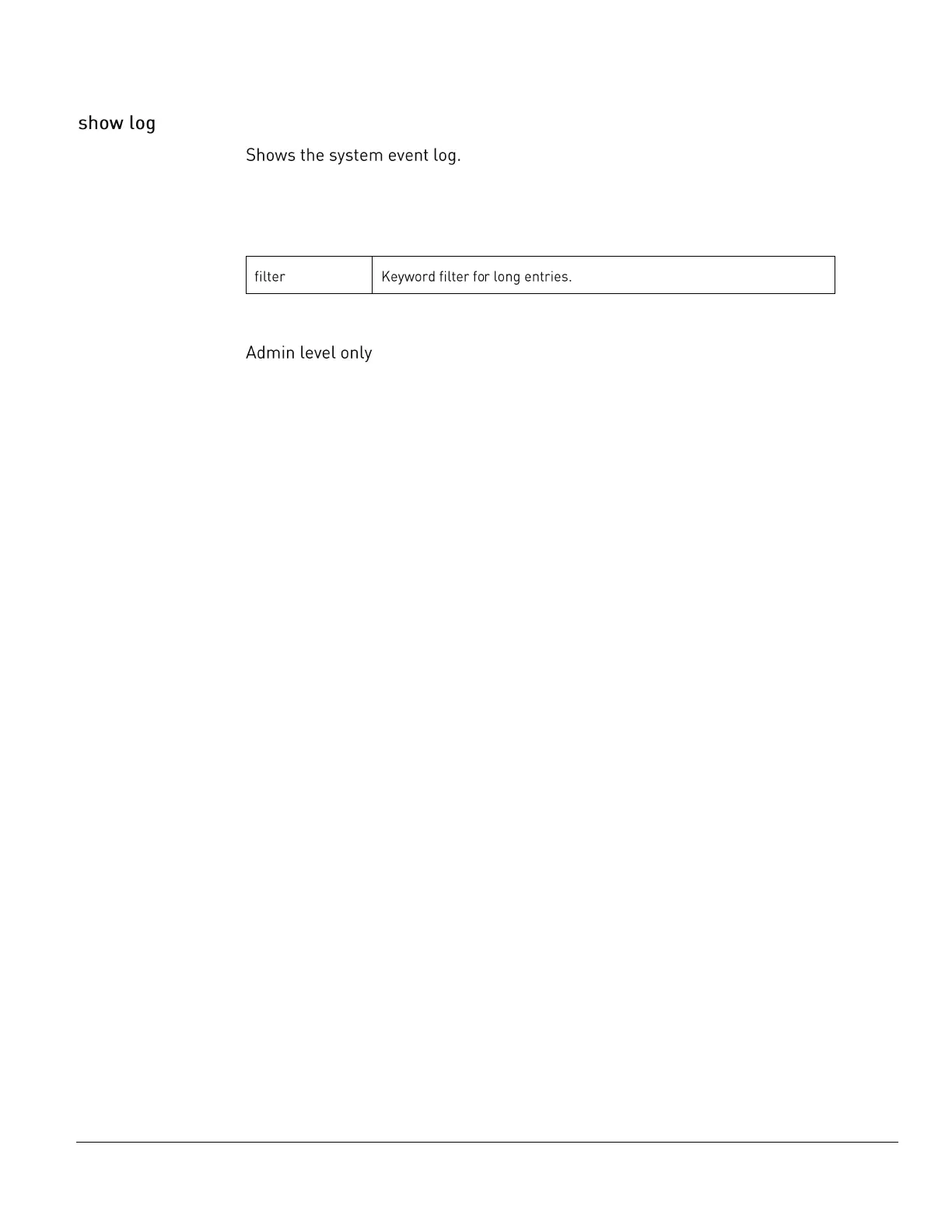
show log [filter]
Parameters
The show log command uses the following parameter:
Command Access
Example
Switched PDU: show log
There are 8 messages in the system log (#1-#8)
[1] L6 EVENT: Network stack started
[2] L6 EVENT: System boot complete
[3] L2 EVENT: High alarm (temperature 22.9C) detected on temperature sensor 'Temp_Sensor_C2' [C2]
[4] L5 EVENT: Normal temperature restored on temperature sensor 'Temp_Sensor_C2'[C2]
[5] May 5 13:54:56 L2 EVENT: High alarm (power 1W) detected on outlet 'Master_Outlet_30' [AA30]
[6] May 5 13:54:56 L2 EVENT: Low alarm (power factor 0.03) detected on outlet 'Master_Outlet_30'
[AA30]
[7] May 5 13:54:56 L5 EVENT: Normal power factor restored on outlet 'Master_Outlet_30' [AA30]
[8] May 5 14:38:34 L6 AUTH: User 'admn' logged in from 10.1.7.30 using TELNET



 To Next Page