16
Troubleshooting
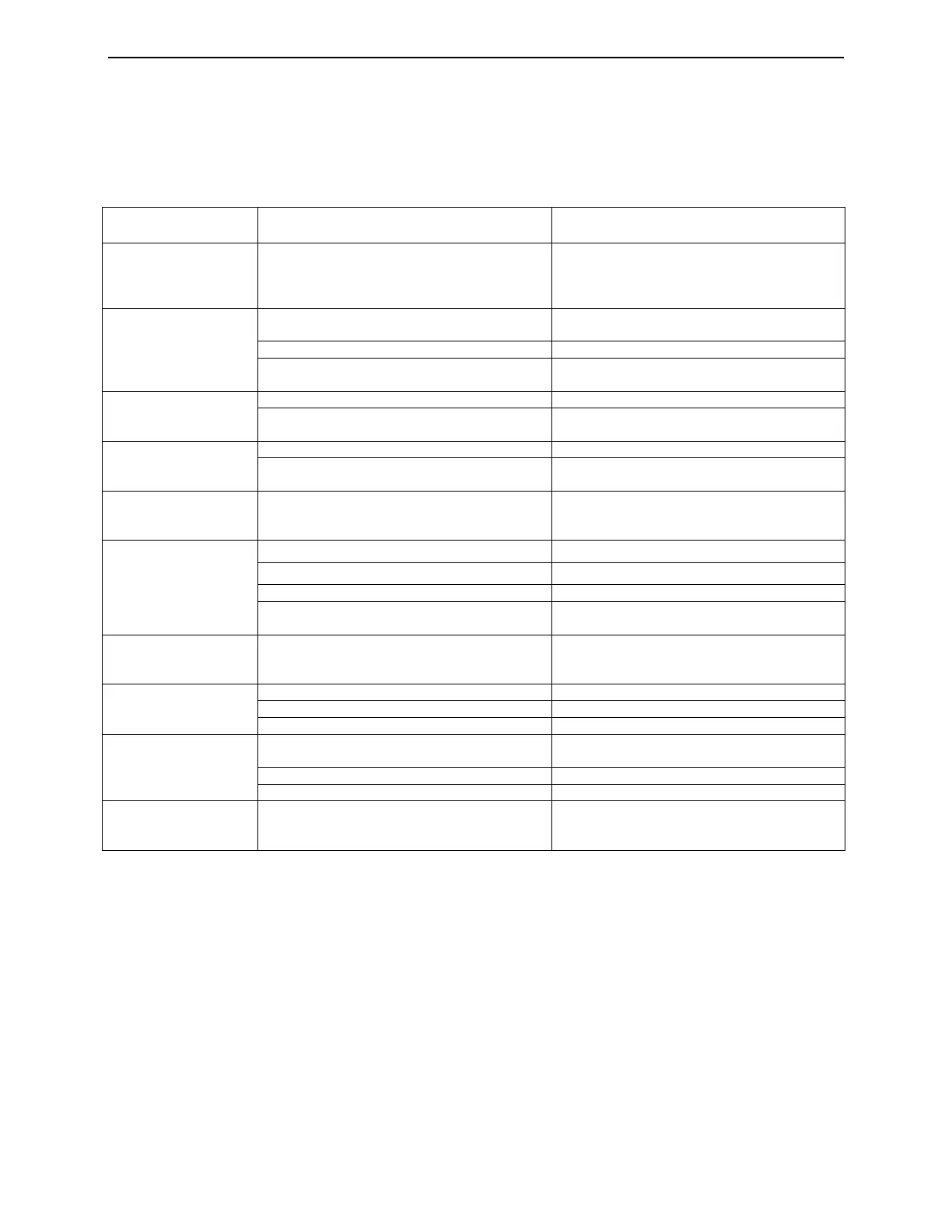
Check the possible failure modes and the suggested solutions on the chart below during your use of this receiver
before requesting any service. Some simple checks or a minor adjustment on your part may help eliminate the
problem.
Leave the maintenance task to professional technician.
Failure Possible Cause Suggested Solution
No power
The power cord has not been connected or
plugged well.
Plug the power cord into the outlet tightly
and switch on the power; if no power still, cut
off the power again, and turn it on the power
in 5-10 minutes.
Can not scan
programs
The antenna is not adjusted well
Adjust the antenna or use an outdoor
antenna
Antenna used incorrectly Use a75 Ω antenna
Parameter set are not correct
Input correct Frequency, Bandwidth
parameter
No picture
Video cord not connected correctly Connect the video output cord correctly
Video output modes of the unit and the
monitor are different
Reset the working modes
No color
Cord not connected correctly Connect the output cord correctly
The color system of the unit is different from
that of monitor
Reset the working system
Image distortion from
a change to the
another
This is normal at most time
The remote control
fails to work
Battery not installed correctly Install the batteries correctly
Batteries are exhausted Replace the battery
It is operated beyond its rational range Operate within a permit range
The remote control sensor is pointed to by
bright lights
Place the unit in another place
Audio sound and
subtitle language is
not right
Has not choose the sound channel correctly Press the Audio button to shift the channel
No sound
It is in mute status Cancel the mute
Volume is set at a low level Augment the volume
Cable not connected correctly Connect the cable correctly
No sound suddenly
There might be a short circuit
Connect output cable correctly, and turn on
the unit
It is switch to mute status Cancel the mute
In sleep status Turn on the unit again
Serious distortion and
can not receive
smoothly
Serious interferential signal Adjust the antenna.


 To Next Page
 Loading...