EasyManua.ls Logo

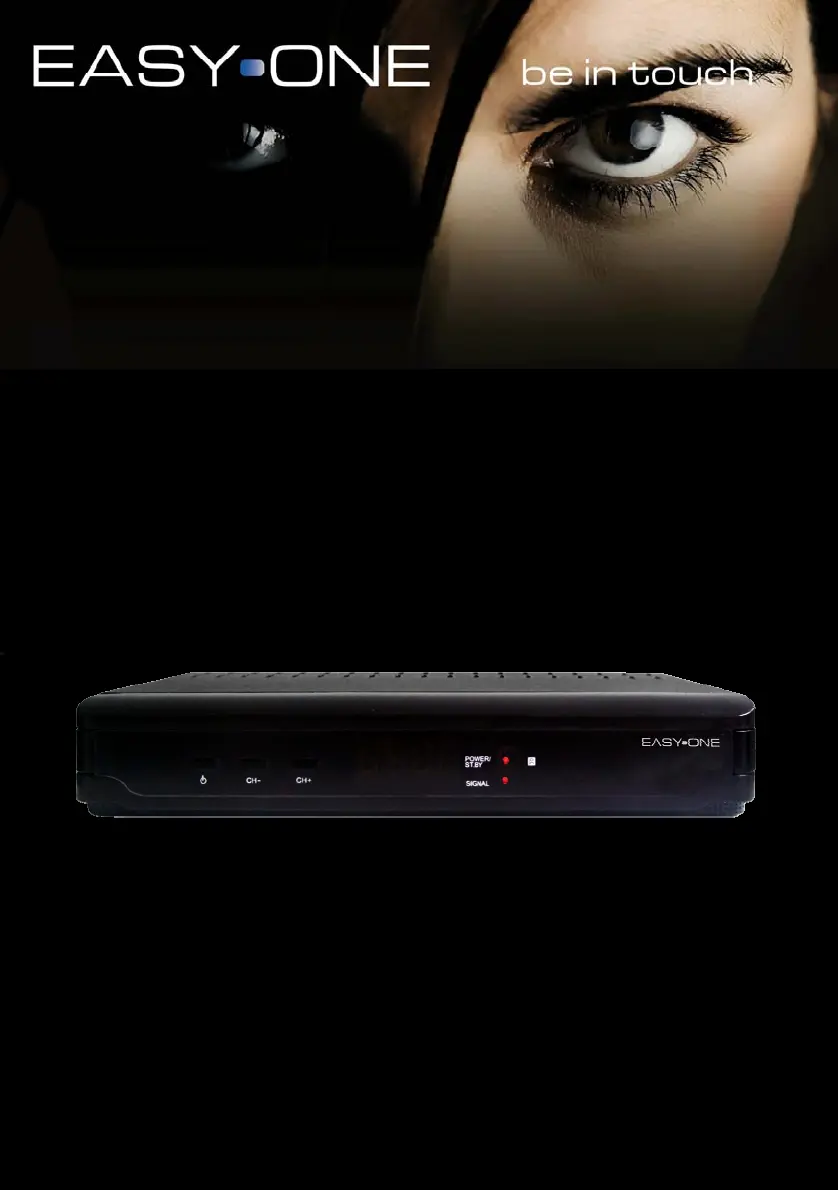
SetOne Easy One - User Manual

SetOne Easy One
52 pages
Print Icon
To Next Page IconTo Next Page
Loading...
Bedienungsanleitung
User Manual
Digitaler Satelliten
Receiver
www.setone.eu

Table of Contents

Questions and Answers

Summary

Safety Precautions

General Safety Warnings

Warnings regarding overload, cleaning, ventilation, connections, and power cords.

Placement and Standby Usage

Guidelines for proper placement and standby mode operation.

Features, Accessories and Front Panel

Device Features

Lists the key features and capabilities of the DVB-S receiver.

Included Accessories

Lists the accessories provided with the receiver.

Front Panel Description

Identifies and explains the buttons and LEDs on the front panel.

Remote Control

Remote Control Overview

Identifies buttons on the remote control by number and name.

Operation

Fast Installation Guide

Steps for performing the initial setup and factory reset.

Menu Navigation

Explains how to navigate through the receiver's menus and submenus.

Channel List Management

Managing TV and Radio channel lists, including favorites, lock, skip, move, and delete.

Installation Settings

Setting up antenna connection and managing satellite lists.

Antenna & Satellite Setup

Configuring antenna, searching satellites, and managing TP lists.

System Setup Options

Configuring language, TV system, time, parental lock, and OSD settings.

Favorites, Other Settings & Tools

Managing favorites, other options, and accessing tools like system info.

Games

Information on playing built-in games like Tetris and Othello.

Basic Connection

Connecting to TV set and aerial

Step-by-step guide for connecting the receiver to the TV and aerial.

Receiver Maintenance

Glossary

Specification

Technical Specifications

Detailed technical data including tuner, demodulation, video/audio, power, and environment.

Troubleshooting

Troubleshooting Guide

Common problems, causes, and solutions for receiver operation.

SetOne Easy One Specifications

General IconGeneral
BrandSetOne
ModelEasy One
CategoryReceiver
LanguageEnglish