42
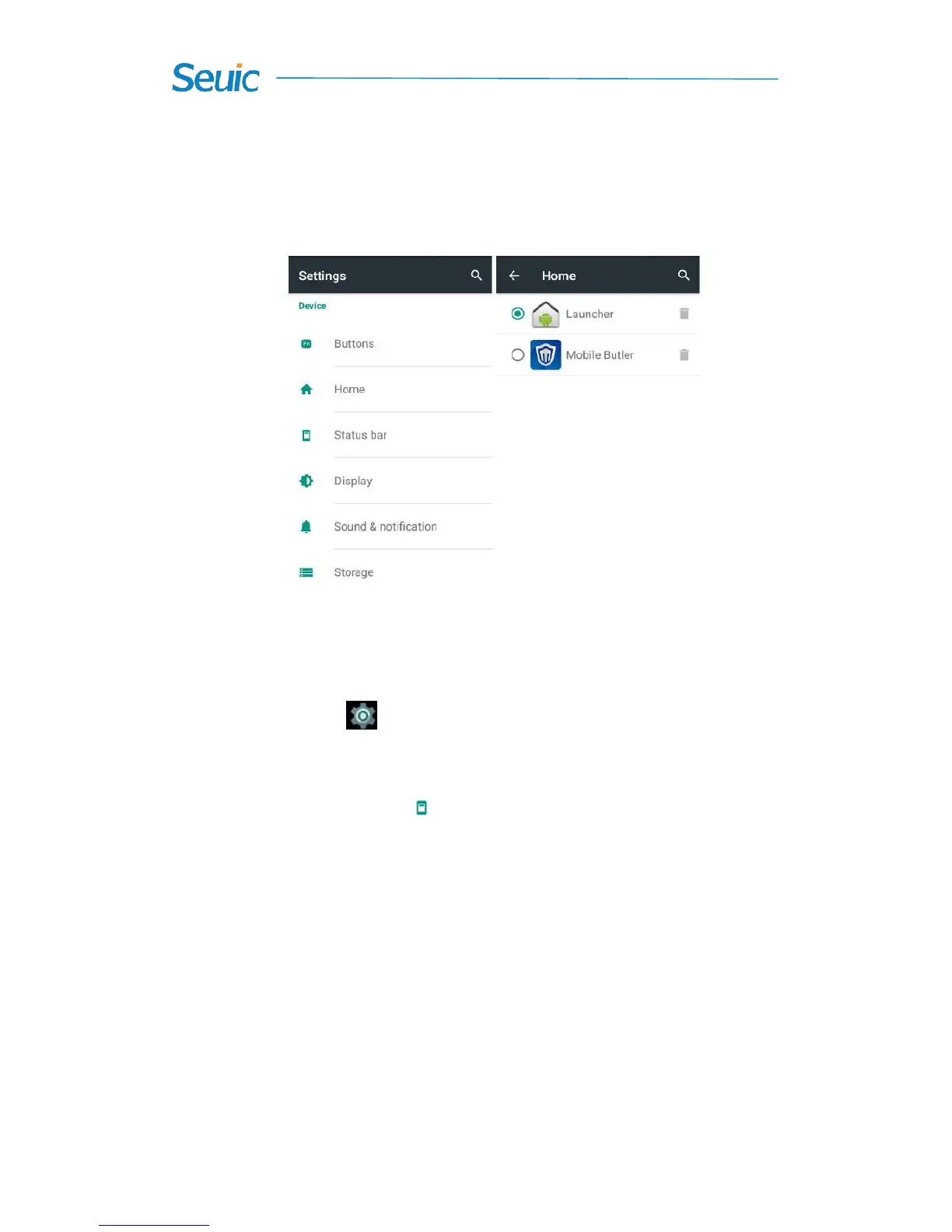
You can select the Launcher or Mobile butler as Home screen and
press HOME button to enter the selected Home screen. The default Home
screen is Google launcher.
Figure 7-33 Home screen
7.7 Status bar
Find this icon:
->Settings
->Home Screen
Display battery status: check it and then the battery percentage will be
displayed in the status bar. Do not check it and then this function is closed,
as shown in figure below:



 To Next Page