87
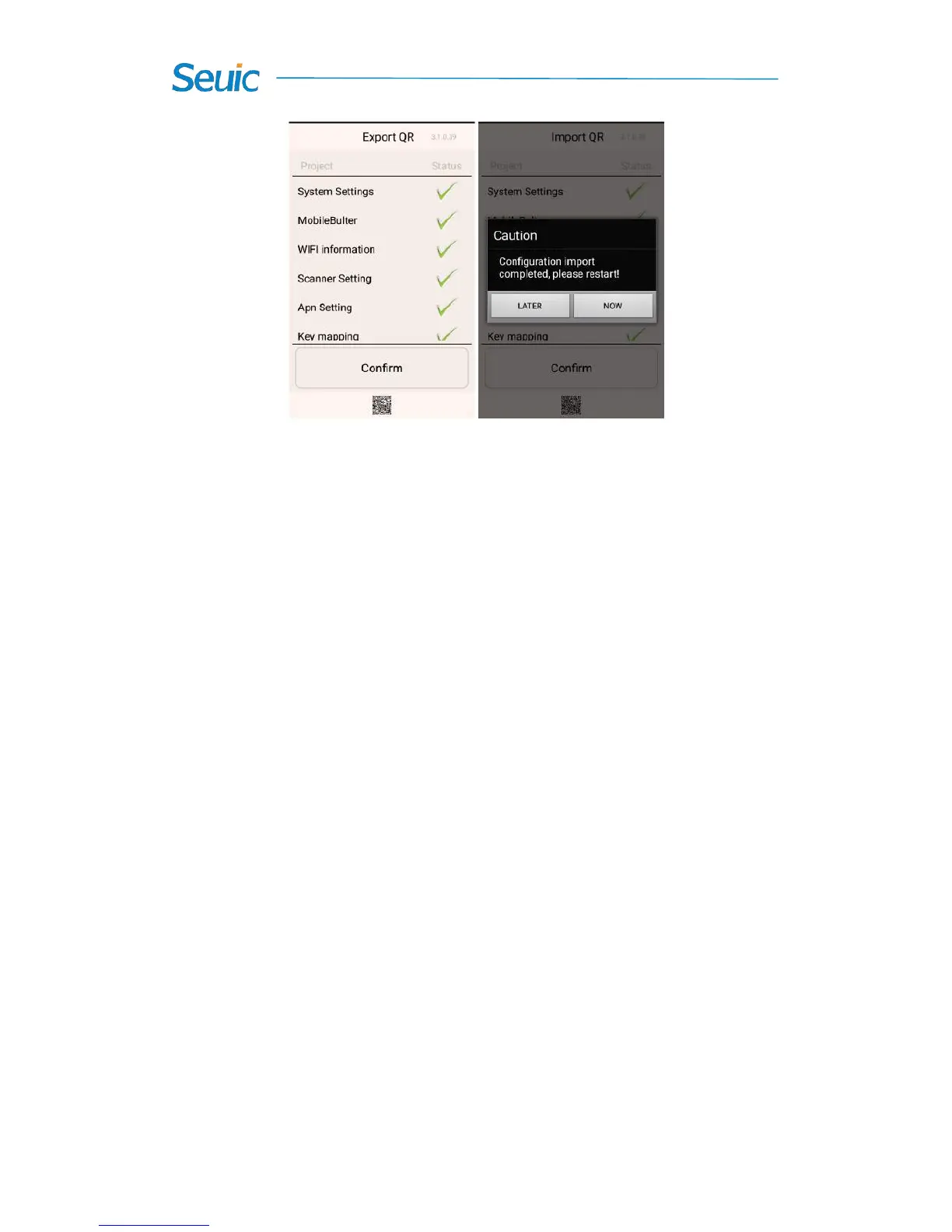
Figure 8-34 Successfully import QR
8.5.2 Export
1.Export File
This feature allows you to export all the configuration items of the
device in Once configure to the specific directory of the external SD card.
The name of the exported file is Setinfo.tar.gz and the export path is: SD
card/SysSetting.
(1) Enter Once configure and tap Export file. The following
popped-up interface indicates the success of export. If there exist
configuration files in the external SD card, you will be prompted when
exporting them and the original files will be covered when you re-import
them:



 To Next Page