5
Chapter 3 Keyboard
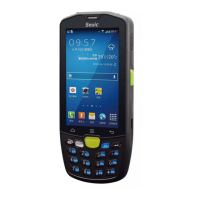
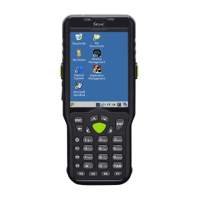
There are 22 keys, 2 side buttons, 1 PTT key on the keyboard of
brand-new AUTOID 9/9HC device (The brand-new AUTOID 9 series
have removed 4 arrow keys and 1 Lock screen key on the keyboard of
9HC series); there are 3 buttons on the on-screen keyboard (Menu, Home,
Back).
Key Description:
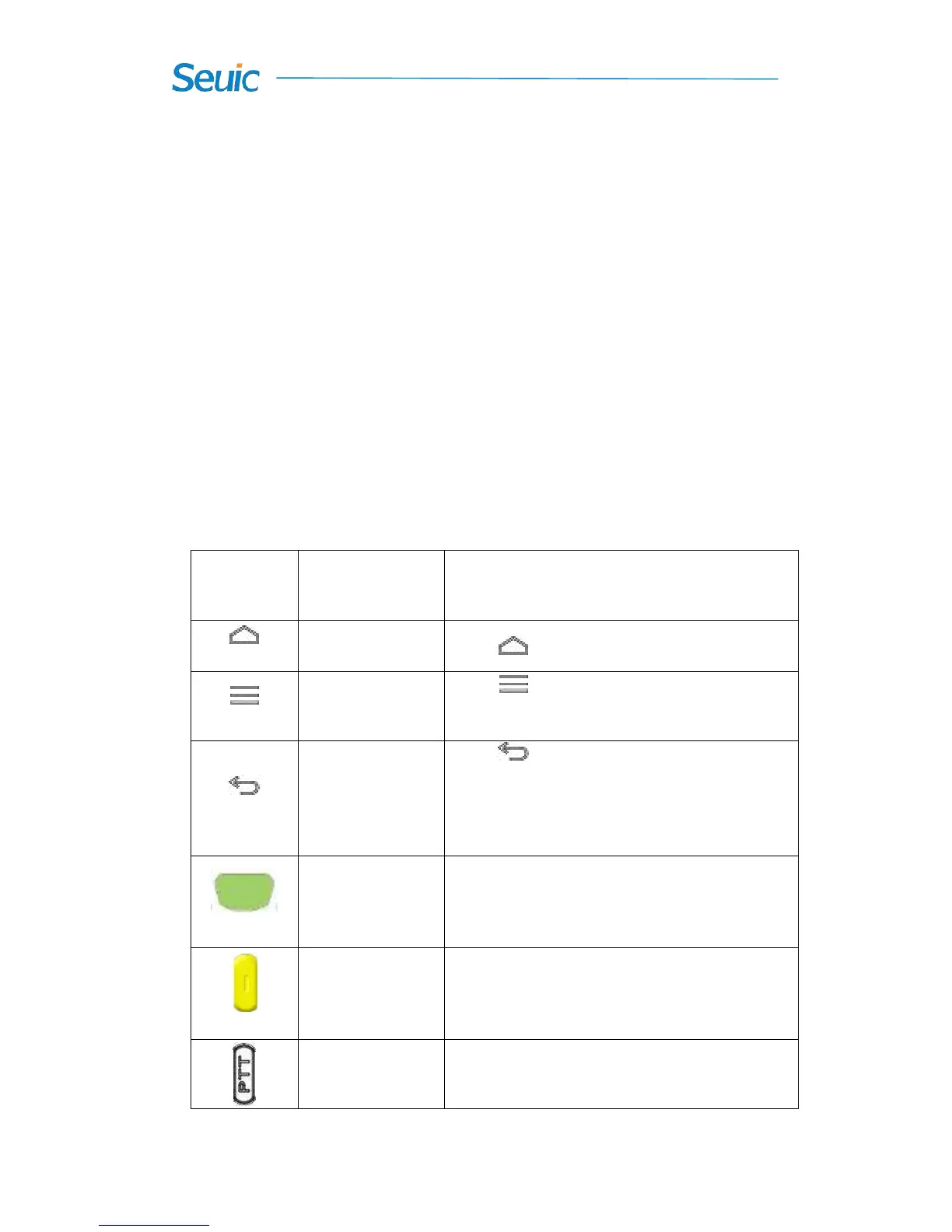
Table 3-1 Key description
Touch to go back to main screen.
Touch to open the menu on the current
interface.
Touch to return to the previous screen or
exit the application. On the text input interface,
touch to close the on-screen keyboard.
In general, scan bar code as the scan key.
On the camera interface, ( the built-in camera),
as the camera button.
In general, scan bar code as the scan key.
On the camera interface, (the built-in camera),
as the camera button.
Initiates press-to-talk communications



 To Next Page