DIGITAL WEIGHING INDICATOR
SI 4010
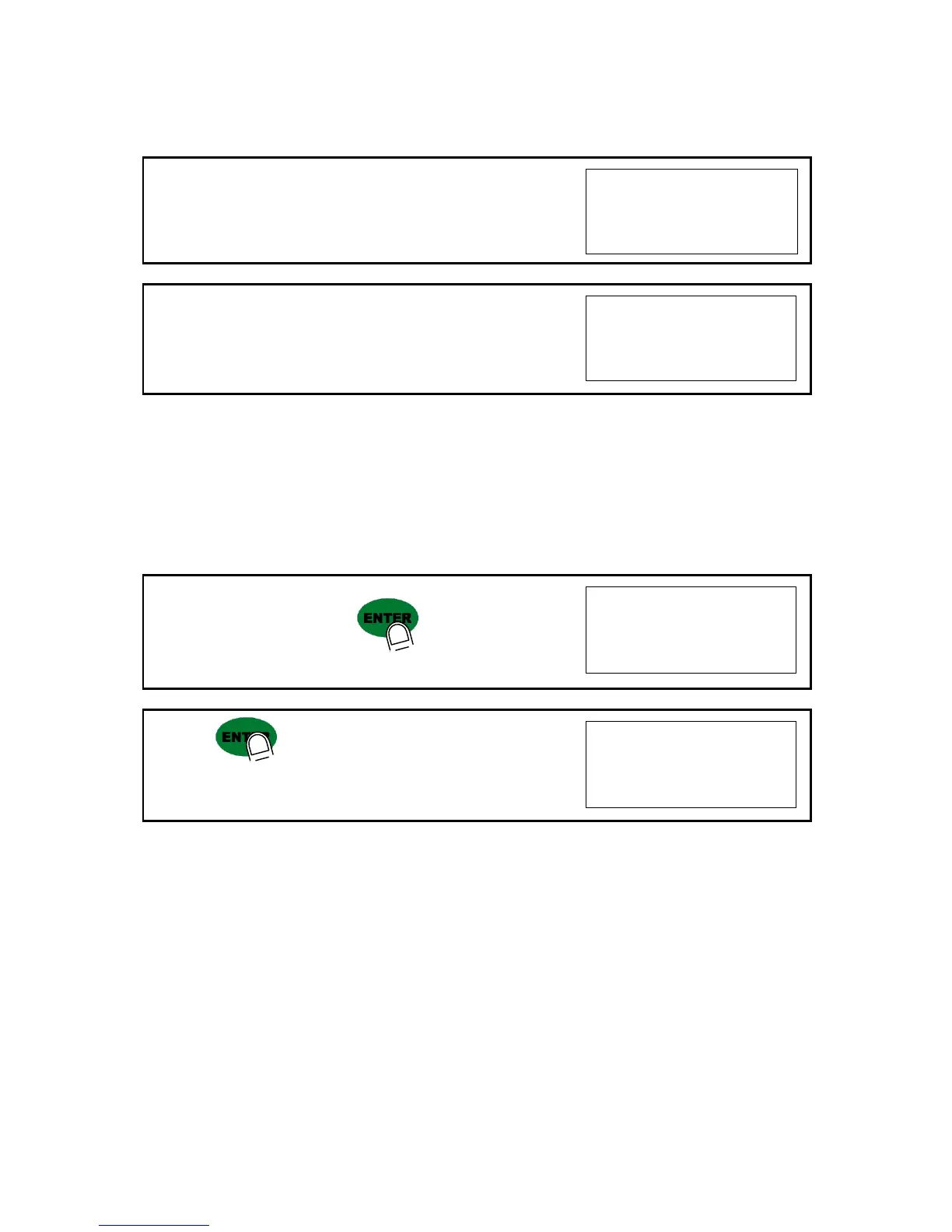
12. At this step input Max. Output rate(mV) of load cell.
13. Input Load cell Output Rate(mV/V) (refer the load cell label)
Ex)Load cell output rate : 1.458 mV/V
※ Caution
Due to some variation between “State output rate” and “Real Output rate” of load cell, there might be some
weight difference after finishing calibration.
If you want to make more precise weighing process, please measure real output rate of load cell and input the
measured value.
Then the weight measurement will be more precise than before.
14. After inputing the value press key.
Calculated “Span value” will be displayed.
15. Press key to save all calibration process and Off the
“CAL LCK S/W” and fasten the Calibration Bolt.
※ Caution
To process “Simulation Calibration” process, All indicator has its’ own standard value of 2mV gap.
So, if you replaced analogue board, you have to input standard value of 2mv gap.
And you can check the this 2mV gap value on F96. (Normally, the gap value is between 200,00 ~400,000)


 To Next Page