DIGITAL WEIGHING INDICATOR
SI 4010
5-3. Simulation Calibration Mode (Calibrate without Test weight)
Through this “Simulation Calibration Mode” you can make simple calibration without Test weight.
This calibration mode uses “Load cells’ max. capacity” and “Max. Output Rate(mV)”, the weight adjustment
degree might be less than “Test weight Calibration”.
The guaranteed resolution of this “Simulation Calibration” is 1/3,000.
Remove “CAL-BOLT” on the Front panel and press “CAL - LOCK S/W” inside.
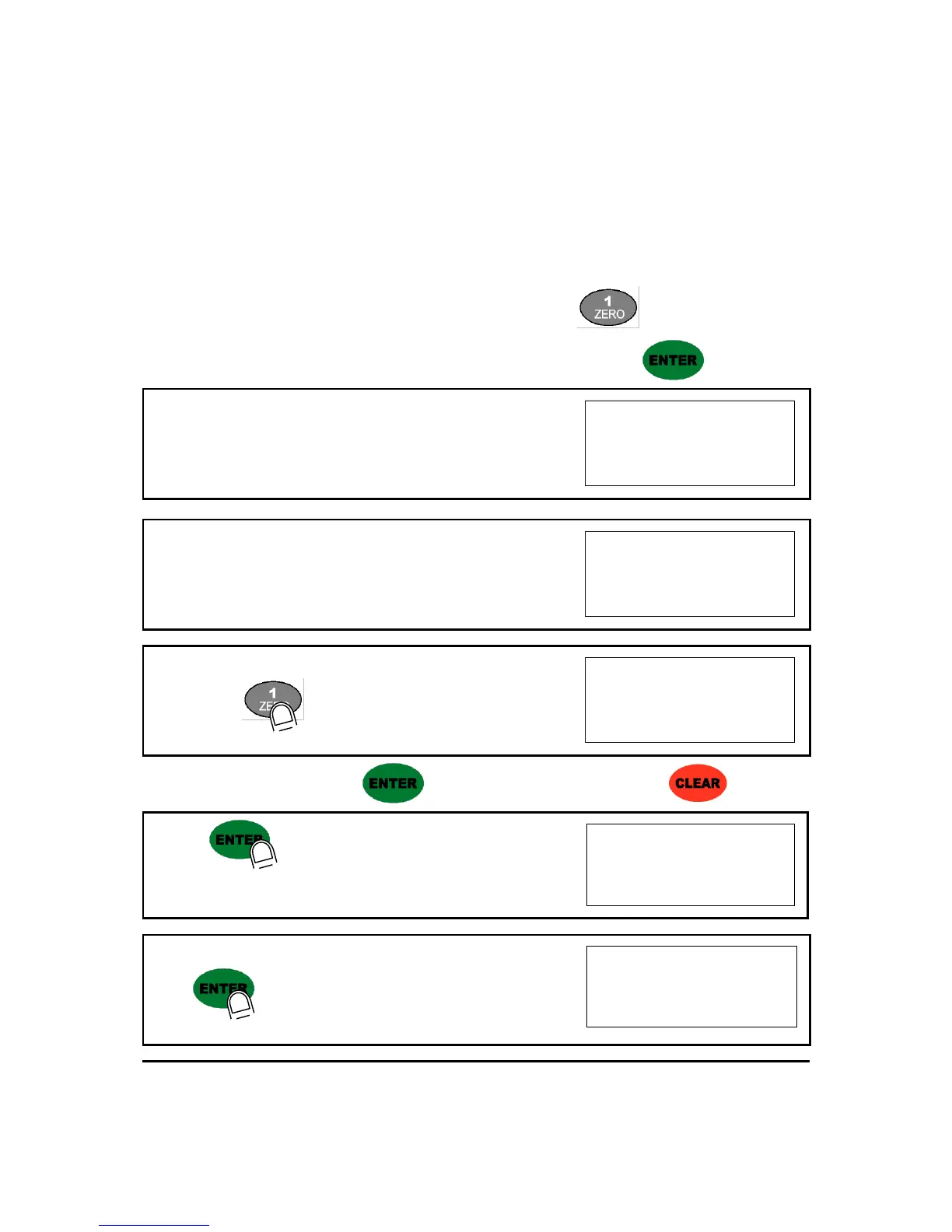
Then, you can enter the Calibration Mode with SET-CAL and press key to enter “Simulation
Calibration Mode” with "CELL CAL" and start calibration mode with pressing key.
1. At normal mode, remove “CAL-BOLT” on the Front panel
2. And press “CAL - LOCK S/W” inside.
Check the “SET-CAL. Massage on display.
3. Please press key, To start Simulation Calibration Mode
※ For the save the each step, press key, for the cancel or move back, press key.
4.Press key to enter calibration mode.
After displaying “CAPA”, you may set Max capacity..
5. After input Max capacity of your weighing scale (at the label),
press key
Ex) Load cell CAPA : 15kg, division : 0.05 Input 1500


 To Next Page