5-4. Set-up
Set-up means set the F-function and make SI 4000 weighing controller will perform more accuracy.
(Considering external / internal environmental condition)
※remarks : In case that “P-W” is displayed, you have input the pass word to start
calibration mode.
5-4-1. Enter the Set-up Mode
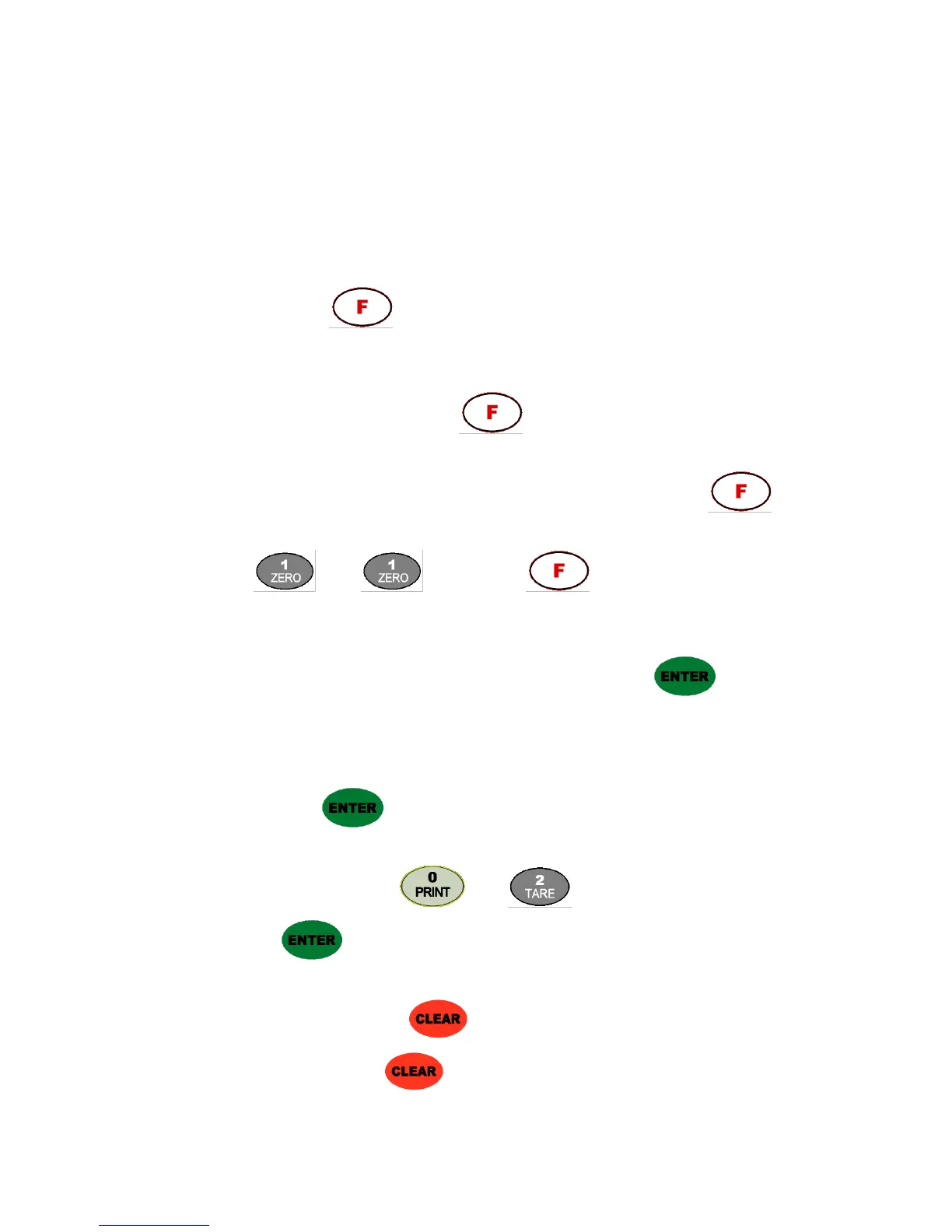
1). Method : Press key for 4sec. Then you can enter “F-Test” mode. Under this mode,
press No.1 key and enter the “F-function” mode.
5-4-2. F-Function Change
Under F-function mode, Whenever press key, the Function No. will be increased one by
one. Increase to F-90 and return to F-01
If you move to certain function No., press f-function no. with number key and press key.
Ex.) If you want to call “F11-XX ” directly under “F-function mode”.
Press “ ” and “ ” key and press key.
Then, you can call “F22-XX” directly.
5-4-3. F-Function Set Value Change
Under F-Function mode, input New set value with Number keys and press key to save.
If you don’t press key, the new set value will not be memorized.
Ex.) If you want to change the “F01-01” to “F01-02”.
Under “F01-01” mode, press “ ” and “ ” key.
And press key to save.
5-4-4. Exit “F-function” Mode
Under “F-function” mode, press key, you can move back to “F-Test” mode.
Under “F-Test” mode, press key once again, you can move back “Stand-by” mode.


 To Next Page