DIGITAL WEIGHING INDICATOR
SI 4010
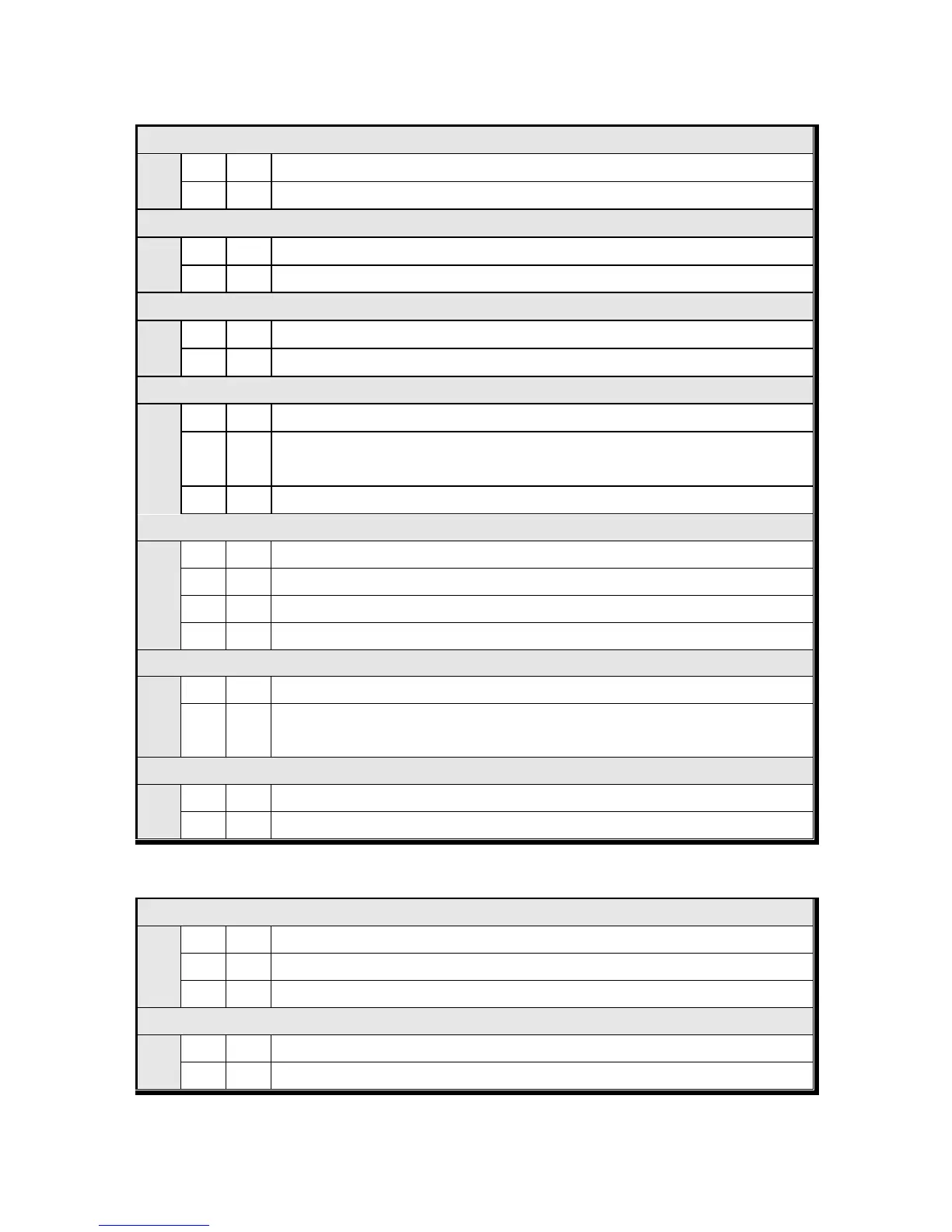
DATA Transference Method selection
Simplex Mode / Stream Mode
Duplex Mode / Command Mode
“Check-Sum” detection selection (Under F32-01 setting, only)
Check-Sum data will not be included on transferred data.
Check-Sum data will be included on transferred data.
Serial Port Application Selection (Under F32-00 setting, only)
DATA Transference purpose
Printing purpose (Serial Printer)
DATA Transference Mode selection (Under F32-00, F35-00 setting, only)
Stream Mode : Weighing Data will be transferred continuously.
Steady Mode : When the Weight is steady over than EMPTY
※ F-80 : EMPTY Range setting
Manual Mode : When “Print” key input, 1 time transferred.
DATA Transference Format selection(Under F32-00, F35-00 setting, only)
Format 2. (Format 1 + ID No.)
Print Mode selection (Under F32-00, F35-01 setting, only)
Manual Print : Whenever “Print” key input.
Auto Print : When the Weight is steady over than EMPTY
※ F-80 : EMPTY Range setting
Transferred Weight DATA Byte selection
※CAS format DATA transference(F37-02) only applies 7byte.
■ Print Mode Setting (These settings will be apply to Serial and Parallel print)
Print Format selection (If you install on Standard Serial Port)
Continuous Print : Serial No. and Weight will be printed continuously.
Single Print : Date, Time, S/N, ID No. Weighing Data will be print


 To Next Page