SI 480E DIN SIZE WEIGHING CONTROLER
2.Calibration Mode : Move to left
3.F-Function setting : Move to left
4.Test Mode 1 : Analog value check mode
5.Set up Mode : Enter F-FUNCTION Mode
1. To set the “HOLD” Function (refer F10) [1
st
input : “HOLD”, 2
nd
input : “HOLD
Reset” ]
2.Calibration Mode : Move to right
3.F-Function setting : Move to right
3. Under “SETUP” Mode, Enter into the “Calibration” Mode.
4.Test Mode 1 : Analog Variation value check mode
5.Set up Mode : Enter Calibration Mode.
※ Under HOLD setting first digit shows “H”
1. Normal Mode : Print out (refer F38, F32)
2.Calibration Mode :Increase set value
3.F-Function setting : Increase set value
4.Test Mode 1 : Key/Digital Input check mode
5. Set up Mode : Enter Test Mode.
※ If the printer is installed, under “F01-01 setting, when you press this key the current
valued is increased. And the current weight is saved and print out, altogether. (Refer to
CH.5-4)
1. Press this key 4times, within 2secs, enter “SET-UP” mode.3.F-Function setting : Save
the value go to next step
4.Test Mode 1 : Standard serial interface test mode
5.Set up Mode : Set point setting Mode.
●Setup Mode :It is a mode can SET UP the calibration, Function of SI480E .(refer to CH5. SET UP)
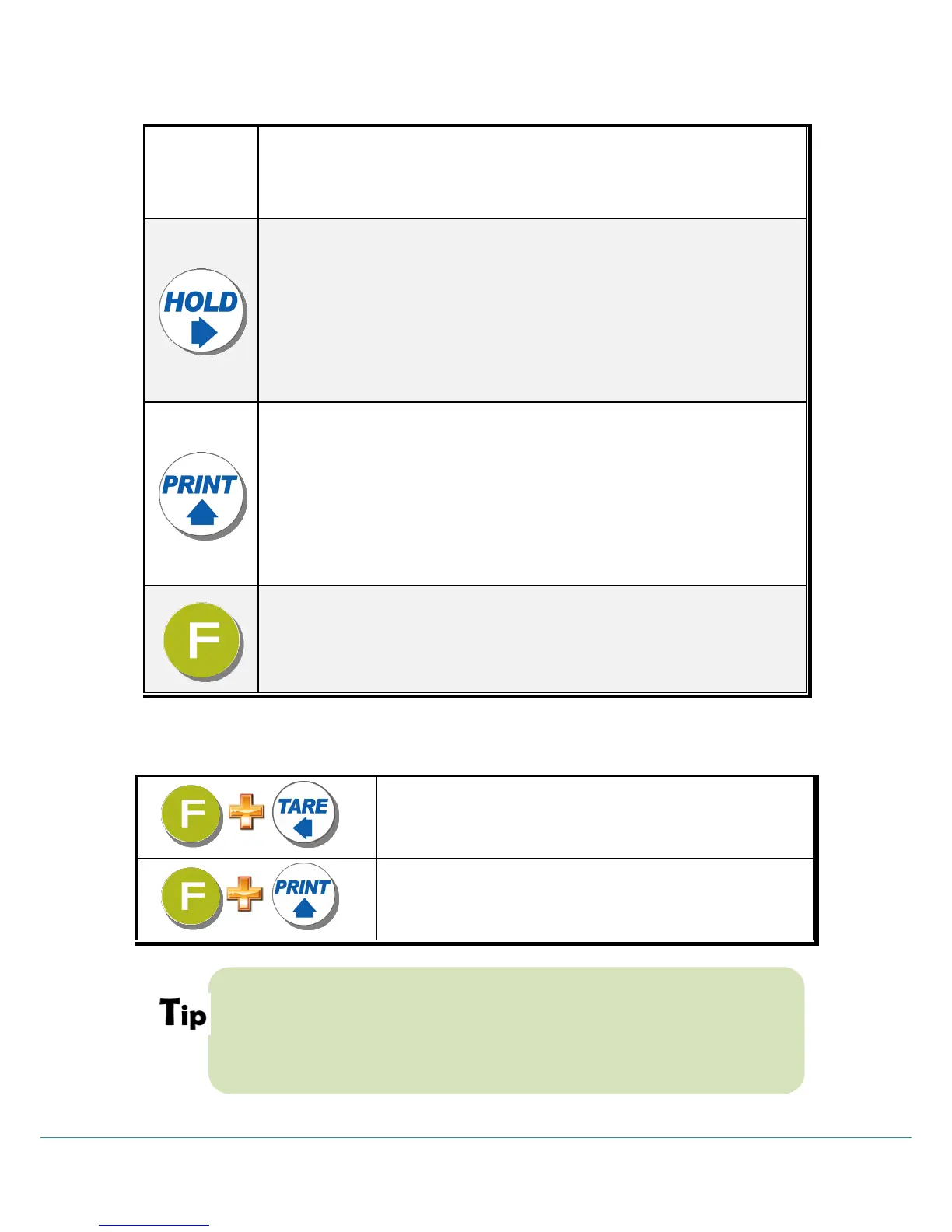
3-2-4. Hot key (with F key)
Continuous “TARE” setting
(From the second TARE setting, use this key)
If the Printer is installed,
You can print out the “Grand-total data”.
(GRAND-total data can be checked though Print output).
Max. accumulated weighing count : 999,999times
Over 999,999times return to “0” time
Max. accumulated weight display : 999999999 (g, kg, ton)
Over 999,999,999 (g, kg, ton) return to “0” (g, kg, ton)



 To Next Page