EasyManua.ls Logo

Sewha SI 480E - Test Mode Operations; Program and Hardware Version Check; Test Mode 1 Functions

Sewha SI 480E
45 pages
Print Icon
To Next Page IconTo Next Page
To Previous Page IconTo Previous Page
Loading...
28
SI 480E DIN SIZE WEIGHING CONTROLER
Program & Hard ware Version Check
F98
Check the Program & Hard ware version
Ex) 100 1.04 means H/W : ver.1.00 & S/W : ver.1.04
5-5. Test Mode
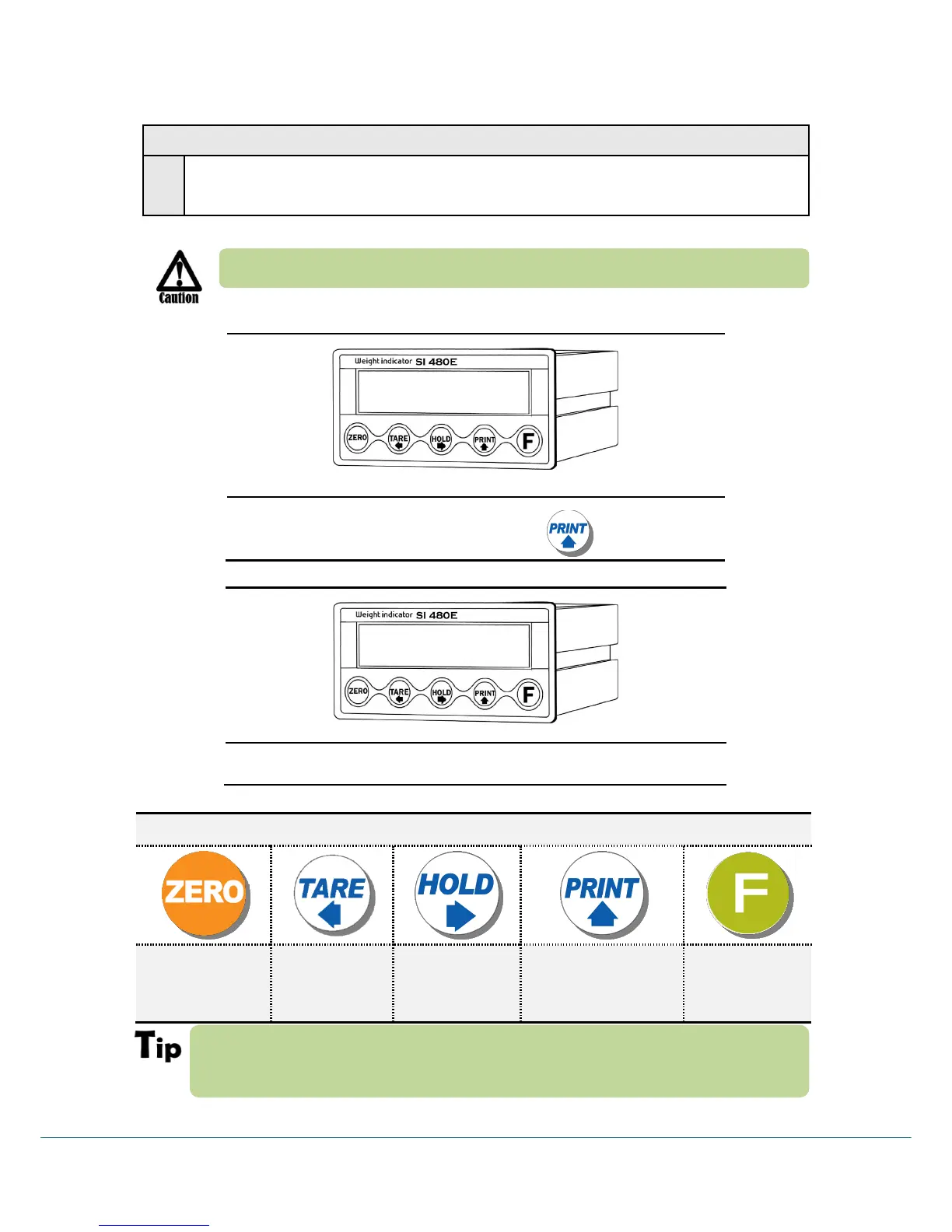
Before starting the TEST mode, please remove operating devices.
Under SETUP mode, press key.
TEST MODE 1
If there is no change although pressing keys or loading some force on/in weighing
part , it may something wrong with load cell, cable, connector or A/D board
TEST MODE 1
ESC / BACK
Analog value
Check Mode
Analog
Variation Value
Check Mode
Key/Digital Input
Check Mode
Standard serial
port test mode
5etUp
te5t1

Related product manuals