SI 480E DIN SIZE WEIGHING CONTROLER
You can set “EMPTY” Range.
Ex) “0” setting : When Net Zero, “Zero” status lamp is ON.
“200” setting : Under “200”, “Zero” Status lamp is ON.
To test communication condition of basic serial port, connect TX and RX, and enter to
F83. After “COM1” is displayed, PASS or UNPASS will be appeared. (RS-232C Only)
TIME(H,M,S) Check / Change (every 24Hours)
Check Current DATE data or you can Change to new date
Check Current TIME data or you can Change to new time
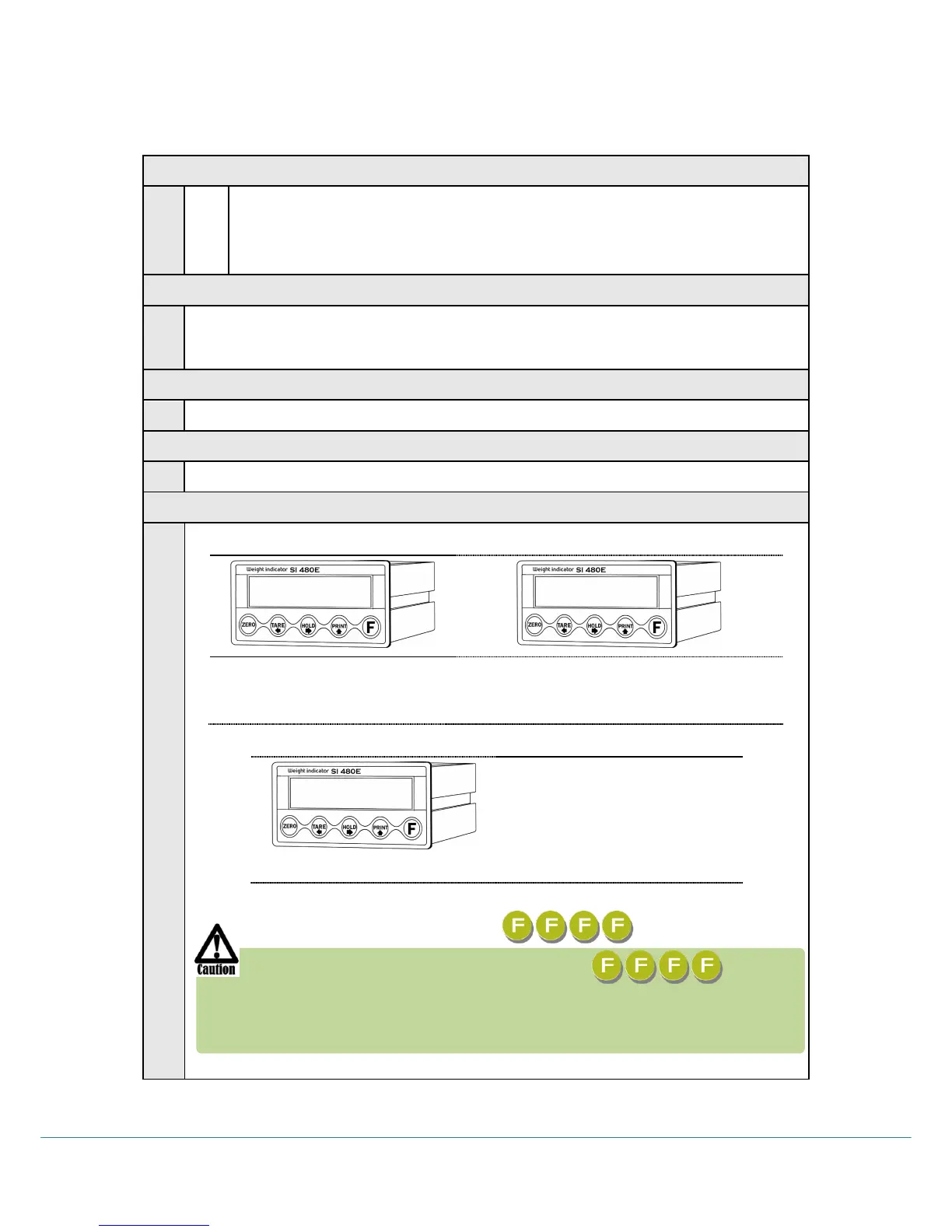
SETUP Mode Password Key Setting / Change
1) When “1” displays, input 4
numbers
2) If “2” display, input the 4 numbers once
more. (recheck the password)
If “P-W” display, input the
previous saved password .
And set the “FFFF” as New
password.
. Deactivate Lock setting
If you set password four times of (5555), it is unlocked.
After initialization (F77) the default password is
When setting password you cannot start “SETUP” mode without
password, do not forget your password.



 To Next Page