SI 480E DIN SIZE WEIGHING CONTROLER
5. SET-UP
5-1. Set up mode
This is the Menu which can set the all of the functions.
There may be some display differences between real and on the manual.
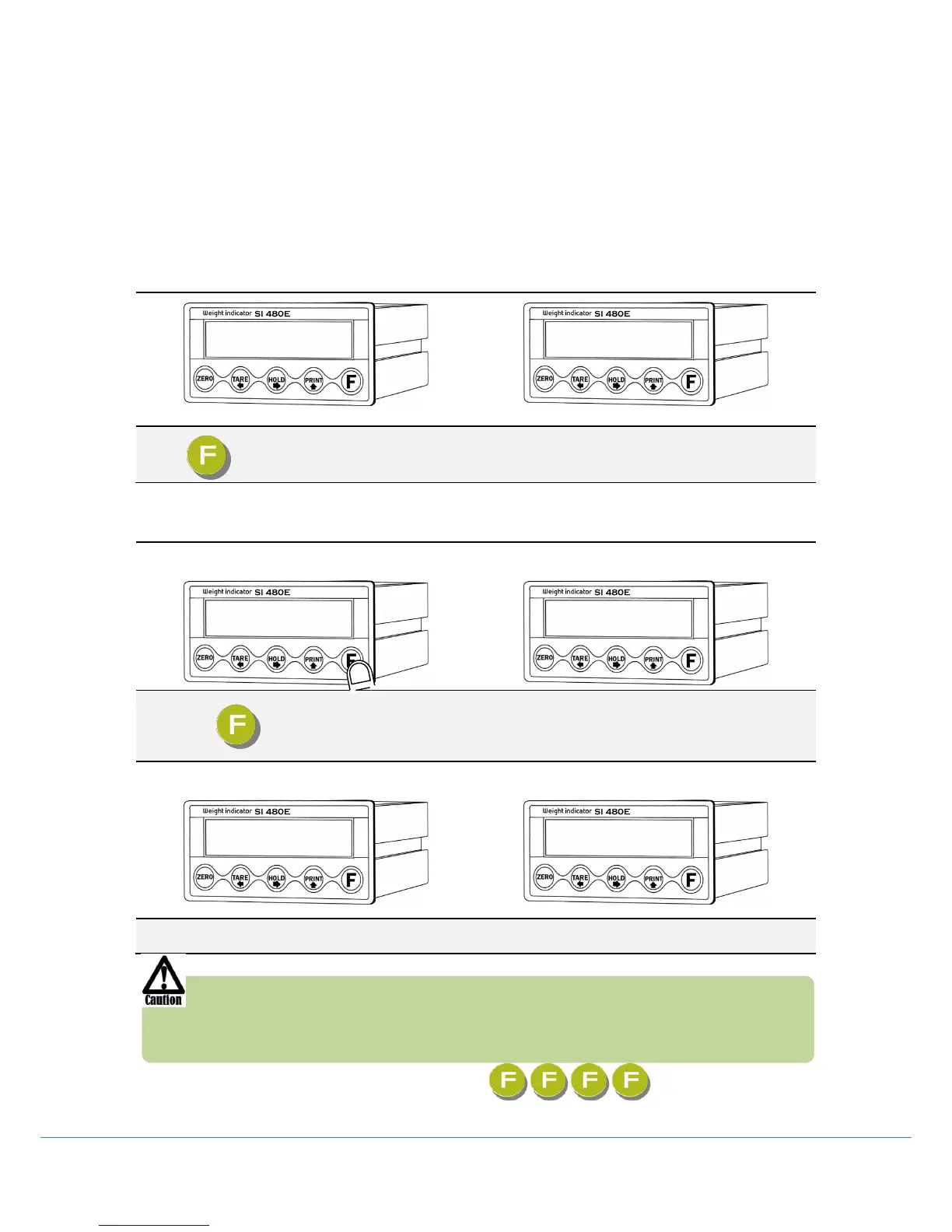
5-1-1. Start “SET UP” Mode (Pass Word Not use)
Press key four times within 2sec
When “SET UP” is displayed, SETUP Mode is activated
5-1-2. Start “SET UP” Mode (Pass Word Use – Refer F-function 95)
Press key four times within 2sec
If “P-W” displays, input 4 chracters password.
If Password is right, “SETUP” Mode starts.
If Password is wrong, it is back to weighing display.
If you set password by “F95”. “TEST” mode, you cannot start “SETUP” Mode
without password. Please don’t forget the pass word.
After starting ”Calibration” mode, and “Test” mode, serial I/F will be closed.
After initialization (F77) the password is .



 To Next Page