SI 480E DIN SIZE WEIGHING CONTROLER
5-2 Test Weight Calibration Mode (Using test weight)
5-2-1. Start Test Weight Calibration Mode
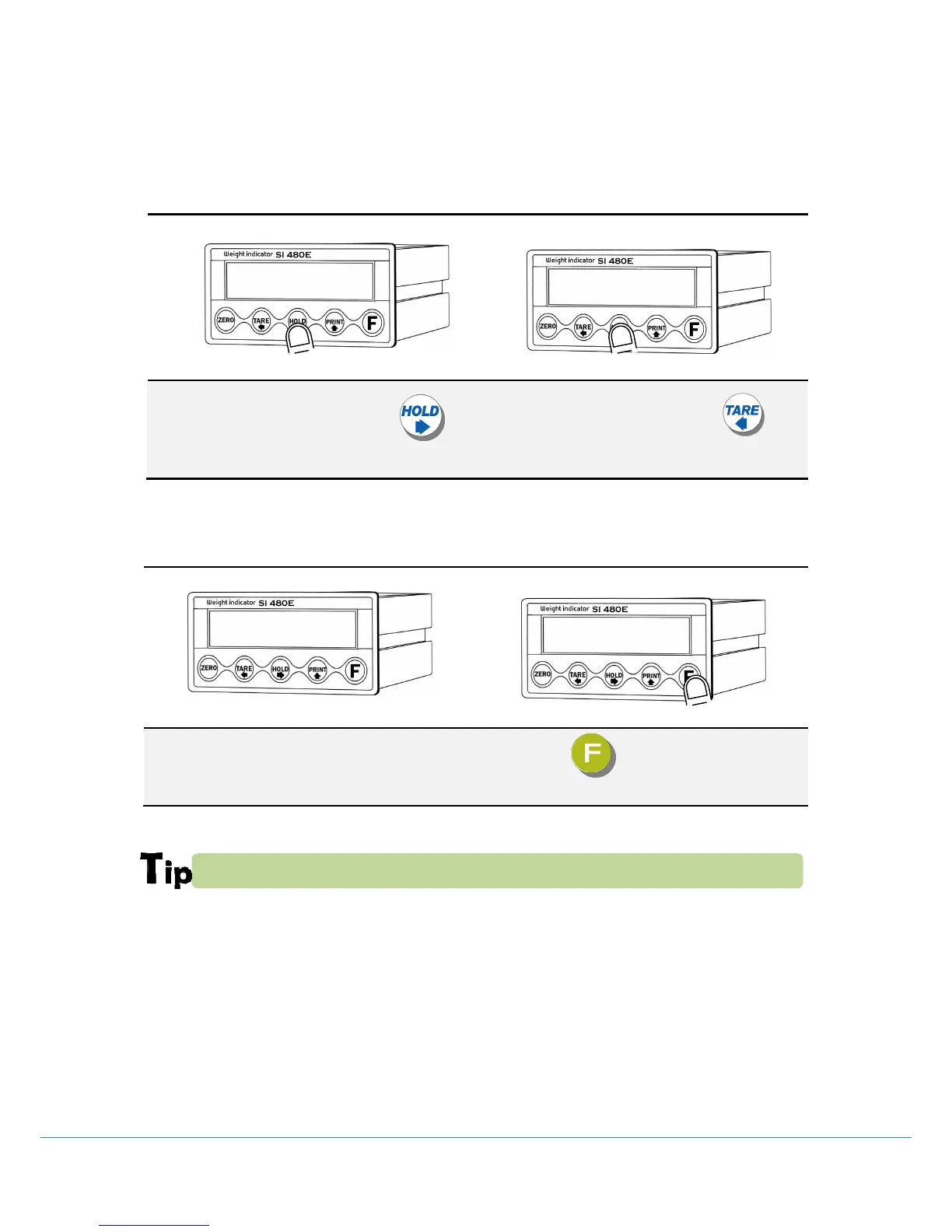
Under “SETUP” displays then Press key.
When “CALIBR” displays, press key,
Then Test Weight Calibration Mode starts.
※ If you set password through “F95”, you have to input the pass word.
5-2-2. Setting “Capacity of weighing Scale”
After displaying “CAPA”, input max capacity with keys & Press key to save & move to next
step.
If you want that set Max capa is 1,000kg, then just input “1000”.



 To Next Page