EasyManua.ls Logo

Sewha SI 550 - Setting Up the SI550; 5-1. Test Weight Calibration

Sewha SI 550
62 pages
Print Icon
To Next Page IconTo Next Page
To Previous Page IconTo Previous Page
Loading...
- 13 -
SI 510 WEIGHING INDICATOR
5. SET-UP
5-1. Test Weight Calibration Mode (Using Test Weight)
5-1-1. Calibration Mode
Calibration is the process of adjusting weight balance between "Real Weight" on the Load Cell
and "Displayed weight of Indicator". When you replace Load Cell or Indicator, you have to do
Calibration process once again.
(When you enter the weight calibration mode, tare, hole, print function become initialize.)
Before start to the calibration mode,
Please turn on the indicator and preheat about 15 min.

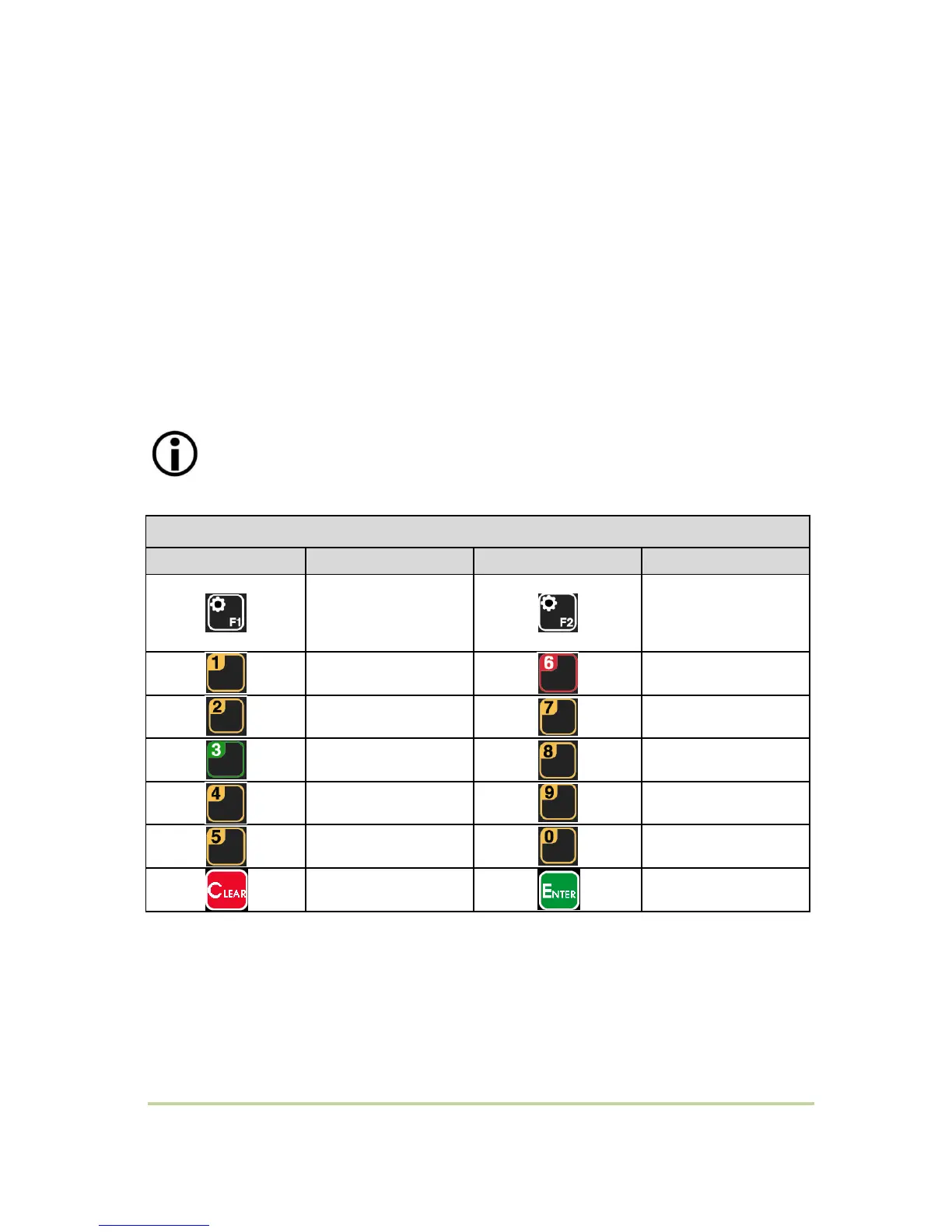
Calibration Key
Key Button
Function
Key Button
Function
Test Weight
Calibration mode /
Setting decimal point
Simulation Calibration
Mode / Setting
Divition
Number 1
Number 6
Number 2
Number 7
Number 3
Number 8
Number 4
Number 9
Number 5
Number 0
Previous step
Enter

Related product manuals