5-2. Simulation Calibration Mode (Calibrate without Test Weight)
With this "Simulation Calibration Mode" you can make simple calibration without any "TEST weight".
This calibration mode uses "Load cells max capacity" and "Max Output Rate (mV)", so the weight
adjustment degree might be less than "Test Weight Calibration". The guaranteed resolution of this
"Simulation Calibration" is 1/3,000.
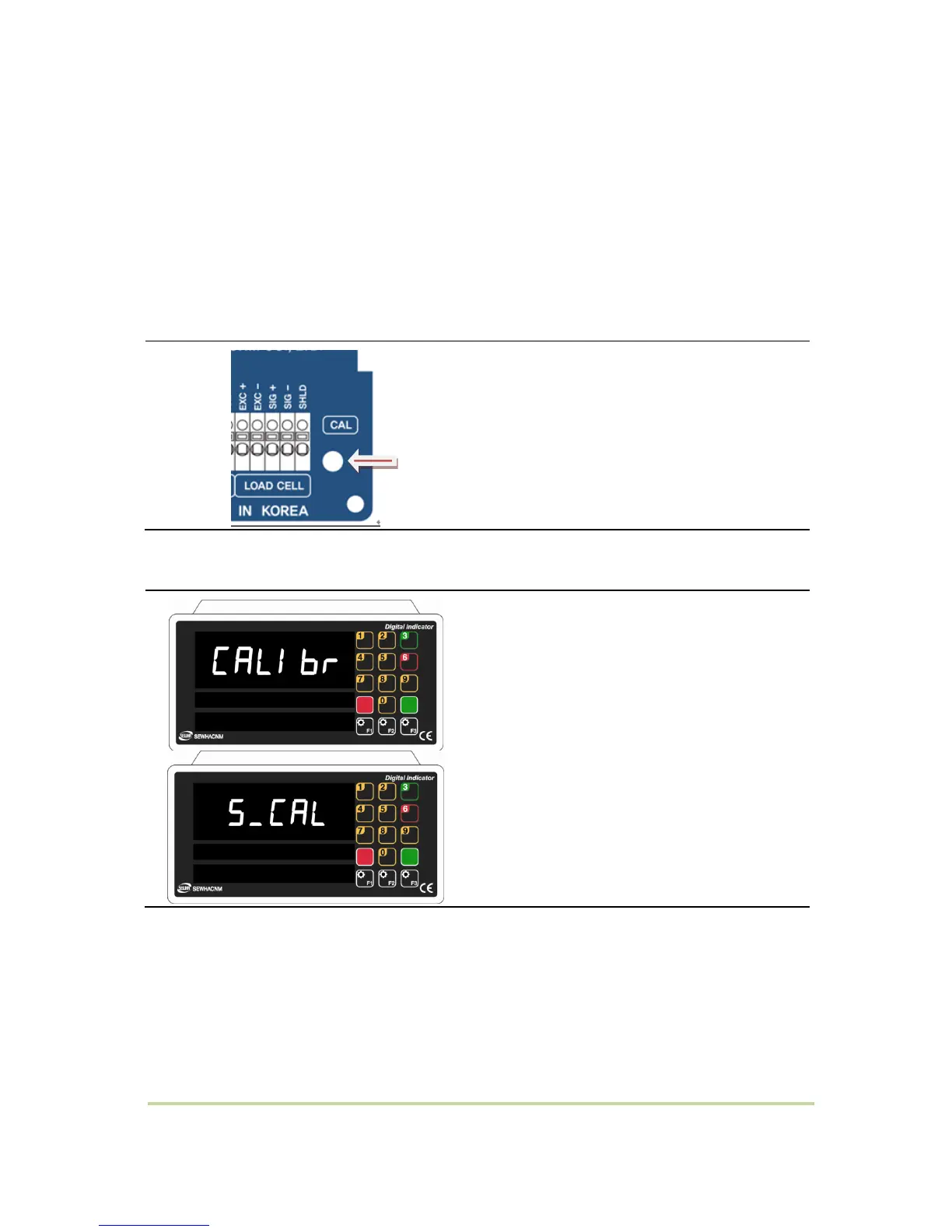
STEP 1 – Start Simulation Calibration Mode
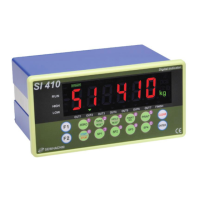
1) When "CALIBR" is displayed, Press F2 key
and select "SCAL".
2) When "S.CAL" is displayed, Press "ENTER"
key.


 To Next Page