SI 510 WEIGHING INDICATOR
5-5. Test Mode Detail information
Before starting the TEST mode, please remove other connected devices.
STEP 1 : Press 4times -> “SETUP” mode is on. ->
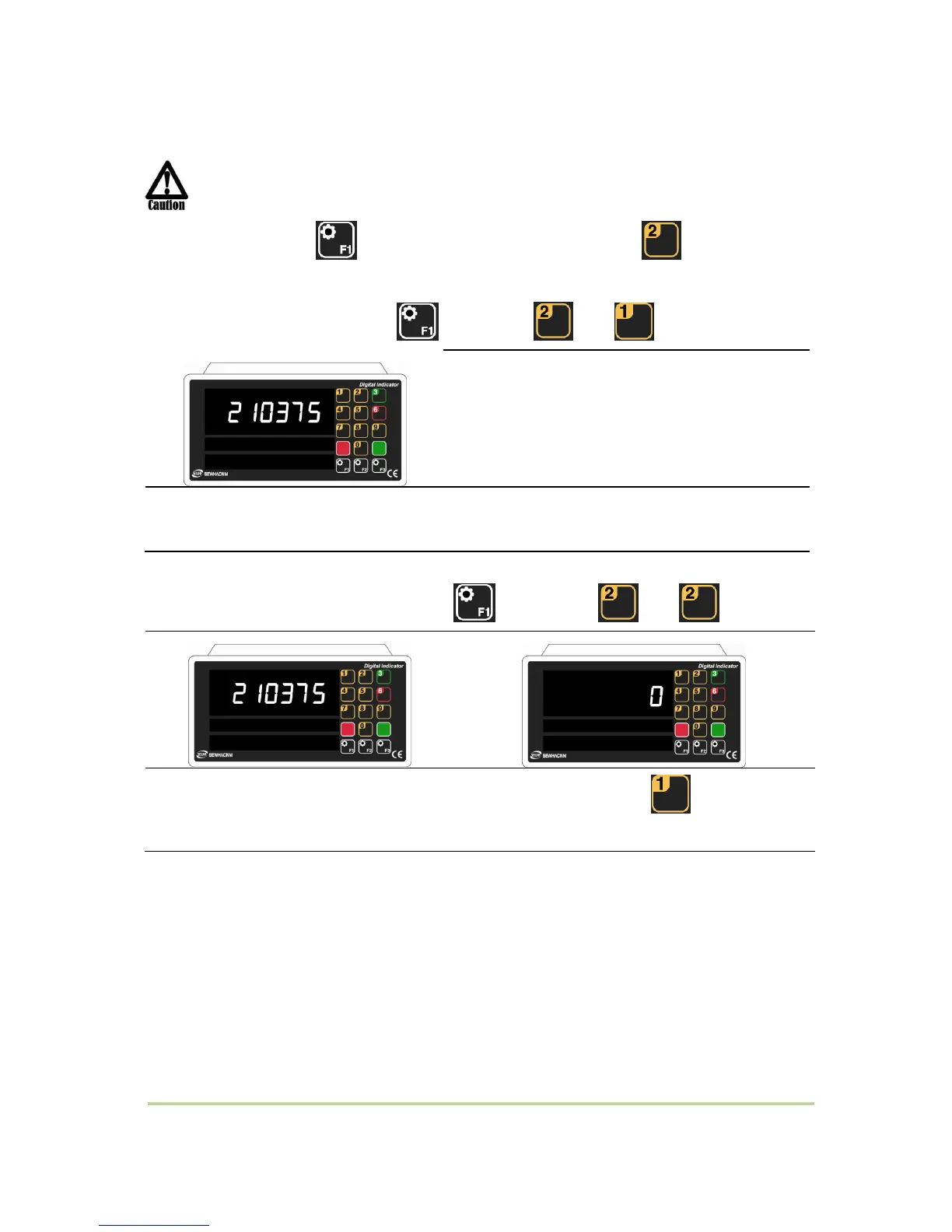
5-5-1. Analog Value (Press 4times –> –> )
You can check analog value.
Small variation of analog value is normal.
(-1,048,575~1,048,575)
If there is big variation of analog value or no change although adding load, it is doubted Load
cell problem or analog part problem of indicator.
5-5-2. Analog Variation Value (Press 4times –> –> )
You can check the deviation of analog value.
Set zero value by press , then you can
check deviation of analog value.



 To Next Page