13
5.1 Basic programming
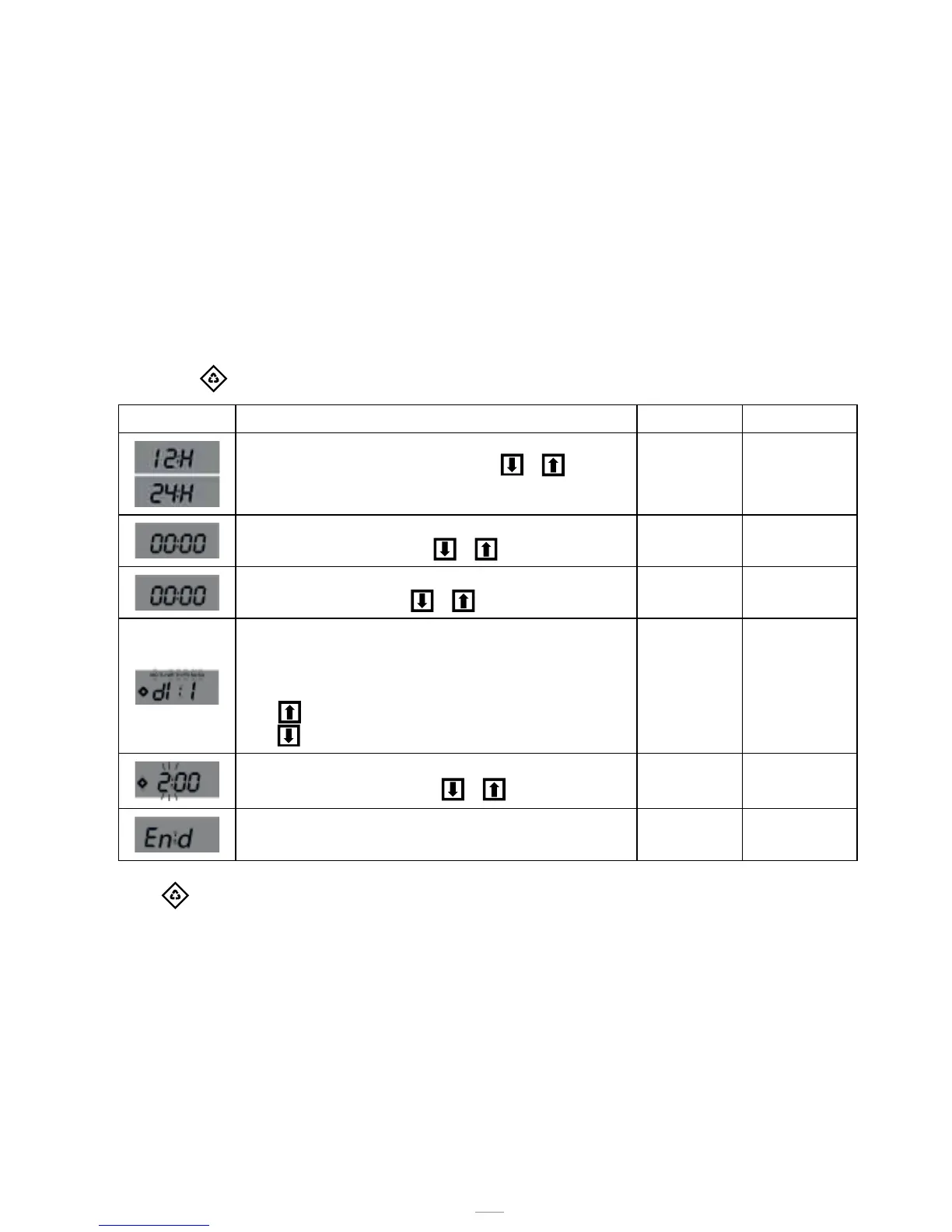
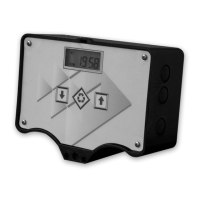
The most common operating parameters are set in the basic menu. To access the basic menu, press and
release the
button. The basic menu contains the following parameters:
DATA DESCRIPTION DEFAULT MIN - MAX
Hour format setting as 12 or 24 hours. Press or to edit
this parameter.
24H 12H – 24H
Current time. The current time is displayed flashing, together with
the day of the week, fixed. Press
or to edit.
00:00 00:00
23:59
Day of week. The current day is displayed flashing, together with
the current time, fixed. Press
or to edit.
Mo N.A.
Days enabled for regeneration. The display shows “dx y” where x is
the day of the week (1-7) and y shows whether the selected day is
enabled for regeneration “1” or not, “0”. For every enabled day, the
top of the display shows the relevant flashing icon.
Press
to edit the setting of the selected day (x),
press
to enable or disable the selected day (y).
All enabled N.A.
Regeneration time. Regeneration start time when a delayed time or
cubic metre start is enabled. Press
or to edit.
2:00 00:00
23:59
End of the programming.
N.A. N.A.
Press to switch parameters.
While the parameters are being edited, the regeneration icon is on and flashing.
5 - PROGRAMMING



 To Next Page