9
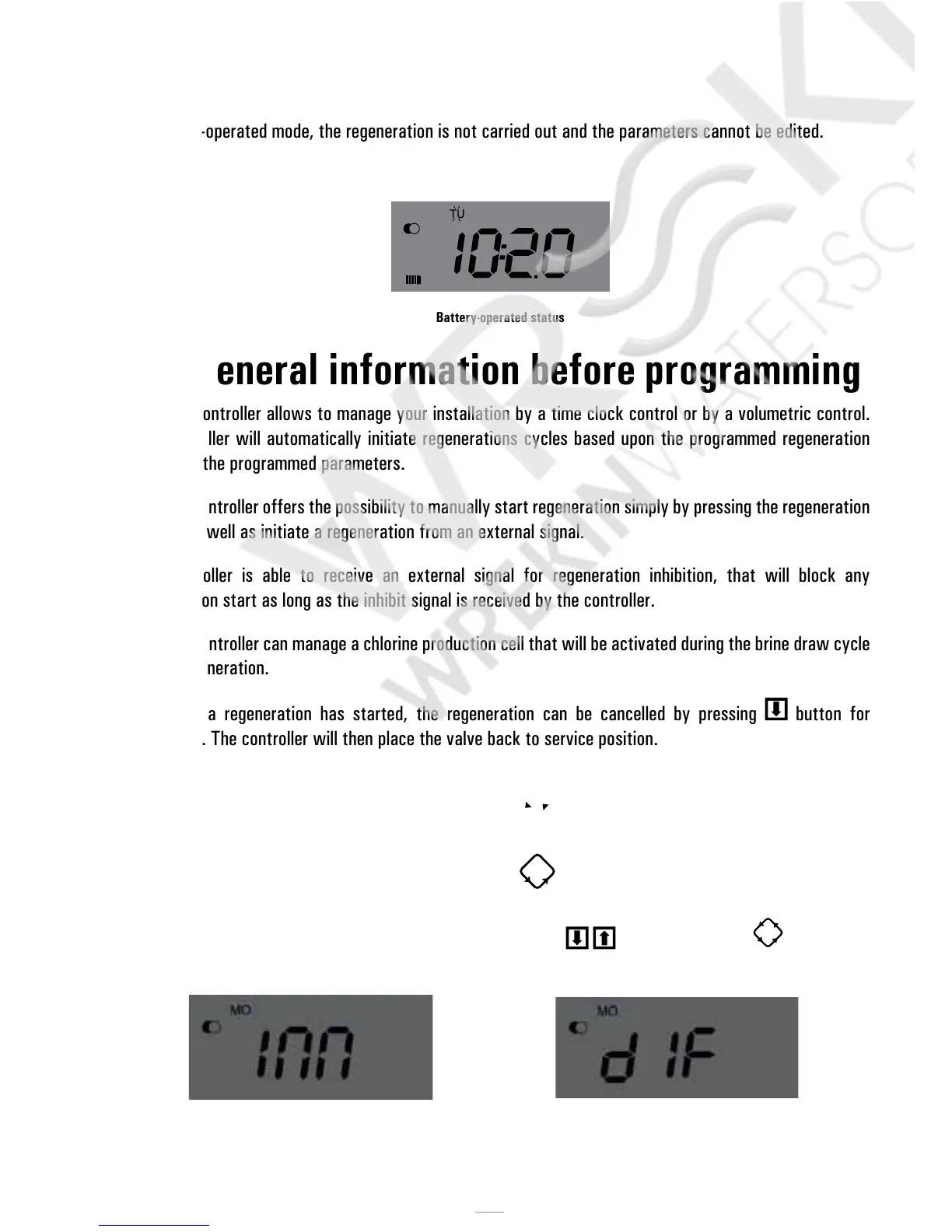
In battery-operated mode, the regeneration is not carried out and the parameters cannot be edited.
Battery-operated status
4.3 General information before programming
The SFE controller allows to manage your installation by a time clock control or by a volumetric control.
The controller will automatically initiate regenerations cycles based upon the programmed regeneration
mode and the programmed parameters.
The SFE controller offers the possibility to manually start regeneration simply by pressing the regeneration
button, as well as initiate a regeneration from an external signal.
The controller is able to receive an external signal for regeneration inhibition, that will block any
regeneration start as long as the inhibit signal is received by the controller.
The SFE controller can manage a chlorine production cell that will be activated during the brine draw cycle
of the regeneration.
Whenever a regeneration has started, the regeneration can be cancelled by pressing
button for
5 seconds. The controller will then place the valve back to service position.
4.4 Manual regeneration
To initiate a manual regeneration, press and hold the button for five seconds. The SFE controller
allows choosing whether to start the regeneration immediately or delayed at the programmed time. Here
under are showed the two displayed options, use the buttons
to scroll and press to confirm.
Immediate manual regeneration Delayed manual regeneration



 To Next Page