8
4.2.2 Display during regeneration
When the module is in regeneration, the display shows the following information:
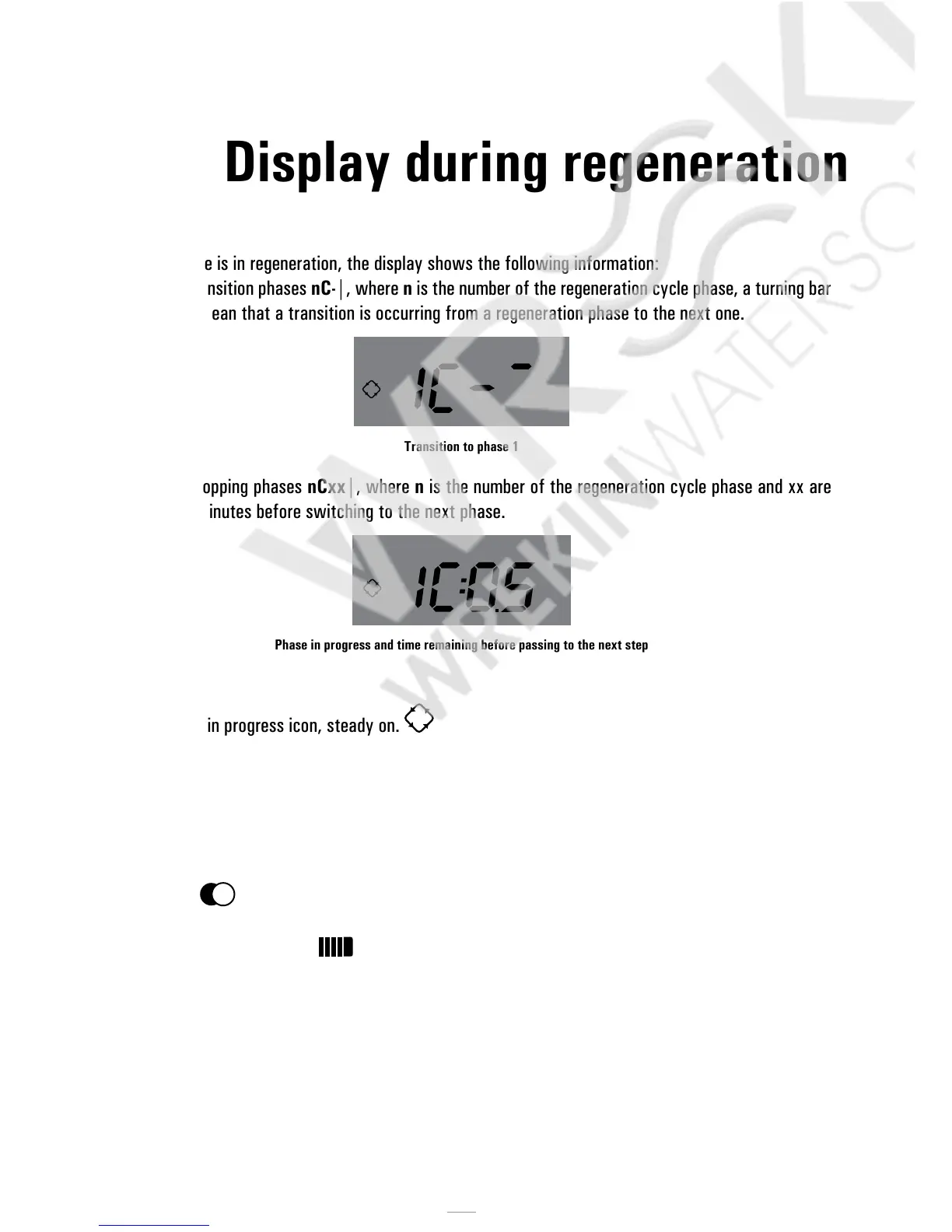
• During the transition phases nC-|, where n is the number of the regeneration cycle phase, a turning bar
is display to mean that a transition is occurring from a regeneration phase to the next one.
Transition to phase 1
• During the stopping phases nCxx|, where n is the number of the regeneration cycle phase and xx are
the residual minutes before switching to the next phase.
Phase in progress and time remaining before passing to the next step
• Regeneration in progress icon, steady on.
4.2.3 Display during battery operation
When the module is battery supplied, the display shows the following information:
• Time: xx:xx with flashing “:”.
• Weekday, if the day of the week is flashing it means that the regeneration is enabled for that day.
• Service icon
• Residual volume and time are displayed alternately, if volume regeneration is enabled.
• The battery icon is displayed



 To Next Page