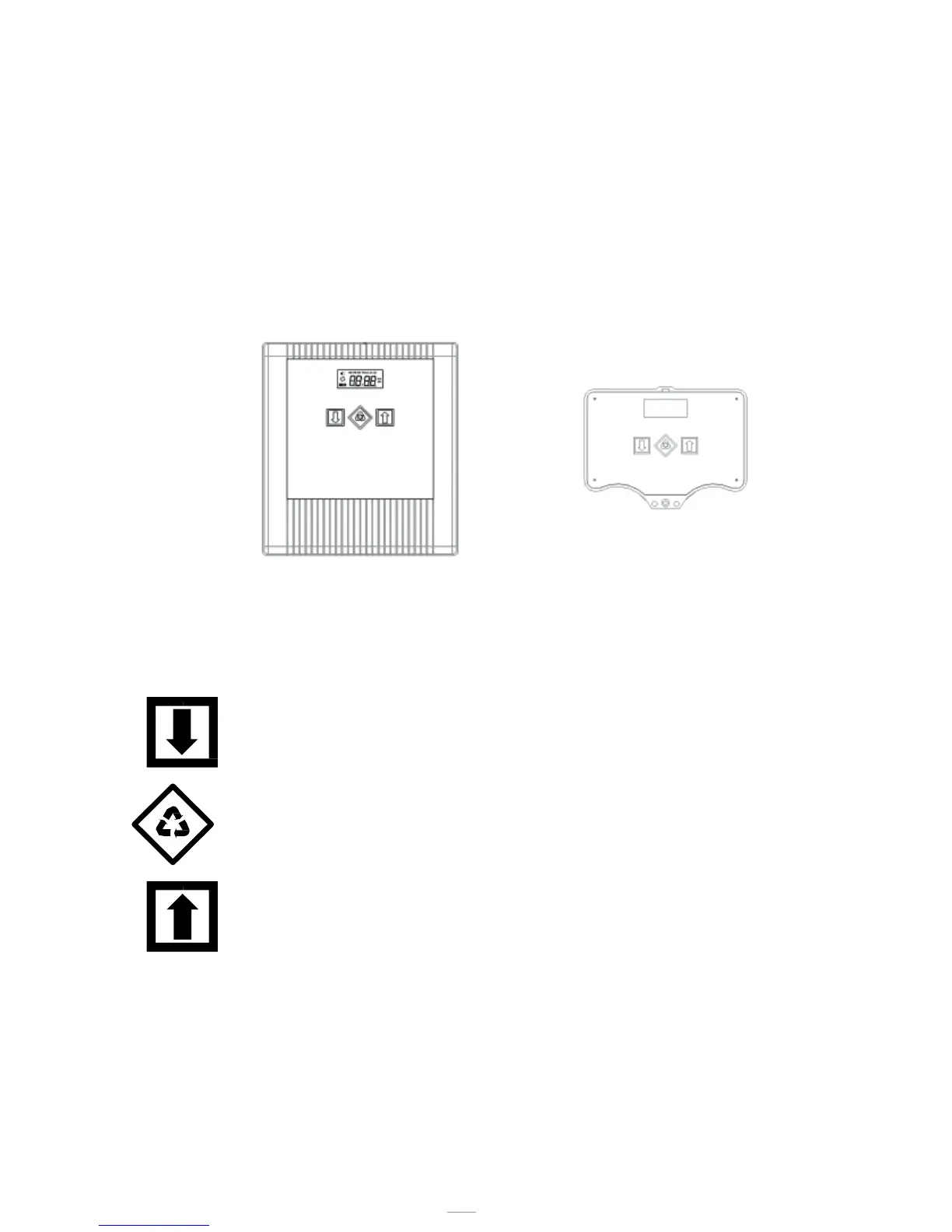
Key
Down arrow
It is used to edit the displayed value during a
programming step. Press it together with the arrow up
key for 5 seconds to open the advanced settings menu.
Regeneration
Press and release to access the basic settings menu.
Press for 5 seconds to manually start the regeneration.
While programming, it allows switching to the next
parameter.
Up arrow
It is used to edit the displayed value during a
programming step. Press it together with the arrow down
key for 5 seconds to open the advanced settings menu.
4 - OPERATION



 To Next Page