UNDERSTANDING YOUR AIR QUALITY
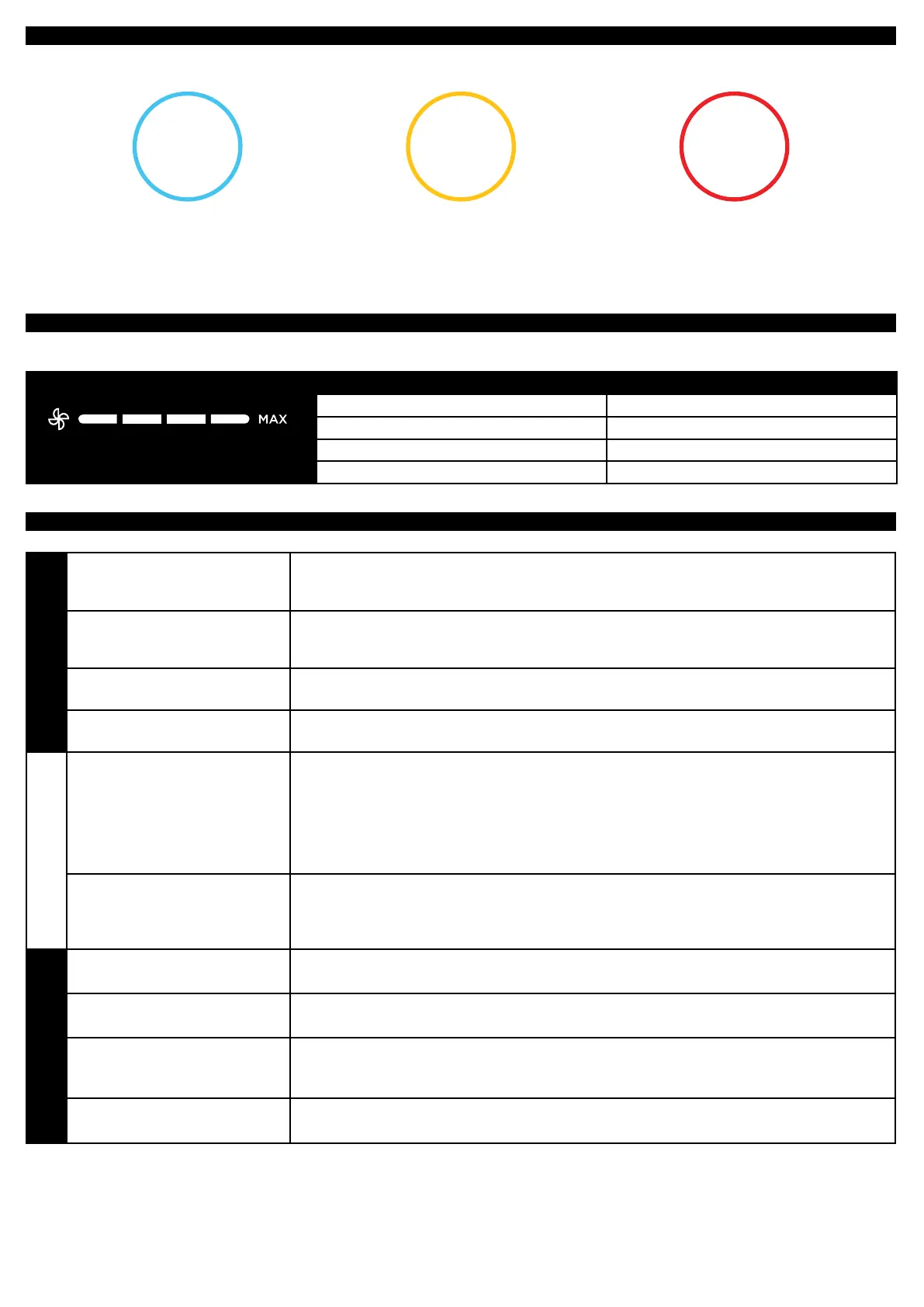
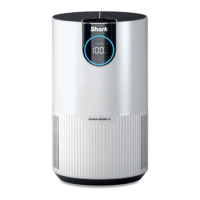
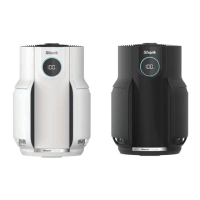
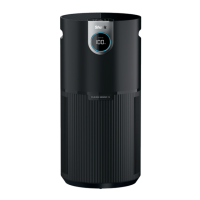
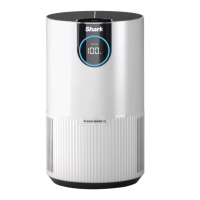
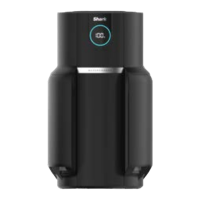
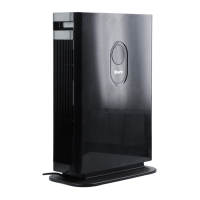
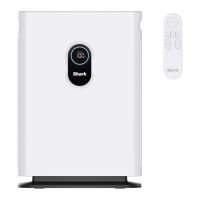
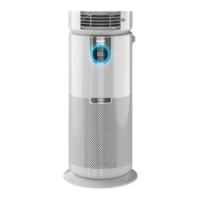
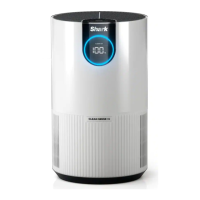
The rings on the front and top displays will change color as your air quality changes, allowing you to easily monitor your air quality even
when you are far from the unit.
GOOD
85–100
%
0–25
particles
A blue ring means your air quality
is good, with a low level of particle
concentration.
FAIR
70–84
%
26–80
particles
An amber ring means your air quality
is fair, with a moderate level of particle
concentration. For better results, increase
fan speed or select Auto Mode.
POOR
0–69
%
81–430+
particles
A red ring means your air quality
is poor, with a high level of particle
concentration. For better results,
increase fan speed or select Auto Mode.
Note: The air quality sensor uses a cumulative particle count across all particle sizes to determine percentage of clean air.
OPTIMIZING FAN SPEED
Your air purifier is equipped with 4 fan speed settings. Adjust fan speed to optimize your cleaning performance.
DISPLAY SPEED BEST FOR
1 Quiet Operation
2 Reducing Odors
3 Reducing Allergens
4 Maximum Cleaning
TROUBLESHOOTING AND FREQUENTLY ASKED QUESTIONS
Product
What are the
recommended settings?
We recommend using this air purifier in Auto Mode. Auto Mode leverages your air purifiers
particle sensor, and this adjusts the air purifiers fan speed automatically. Higher fan speeds
work best for allergy sufferers and dirty environments.
What is Eco Mode?
After 100% clean air is achieved for 10 minutes in Auto Mode, your air purifier will enter
Eco Mode. Your fan will turn off until particles are detected. This will optimize your filters life.
Can I mute my
air purifier beeping?
To control your unit’s beeping, hold the Air Info and Child Lock buttons at the same time for
two seconds.
How come my control panel
buttons do not work?
Your air purifier may have the child lock setting activated. Press the Child Lock button for two
seconds to control this setting.
Air Quality
Why is my air quality
always at 100%?
If your air purifier displays a blue ring, your air quality is good. However, air quality will
fluctuate as you introduce pollutants into your home. Activities like smoking, cooking,
dusting, or spraying cleaning products (among other things) can add more pollutants to
your air. Our Clean Sense IQ™ technology tracks this fluctuation in real time and adjusts as
it detects particles. You may perform the following to verify that the sensor is working as
it should. Spray perfume or aerosol cleaning sprays near the sensor above the filter door.
Please visit: sharkclean.com/support for more information.
Why is my air quality
never at 100%?
If your air quality never reaches 100%, make sure that the filter is properly installed without its
original plastic packaging. Activities like smoking, burning candles, running a humidifier, opening
windows, and cooking (among other things) can add more pollutants to your air. Make sure to
survey your environment and remove anything that could be causing low air quality.
Filter
Can I wash my filter? No, the filter is not washable. Keep filter away from water and dispose of it when it is dirty.
How often should I switch
my filter?
We recommend replacing your filter every 6-12 months.
How do I optimize my filter
life?
To maximize your air purifier’s filter life, we recommend flipping and rotating the direction of
your filter every three months. This will help equalize and balance the distribution of captured
particles throughout the filter allowing for extended usage.
Where can I buy
replacement filters?
You can buy replacement filters from select retailers or at:
http://www.sharkaccessories.com/
Customer Service
For further assistance, call 1-855-523-4061.


 To Next Page