AVAILABLE ACCESSORIES
ORDER ADDITIONAL ACCESSORIES AND REPLACEMENT FILTERS
Additional accessories and replacement filters are available on sharkaccessories.com
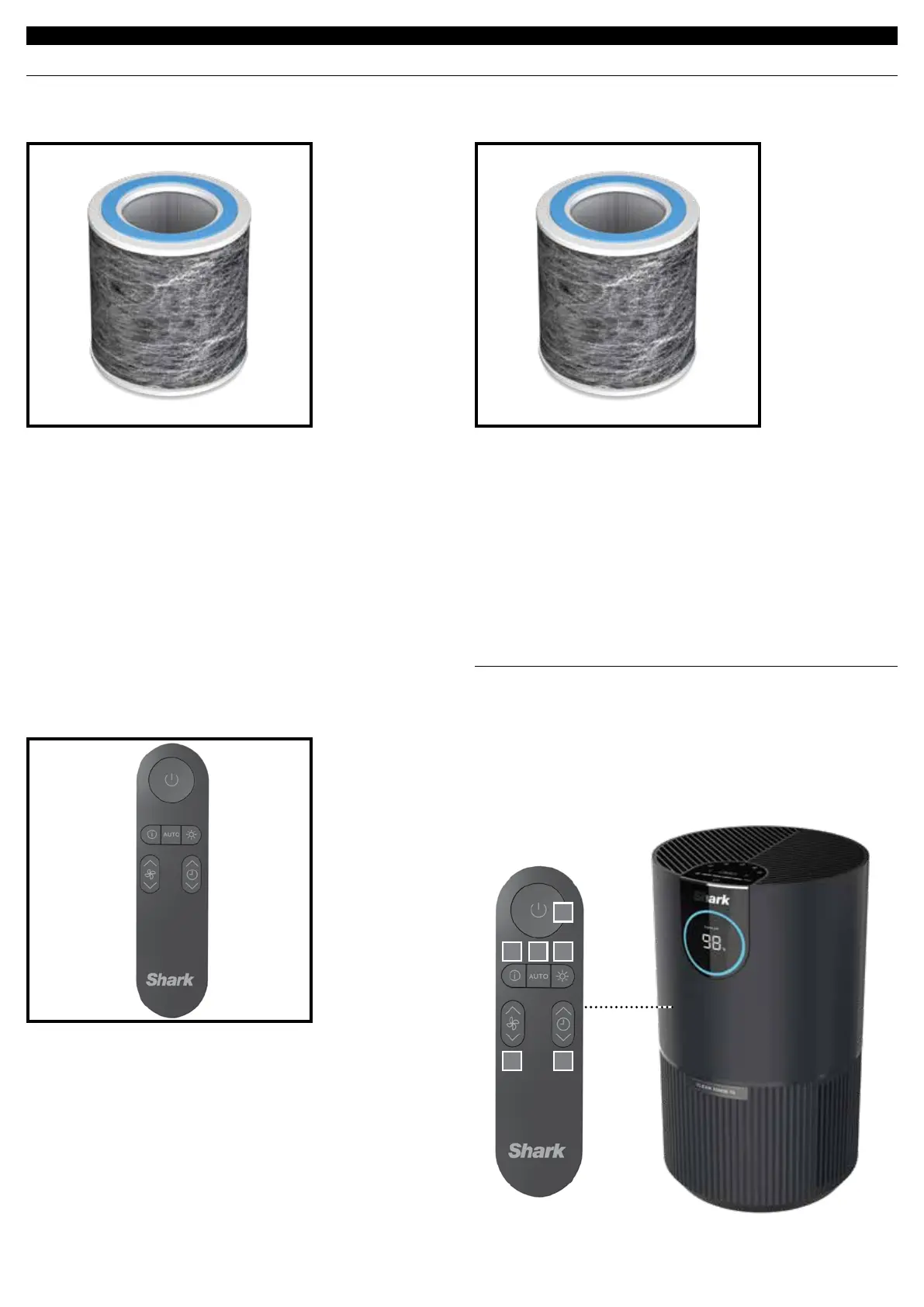
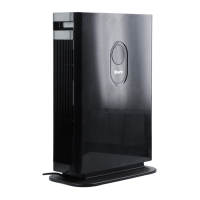
SHARK® NANOSEAL™ BASE FILTER
WITH TRUE HEPA
Captures 99.98% of large, small, & micro-sized particles
from the air and is equipped with carbon for heightened
protection against household odors and VOCs.
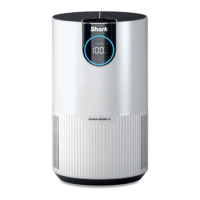
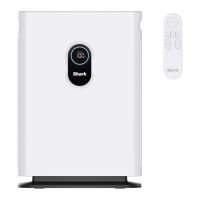
Remote Control
Use the remote control to operate your air purifier
from a distance.
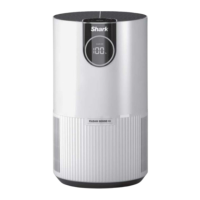
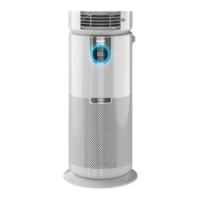
SHARK® NANOSEAL™ BASE FILTER
WITH TRUE HEPA + MICROBAN
Captures 99.98% of large, small, & micro-sized particles from
the air and is equipped with carbon for heightened protection
against household odors and VOCs.
TREATED WITH MICROBAN:
Additional antimicrobial protection with Microban treatment.
Microban reduces the bacterial growth on the HEPA surface.
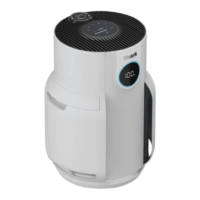
REMOTE CONTROL BUTTONS
1. On/O: Turns the unit on/o.
2. Air Info: Switch between air quality display options.
3. Auto: Enables Auto Mode.
4. Brightness: Adjusts brightness.
5. Fan Speed: Adjusts fan speed.
6. Shut-O Timer: Sets timer.
1
5 6
2 43


 To Next Page