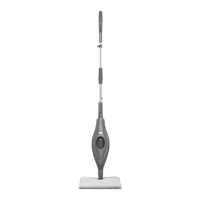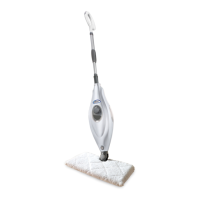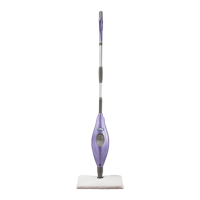
EasyManua.ls Logo

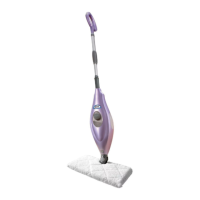
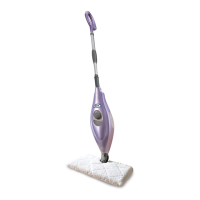
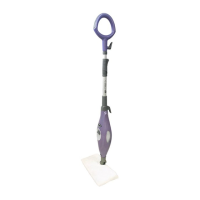
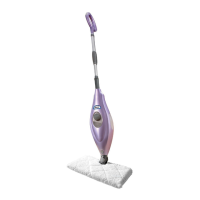
Shark S3502 Series - User Manual

Shark S3502 Series
20 pages
Print Icon
To Next Page IconTo Next Page
Loading...
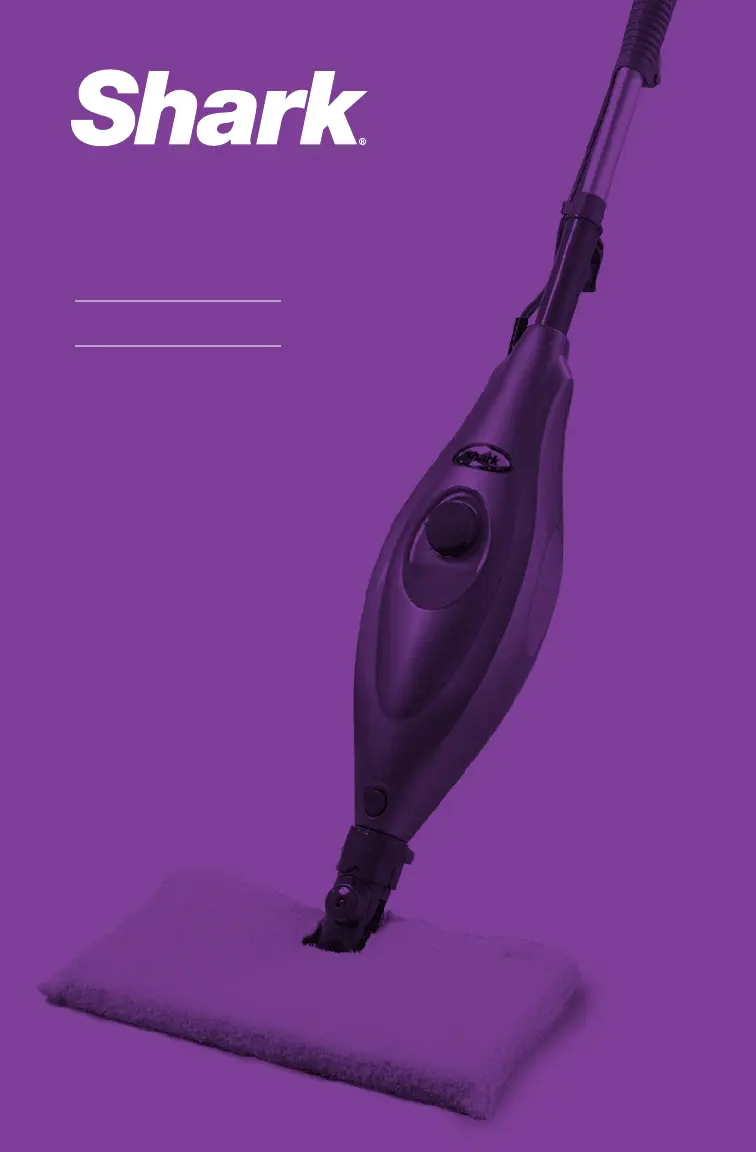
OWNER’S GUIDE
S3502 Series

Questions and Answers

  • Z
    zfieldsAug 9, 2025
    What to do if my Shark S3502 Steam mop will not make steam?
    • N
      Nicholas HerreraAug 9, 2025
      If your Shark Steam mop isn't producing steam, prime the pump. Also, ensure there's water in the water tank; if not, add water following the instructions.
  • P
    Paul MillerAug 15, 2025
    Why does my Shark Steam mop leave water on the floor?
    • S
      Samantha BaileyAug 16, 2025
      If your Shark Steam mop is leaving water on the floor, the cleaning pocket might be too wet. Unplug the Steam mop and change the cleaning pocket, ensuring it's attached correctly.
  • J
    Janice JacksonAug 22, 2025
    How to fix a Shark Steam mop that will not turn on?
    • M
      Michael PetersonAug 22, 2025
      If your Shark Steam mop won't turn on, ensure it's securely plugged into an electrical outlet only. Check your fuse or breaker.
  • S
    Suzanne JonesAug 27, 2025
    Why are my floors cloudy after using my Shark S3502 Steam mop?
    • M
      Melanie WelchAug 27, 2025
      Cloudy, streaky, or spotty floors after steaming with your Shark Steam mop can occur due to several reasons. The cleaning pocket might be dirty, so try flipping or changing it. If you washed the pocket with powder detergent, it might be ruined. If you're cleaning in a kitchen area with grease buildup, use a degreasing agent like an all-purpose cleaner or dish soap and paper towels to clean the area first. Also, leaving the mop in one spot for too long or using hard water can cause this issue; consider switching to distilled water.
  • J
    Joy BurgessSep 2, 2025
    Why is my Shark S3502 hard to push?
    • J
      Johnathan LindseySep 2, 2025
      If your Shark Steam mop is hard to push, make sure the steam pocket is attached correctly and check if the pocket is excessively dirty. You can also try increasing the height of the pole for better leverage.

Summary

IMPORTANT SAFETY INSTRUCTIONS

General Safety Precautions

Essential safety warnings to reduce risk of fire, electric shock, or personal injury.

Additional Safety Instructions

Usage Restrictions and Material Compatibility

Use on flat surfaces only; avoid sensitive materials and electrical components.

Water, Chemical, and Steam Direction Safety

Only use water; never direct steam at people or animals.

Operational and Storage Safety

Do not leave unattended/stationary, unplug before cooling, store properly.

Cleaning and Circuit Safety

Clean with damp cloth; avoid solvents. Prevent circuit overload.

Extension Cords and Floor Surface Warnings

Use appropriate extension cords and test floor surface compatibility.

Getting Started

ASSEMBLE

Getting Started - contd

Floor Surface Suitability Warning

Warnings about using on unsealed wood, unglazed ceramic, or waxed floors.

Using Your Steam Mop

Using Your Steam Mop - contd

Refilling, Cooling, and Floor Protection

Refilling tank, cooling time for part changes, and preventing floor damage.

Care of Your Steam Mop

Troubleshooting Guide

ONE (1) YEAR LIMITED WARRANTY

TWO (2) YEAR LIMITED WARRANTY

Shark S3502 Series Specifications

General IconGeneral
BrandShark
ModelS3502 Series
CategorySteam mop
LanguageEnglish

Related product manuals