27
MPAA
TV GU I
Cdn .
DO
W
NL
nEglis Rhatinsg
Cdn .
rFenchRatinsg
EDLINES
OAD : ON
STATU
S:ON
(FRENCH INDIVIDUAL
BLOCK mode)
→
VOL
—
VOL
+
CH
CH
CH
CH
CH
CH
(After download the
rating data)
C
C8+
G
PG
14+
18+
INDIV
B:LOCK
–: ––––
B:LOCK
–: ––––
B:LOCK
–: ––––
IDUAL BL
MENU : RET URN
OCK
(ENGLISH INDIVIDUAL
BLOCK mode)
G
8+
13+
16+
18+
INDIV
–: ––––
B:LOCK
–: ––––
B:LOCK
–: ––––
IDUAL BL
MENU : RET URN
OCK
VOL
—
VOL
+
VOL
—
VOL
+
→
→
Parent Control (V-CHIP Operation Continued)
•
HOW TO SET ADDITIONAL MODE (Example)
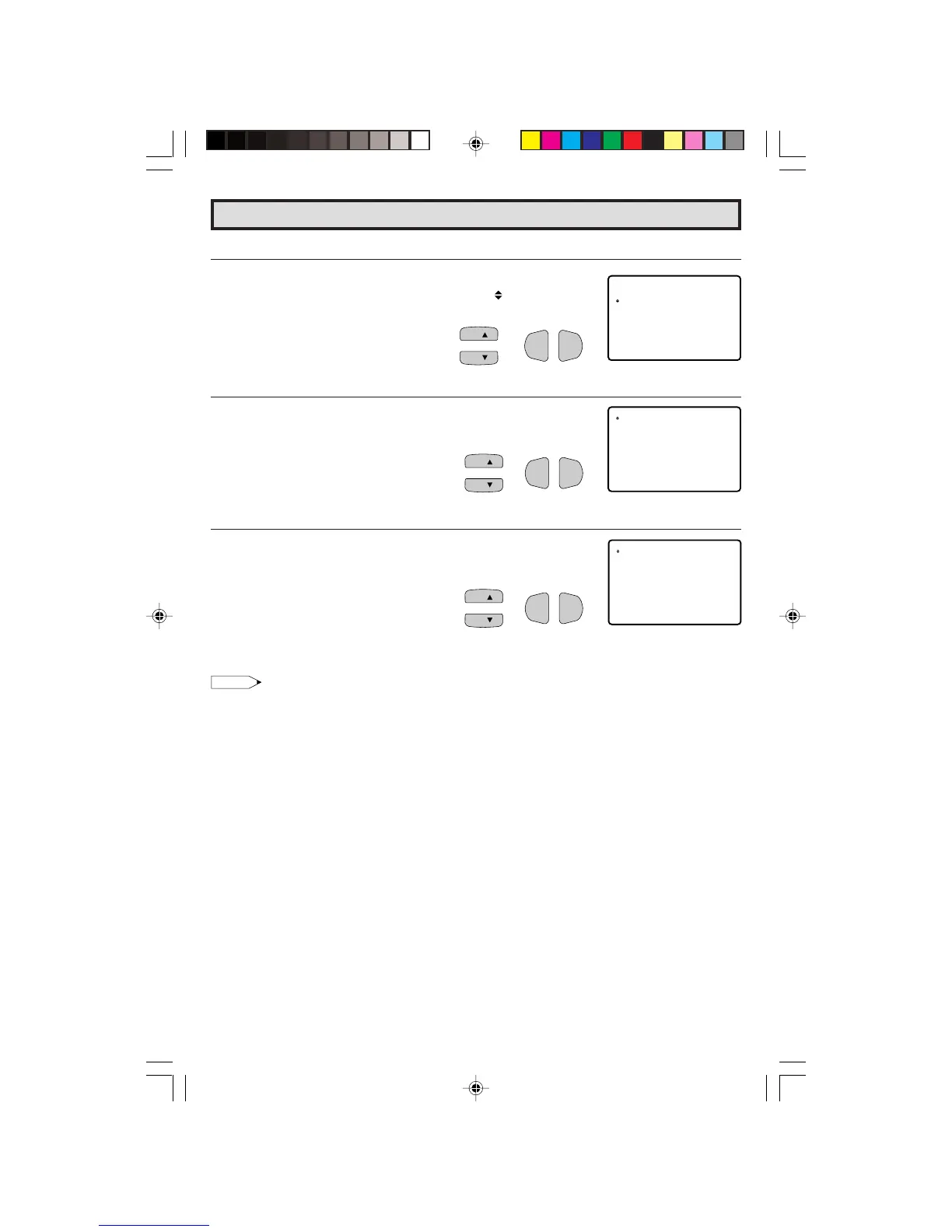
1 Repeat steps 1 to 2 of [3] ADDITIONAL MODE.
2 Press
CH UP (
8
)
or
DOWN (
9
)
to move the “ ” mark to “Cdn.
English Ratings”, then press
VOL (+)
or
(–)
.
3 You can select “BLOCK” or “– – – – –” (unblock) from each RATING
mode by pressing
CH UP (
8
)
or
DOWN (
9
)
and
VOL (+)
or
(–)
.
4 You can select “BLOCK” or “– – – – –” (unblock) from each RATING
mode by pressing
CH UP (
8
)
or
DOWN (
9
)
and
VOL (+)
or
(–)
if
you select “Cdn. French Ratings” in step 2.
Note:
• In additional mode
Including two types (English mode, French mode), altogether you are able to download 4 different
modes.
26-29 27R-S100.p65e 3/4/01, 11:23 AM27


 To Next Page