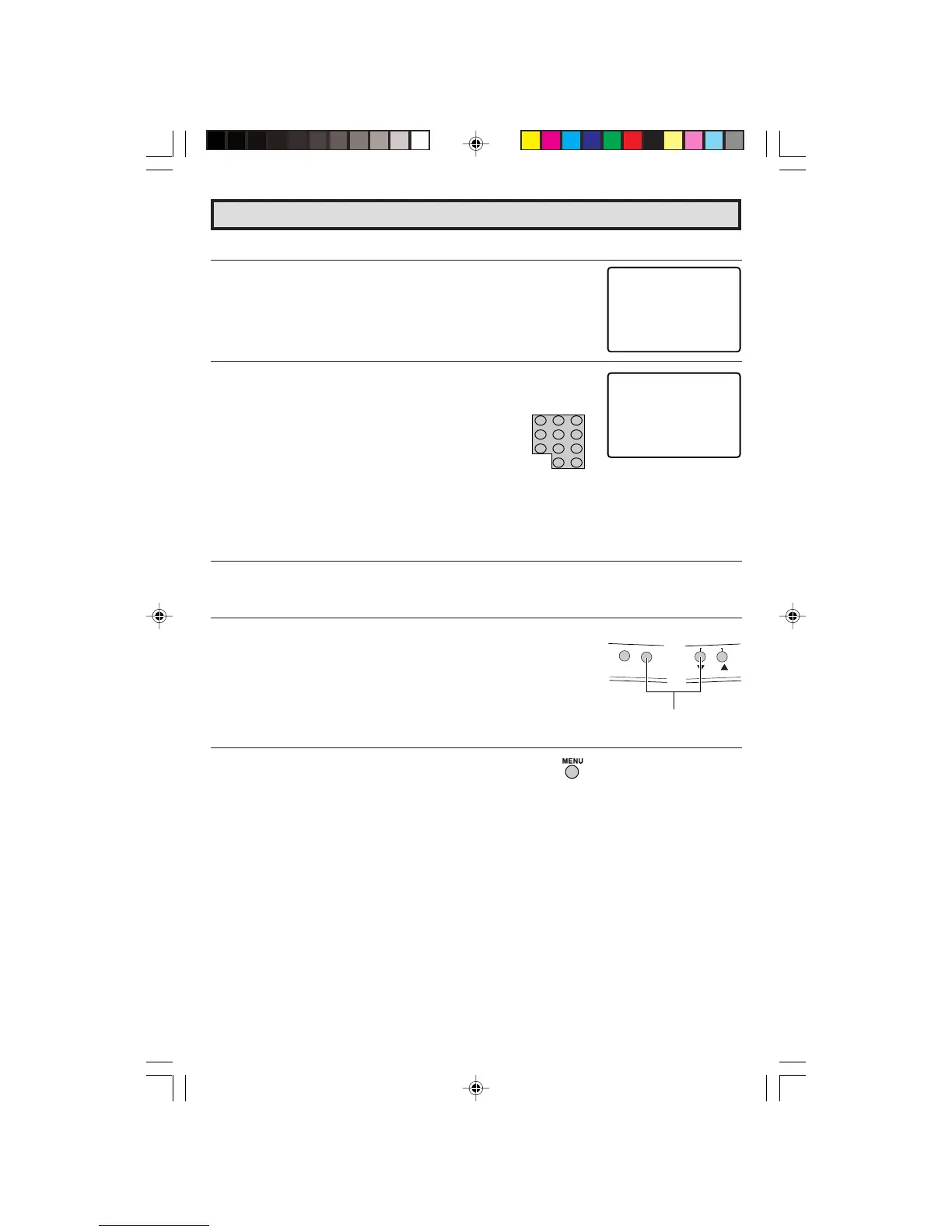
L To change the V-CHIP BLOCK setting. (Secret No. is registered.)
1 Repeat steps 1 to 3 of [1] MPAA RATING, then “INPUT SECRET
No.” will be displayed.
2 Enter the 4-digit SECRET No. using the
REMOTE KEYPAD
and the V-CHIP select mode will be displayed. Repeat
configuration of the V-CHIP BLOCK.
L If you forget or need to change your Secret No., clear the original Secret No. and set
up a new one.
1 Repeat steps 1 to 3 of [1] MPAA RATING, or 1 to 2 of [L To
cancel the V-CHIP BLOCK screen while V-CHIP BLOCK has
been activated], then “INPUT SECRET No.” will be displayed.
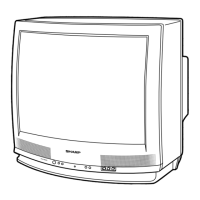
2 Press and hold both
VOL (+)
and
CH DOWN (
9
)
on the TV
set simultaneously until the message “INPUT SECRET No.”
disappears.
3 Press the
MENU
button twice to exit.
Parent Control (V-CHIP Operation Continued)
(On the Set)
VOL (+)/CHANNEL
DOWN (
99
99
9
) buttons
26-29 27R-S100.p65e 5/4/01, 1:43 PM29


 To Next Page