EN-12
ENGLISH
EN-12
SELF CLEAN operation will reduce
the growth of mold fungus with
Plasmacluster ions and dry inside of the
unit. Utilize the operation at seasonal
change over terms or every 4 months.
1
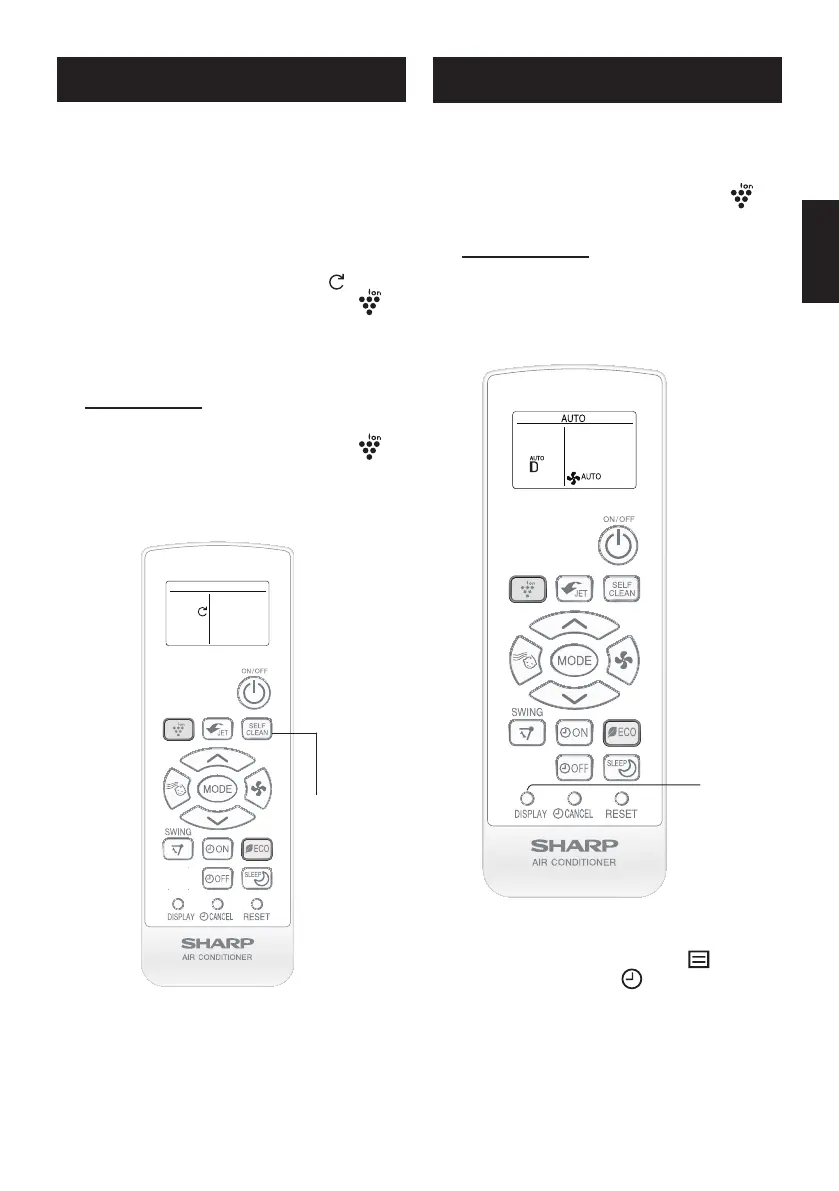
Press the SELF CLEAN button when
the unit is not operating.
•Theremotecontrolwilldisplay“ ”.
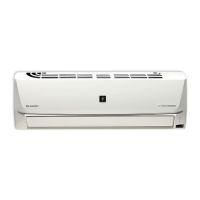
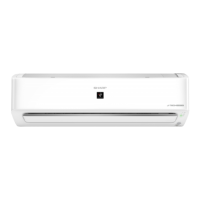
•ThebluePLASMACLUSTERlamp( )
willlightup.
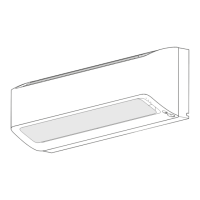
•Thelightingbarwillturntocoolwhite.
• Theunitwillstopoperationafter90minutes.
TO CANCEL
PresstheSELFCLEANbuttonagain.
•ThebluePLASMACLUSTERlamp( )
willturnoff.
SELF CLEAN OPERATION
1
1
DISPLAY BUTTON
1
During operation, press the DISPLAY
button.
•
The blue PLASMACLUSTER lamp ( )will
turn off.
TO LIGHT UP
PresstheDISPLAYbuttonagain.
(For Kind C models only)
NOTE:
•The
greenOPERATIONlamp( )andthe
orangeTIMERlamp( )willnotturnoff
.




 To Next Page