10
LOCATION OF USERS CONTROL (Continued)
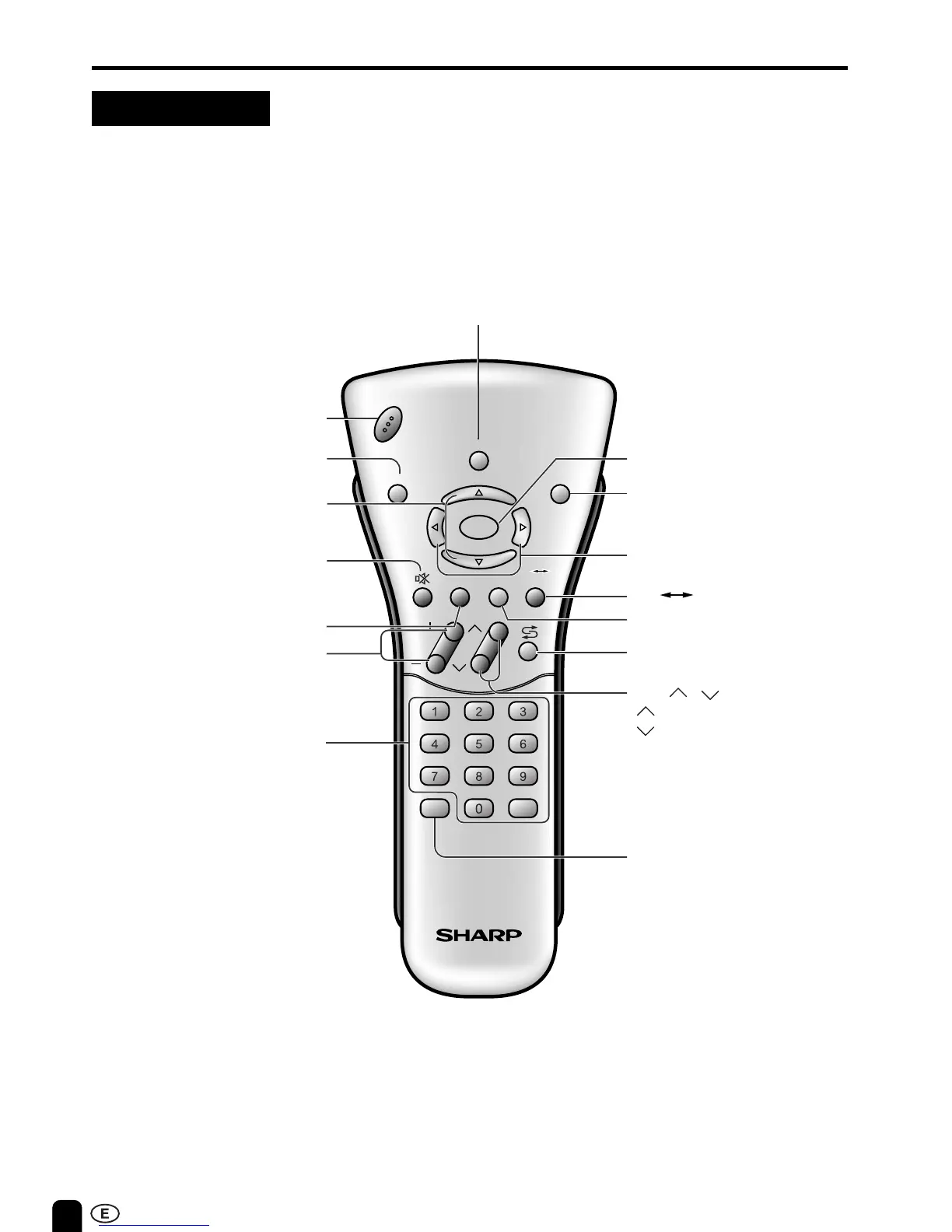
Remote control
CH
VOL
LANGUAGE DIS.MODE
DISPLAY
BRIGHTSLEEP
MENU
POWER
MPX
-/--
TV
VIDEO
MENU (P.14)SLEEP
(P.19)
MENU cursor
(Right/Left Selection) (P.14)
VOL (+)/(–) (P.12)
LANGUAGE (P.15)
POWER
(P.12)
TV VIDEO (P.11)
DIS.MODE (P.25)
MENU cursor
(Upward/Downward Selection)
(P.14)
CHANNEL SELECT (P.13)
CH ( )/( ) (P.13)
Selects next higher channel.
Selects next lower channel.
FLASHBACK
Returns to previous channel.
DISPLAY
Press....Displays receiving channel for 10 seconds.
Channel indication reduces in size after
about 10 seconds.
Press again...Removes display.
Press....Stops sound.
Press again...Returns
sound to previous level.
MPX (P.26)
Switches Audio mode.
BRIGHT (P.24)
The brightness can be
switched between 3 levels.
MUTE (P.12)













 To Next Page