13
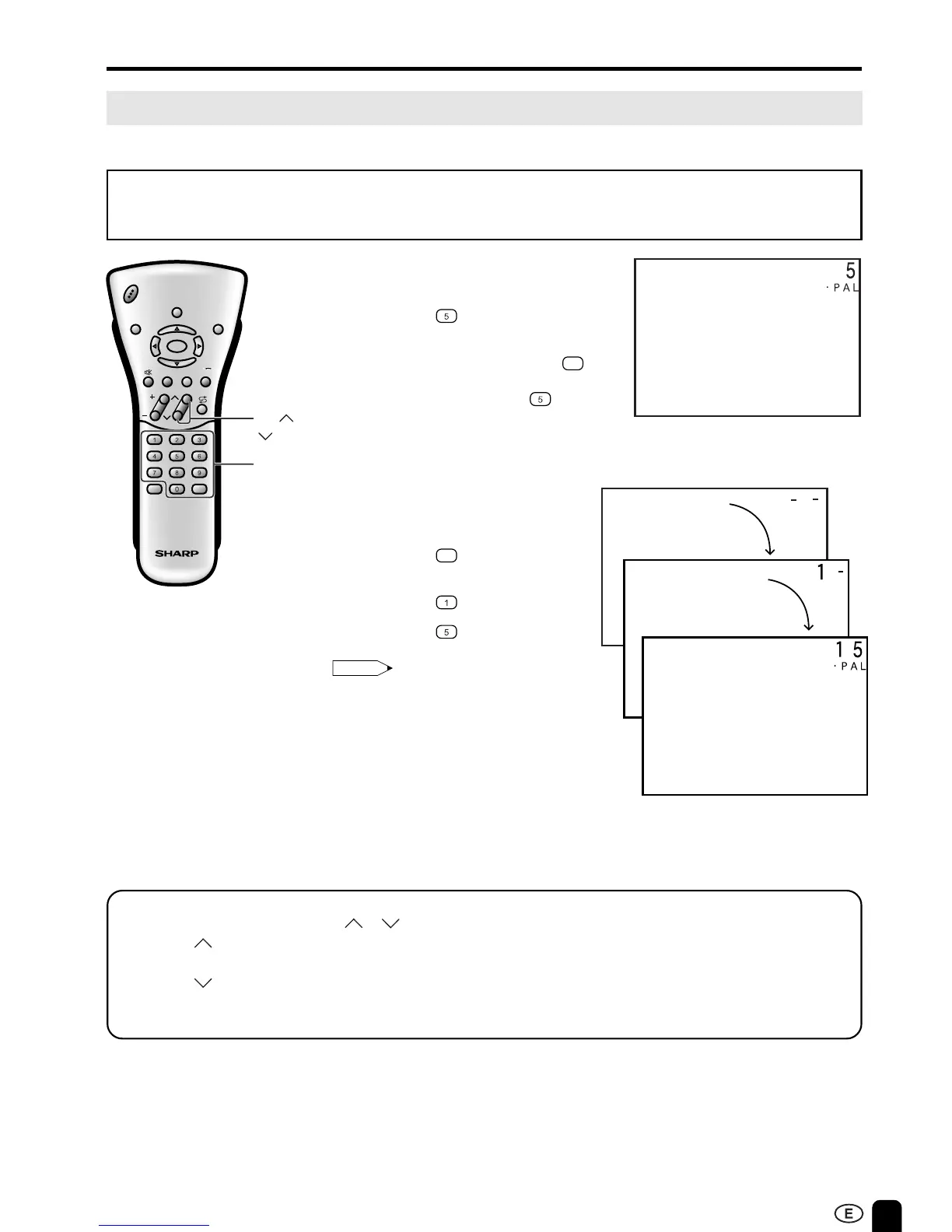
1 Press the button.
2 If “5-” is indicated and the picture
does not change, press the
-/--
button to switch over to the 1-digit
select mode and press
again.
BASIC OPERA TION ( Continued)
Changing the Channels
Changing channels using CHANNEL SELECT on the remote control.
To select a one-digit channel
(e.g., Channel 5):
• To handle the increasing number of channels available, this LCD TV set allows you to select up to
100 positions (Channels 0 to 99). One-digit and two-digit methods of selection can be used. Follow
the procedure shown below to select channels.
1 Press the
-/--
button to set the
2-digit select mode.
2 Press the button.
3 Press the button.
Note:
• Complete this procedure within 4 seconds,
otherwise the selection will not be made.
To select a two-digit channel
(e.g., Channel 15):
Changing channels with CH ( )/( ) on the remote control.
Press CH ( ) and the channels change in the order shown below:
1 → 2 → 3 → . . . → 98 → 99 → 0 → 1 → 2 → 3 → . . .
Press CH (
) and the channels change in the order shown below:
3 → 2 → 1 → 0 → 99 → 98 → . . . → 3 → 2 → 1 → . . .
B/G
B/G
CH
VOL
LANGUAGE DIS.MODE
DISPLAY
BRIGHTSLEEP
MENU
POWER
MPX
-/--
TV
VIDEO
CHANNEL
SELECT
CH ( )/
( )













 To Next Page