15
CH
VOL
LANGUAGE DIS.MODE
DISPLAY
BRIGHTSLEEP
MENU
POWER
MPX
-/--
TV
VIDEO
LANGUAGE
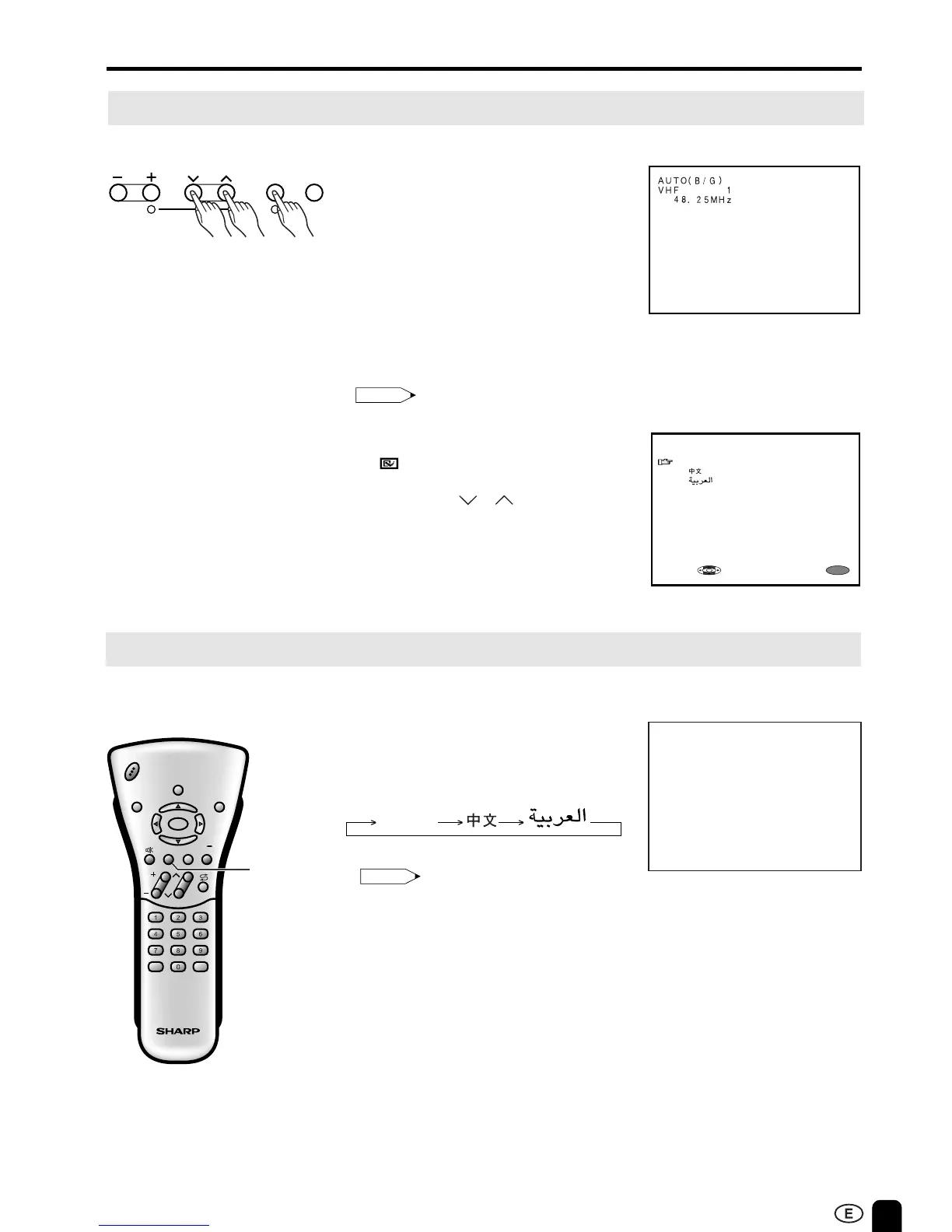
On-Screen Display Language Selection
PRESET
NORMAL
SCREEN
■ MENU on the LCD TV set can also
be used to select the language.
Upper control panel
1 Press MENU on the upper part of
the LCD TV set for more than two
seconds to display the PRESET
mode screen.
2 Press MENU twice to display the
LANGUAGE select mode screen.
Press MENU again to change the
PRESET mode as shown below.
AUTO → MANUAL → LANGUAGE →
3 Press CH ( )/( ) to select the
language you wish to display.
4 Press MENU to return to the
normal screen.
Note:
•
Instead of pressing MENU for more than
two seconds, you can display the
LANGUAGE select mode by selecting
FEATURE
→
LANGUAGE on the
Menu screen.
VOL CH MENU TV/VIDEO
12
PRESET
1,2,43
ENGLISH
MENU
SELECT:
EXIT:
* In this example, the LC-20E1M
model is used. Refer to page 7
if you are using the LC-13E1M
and LC-15E1M models.
Adjusting the LANGUAGE Settings
1 Press LANGUAGE to display the
LANGUAGE screen.
2 Press LANGUAGE to change the
setting.
Note:
• The LANGUAGE screen automatically
disappears in 3 seconds.
LANGUAGE [ENGLISH]
ENGLISH
Directly setting the LANGUAGE













 To Next Page