16
Note:
•
When starting PRESET after setting the
SOUND SYSTEM with MENU of the
Remote Control, the SOUND SYSTEM
for all channels are stored into memory.
•
Unused channels are automatically
skipped.
•
The Preset mode is only available in the
TV mode and cannot be operated in the
AV mode.
Sound System
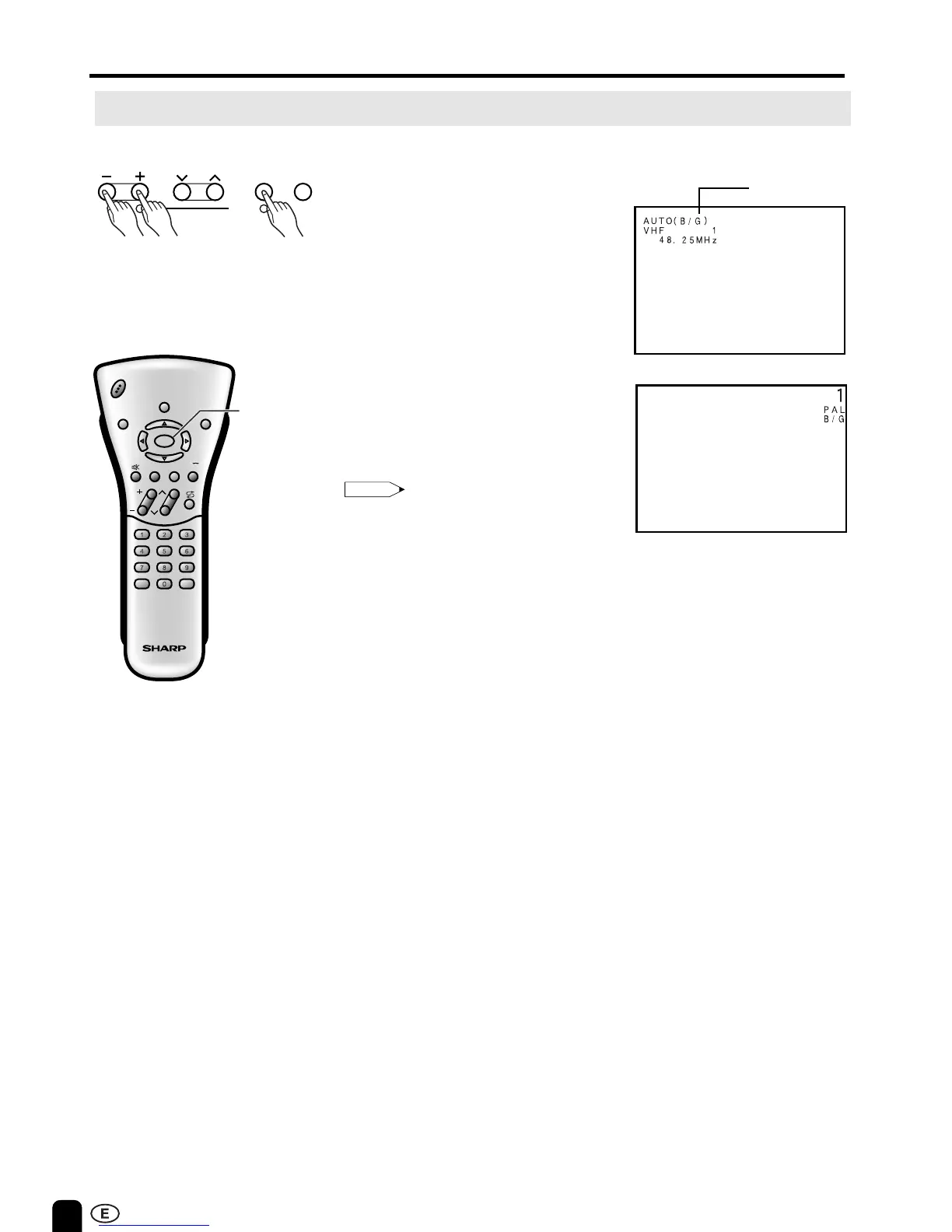
Presetting the Channels (AUTO)
■ Automatically tunes in and presets
receivable TV stations.
Make sure the antenna cable is
properly connected.
(Auto mode screen)
12
VOL CH MENU TV/VIDEO
12
PRESET
1 Press MENU (PRESET-1) on the
upper part of the LCD TV set for
more than two seconds. The
AUTO mode screen appears.
2 Press VOL (–)/(+) (PRESET-2)
on the upper part of the LCD TV
set.
All the TV stations in your area
that can be received by the LCD
TV set are automatically preset.
3 The screen shows whatever is on
channel 1 when full auto channel
preset is finished.
Upper control panel
CH
VOL
LANGUAGE DIS.MODE
DISPLAY
BRIGHTSLEEP
MENU
POWER
MPX
-/--
TV
VIDEO
MENU
PRESET (Continued)













 To Next Page