EasyManua.ls Logo

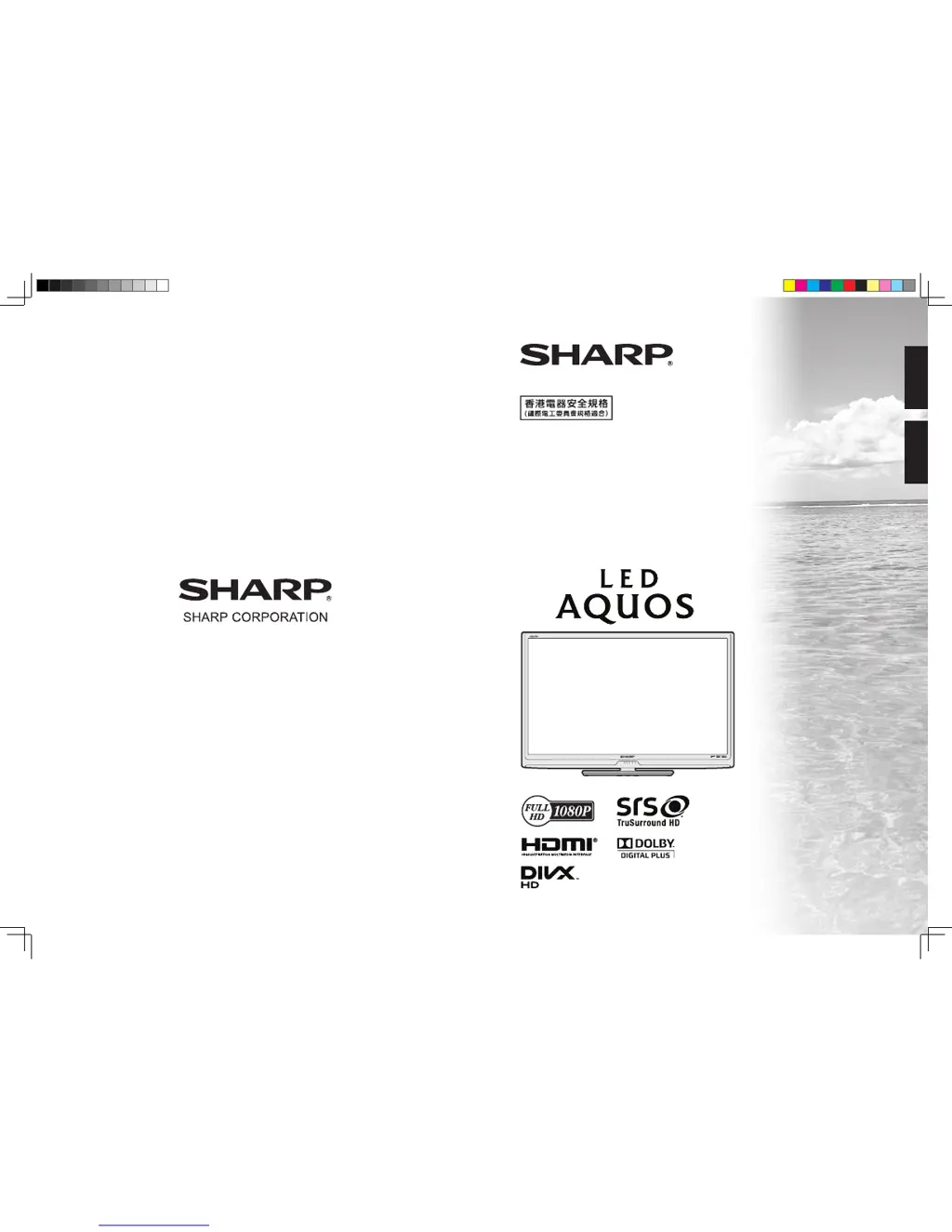
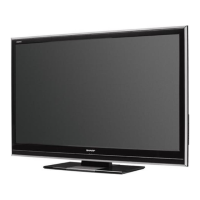
Sharp AQUOS LC-46LX530H - User Manual

Sharp AQUOS LC-46LX530H
81 pages
Print Icon
To Next Page IconTo Next Page
Loading...
TINS-F220WJZZ
LC-40LX530H
LC-46LX530H
SLEEP
OPC
POWER
液晶彩色電視機
LCD COLOUR TELEVISION
使用說明書
OPERATION MANUAL
ENGLISH
中文
cover_40LX530H.indd 1 2011-6-14 10:18:11

Table of Contents

Questions and Answers

  • A
    Amanda LivingstonAug 13, 2025
    What to do if my Sharp AQUOS LC-46LX530H has no power?
    • M
      Mrs. Isabel CarterAug 13, 2025
      First, ensure you have pressed the POWER button on the remote control. If the indicator light on the TV is red, press POWER again. Also, check if the AC cord is properly connected and that the power is turned on.
  • N
    Natalie MooreAug 16, 2025
    Why does my Sharp LCD TV remote control not work?
    • L
      Leslie GonzalezAug 16, 2025
      Check if the batteries are correctly inserted, aligning the polarity (e, f). Also, ensure the batteries are not worn out and replace them if needed. Strong or fluorescent lighting or a fluorescent light shining on the remote control sensor may also interfere with the remote control's operation.
  • A
    Alexander SalazarAug 20, 2025
    What to do if my Sharp AQUOS LC-46LX530H LCD TV suddenly turns off?
    • P
      Pamela LeeAug 20, 2025
      The unit might be overheating, so remove any obstructions from the vents or clean them. You may also need to check the ECO setting or the sleep timer setting.
  • B
    Brian SmithAug 25, 2025
    Why is there no sound on my Sharp AQUOS LC-46LX530H?
    • A
      Anthony WhitakerAug 25, 2025
      Check if the volume is set too low. Also, ensure that headphones are not connected to the TV.
  • M
    Matthew RomeroAug 27, 2025
    Why does my Sharp AQUOS LC-46LX530H LCD TV have no picture?
    • A
      afernandezAug 27, 2025
      First, verify that all connections to external equipment are correct. Ensure the input signal setup has been performed correctly after connection and that the correct input is selected. Also, check the picture adjustments and antenna connection. Finally, make sure that “On” is not selected in “Audio only”.
  • D
    Damon MendezAug 31, 2025
    Why does my Sharp LCD TV have strange color?
    • L
      Lisa MorseAug 31, 2025
      Try adjusting the picture tone. If the room is too bright, the picture may appear dark. Also, check the color system setting, the input signal setting and the HDMI auto view setting.
  • X
    xperezSep 4, 2025
    What to do if my Sharp AQUOS LC-46LX530H failed to receive broadcast?
    • E
      erin21Sep 4, 2025
      Check the antenna cable and ensure the antenna is correctly set up.
  • L
    lindasmithSep 8, 2025
    What to do if Sharp AQUOS LC-46LX530H LCD TV unit cannot be operated?
    • P
      Pamela BradleySep 8, 2025
      If external influences such as lightning or static electricity are affecting the unit, turn the TV off or unplug the AC cord, wait 1 or 2 minutes, and then re-plug it in before operating the unit.

Summary

Precautions for Daily Use

Maintenance of the Cabinet

Instructions for cleaning the TV's exterior casing.

Important Safety Precautions

General Safety and Cabinet Precautions

Covers cleaning, avoiding water, heat sources, fire hazards, and cabinet placement.

Panel and Transport Safety

Safe practices for handling the LCD panel and transporting the TV.

Preparation

Wall-Mounted TV Installation

Instructions and safety warnings for mounting the TV on a wall.

Attaching the Stand

Procedure for correctly attaching the TV's base stand.

Before Turning On the Power

Connecting Antenna and Cables

Instructions for connecting the TV antenna and securing cables.

Connecting External Devices

Overview of connecting other audio/video equipment.

Connecting External Devices

Connecting a PC

Instructions for connecting a computer to the TV.

Turning the TV On;Off

Power On;Off and Standby Mode

Procedures for switching the TV between power states.

Initial Auto Installation

Guided setup process for the TV upon first use.

Checking Signal Information

How to verify and adjust antenna signal reception.

Checking Signal Information (Continued)

Channel Setup

Configuring D-TV channels manually or automatically.

Digital Setup

Settings for digital TV services like auto search and manual tuning.

Auto Installation

Running the automatic channel search process again.

Channel Setup (Continued)

Picture Adjustments

ECO Menu

Setup Menu

Installation and Programme Setup

Initial setup and channel configuration.

Picture and Display Settings

Options for image quality, display modes, and parental controls.

Setup menu (Continued)

Digital Setup Menu

Audio and Subtitle Language Settings

Selecting preferred audio and subtitle languages.

Time Zone and OAD Setup

Setting local time zone and managing over-the-air software updates.

Programme Guide

Basic Programme Guide Operation

How to display and navigate the EPG.

Info

EPG (Electronic Programme Guide)

EPG Setup and Operation

Setting up and navigating the EPG for programme search.

Reminder Timer Setting

Scheduling reminders for upcoming programmes.

EPG (Continued)

Viewing and Cancelling Reminders

Managing scheduled programme reminders.

Connecting a PC

Analogue PC Connection

Specific steps for analogue connection via PC terminals.

Connecting a USB Device

Appendix

Troubleshooting

Diagnosing and resolving common TV operational problems.

Digital Broadcasting Reception Errors

Specific error messages for digital broadcasts and their solutions.

Specifications

Clearing the Password

Sharp AQUOS LC-46LX530H Specifications

General IconGeneral
BrandSharp
ModelAQUOS LC-46LX530H
CategoryLCD TV
LanguageEnglish

Related product manuals