EasyManua.ls Logo

Sharp Aquos LC-46LE700X - User Manual

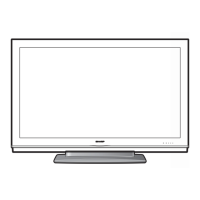
Sharp Aquos LC-46LE700X
76 pages
Print Icon
To Next Page IconTo Next Page
Loading...
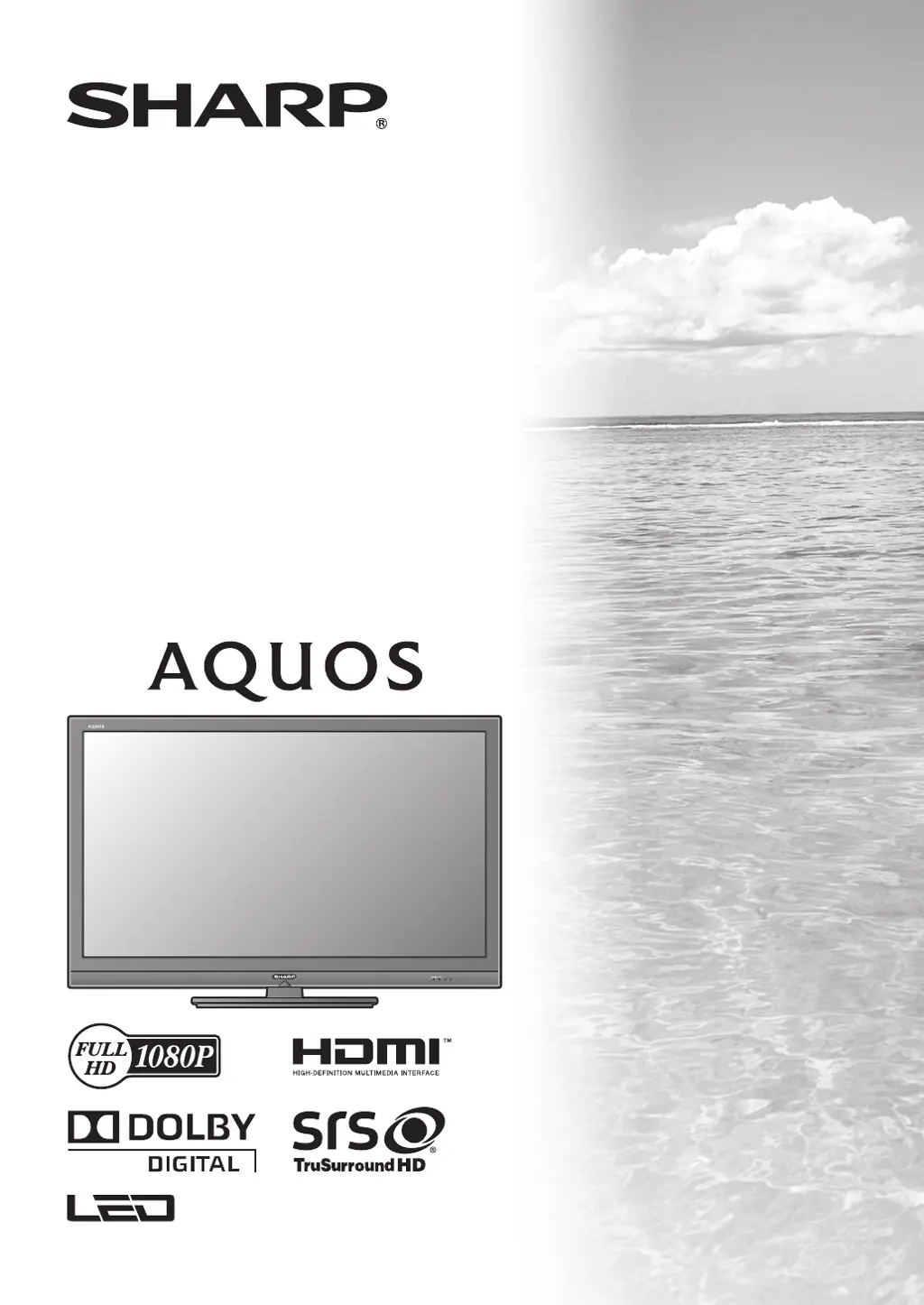
MODEL
LC-46LE700X
LC-52LE700X
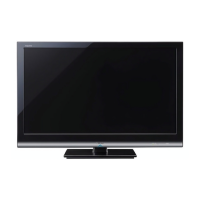
LCD COLOUR TELEVISION
OPERATION MANUAL
Cover_LC-46LE700X.indd 1Cover_LC-46LE700X.indd 1 11/23/2009 1:48:55 PM11/23/2009 1:48:55 PM

Table of Contents

Questions and Answers

  • C
    cclineAug 12, 2025
    How to troubleshoot no power on my Sharp LCD TV?
    • J
      Jody HernandezAug 12, 2025
      First, ensure that you have pressed the POWER button on the remote control. If the indicator light on your Sharp LCD TV is red, press POWER on the TV itself. Also, check if the AC cord is properly connected and that the power is turned on.
  • M
    moranchristopherAug 16, 2025
    What to do if there is no sound on my Sharp Aquos LC-46LE700X LCD TV?
    • B
      Brian HarrisAug 16, 2025
      First, check the volume level on your Sharp LCD TV and increase it if it's too low. Also, ensure that headphones are not connected to the TV.
  • K
    Karen BlankenshipAug 20, 2025
    Why does my Sharp Aquos LC-46LE700X remote control not work?
    • E
      Eric HaynesAug 20, 2025
      Check if the batteries in your Sharp LCD TV remote control are inserted with the correct polarity (+/-). Replace the batteries with new ones if they are worn out. Strong or fluorescent lighting, or a fluorescent light shining on the remote control sensor, may also interfere with the remote's operation.
  • S
    Sharon RobertsAug 25, 2025
    Why is there no picture on my Sharp Aquos LC-46LE700X?
    • T
      thompsonaaronAug 25, 2025
      Check if the connection to external equipment is correct. Ensure the correct input is selected on your Sharp LCD TV. Verify the picture adjustments are properly set. Make sure the antenna is connected correctly. Also, check if “On” is selected in “Audio only”.
  • S
    Sherri WhiteAug 28, 2025
    Why does my Sharp Aquos LC-46LE700X power off suddenly?
    • C
      Christian VelasquezAug 28, 2025
      If your Sharp LCD TV is suddenly turning off, it may be due to an increase in the unit’s internal temperature. Remove any objects blocking the vent or clean the vent. Check the ECO setting. Also, make sure the sleep timer is not set.
  • E
    Emily MasonAug 31, 2025
    What to do if my Sharp Aquos LC-46LE700X LCD TV cannot be operated?
    • R
      Robert OlsonAug 31, 2025
      External factors like lightning or static electricity might be causing your Sharp LCD TV to malfunction. Turn off the TV or unplug the AC cord, wait one or two minutes, and then plug it back in to see if that resolves the issue.
  • B
    Brittney SotoSep 4, 2025
    How to fix strange colors on my Sharp Aquos LC-46LE700X LCD TV?
    • L
      Lisa WilliamsSep 4, 2025
      Try adjusting the picture tone on your Sharp LCD TV. If the room is too bright, the picture may appear dark. Check the color system setting and the HDMI auto view setting.
  • R
    Richard FrostSep 8, 2025
    What to do if the picture is cut off on my Sharp Aquos LC-46LE700X?
    • M
      Miguel KirbySep 8, 2025
      Check if the image position is correct on your Sharp LCD TV. Also, verify that the screen mode adjustments, such as picture size, are made correctly.

Sharp Aquos LC-46LE700X Specifications

General IconGeneral
Screen Size46 inches
Resolution1920 x 1080 pixels
Display TypeLCD
Backlight TypeLED
Brightness450 cd/m²
Response Time6 ms
HDMI Ports4
USB Ports1
Audio Output10W x 2
Refresh Rate120 Hz
Weight23.5 kg (with stand)
Viewing Angle176° (H) / 176° (V)

Related product manuals