43
GENERAL INFORMATION Power save modes
POWER SAVE MODES
Setting the power save modes
The time that elapses before the copier enters a power save mode after any
operation is made can be set manually. This time is set with user program No.
2 for the preheat mode and user program No. 3 for the auto power shut-off
mode. For these settings, see page 36.
●
The copier will enter the preheat mode first and then the auto power
shut-off mode after a preset time has elapsed when no copier operation
has been made.
●
If conflicting settings are made with user programs No. 3 and No. 5, the
last program set will have priority.
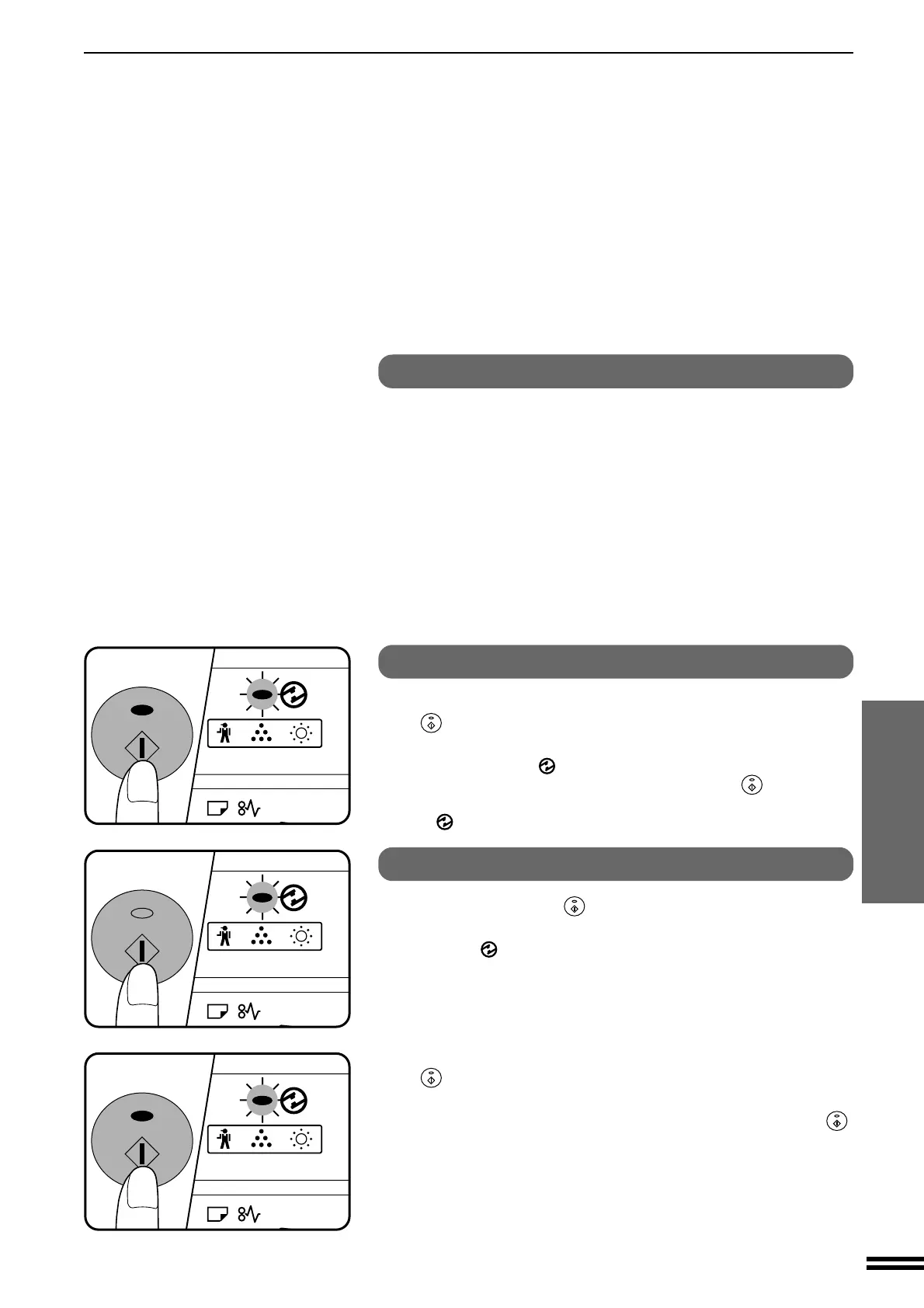
Copying from the preheat mode
Make desired copier selections and press the START
(
) key using the normal copying procedure.
●
When any key input is made or any other copier operation is made, the
POWER SAVE (
) indicator will start to blink.
●
When the START key is pressed, the START key (
) indicator will
go out and copying will start within 10 seconds. The POWER SAVE
( ) indicator will go out when copying starts.
Copying from the auto power shut-off mode
1
Press the START (
) key.
●
The copier will exit the auto power shut-off mode and the POWER
SAVE (
) indicator will start to blink.
2
Make desired copier selections and press the START
(
) key using the normal copying procedure.
●
It will take approximately 35 seconds for the copier to start copying.
However, you can make desired settings and press the START (
)
key during warm-up. Copying will start after warm-up is finished.
Downloaded from: http://www.usersmanualguide.com/



 To Next Page