Main Sub
Item Content
Adjustment
code code range
64 Self-printing. SIMULATION No.64- _
1.SELF-PRINTING
INPUT SUB NO. AND PRESS PRINT SWITCH
01 Self-printing. * Printing is possible only when the copier is equipped with an optional printer
board.
[Content] If the [PRINT] key is pressed after entering a sub code, the copier exits the
simulation and starts warming up. After warming up, the copier becomes the copy
ready state. At this time, if the [PRINT] key is pressed after selecting the self-print-
ing pattern you want to copy, copies can be made in the selected self-printing
pattern mode. However, the multiple copy function is not available.
* The self-printing pattern numbers are displayed on the COPIES SELECTED
display and the tone on the magnification ratio display.
• [1] key
• [C], [2] keys
• [C], [3] keys
(a) Operation/display
[PRINT]: Copies can be made in a selected self-printing mode.
[0-3]: Selects among the self-printing modes
[C]: Clears a selected sub code in the self-printing mode
[REDUCTION]: Switches over the tone levels displayed on the magnification ratio
display,
in the order of 255 → 128 → 64 → 32 → 16 → 0.
[ENLARGEMENT]: Switches over the tone levels displayed on the magnification ratio
display,
in the order of 0 → 16 → 32 → 64 → 128 → 255
[ZOOM]: Increases or decreases the tone level displayed on the magnifica-
tion ratio display.
[MAGNIFICATION
AUTO SELECT]
Switches over the direction of the paper (longitudinal/vertical)
To clear the self-printing copy mode:
1. Turn ON/OFF the main switch (on the left-side of the copier), or
2. Enter the simulation mode and press the [CA] key to exit the simulation mode.
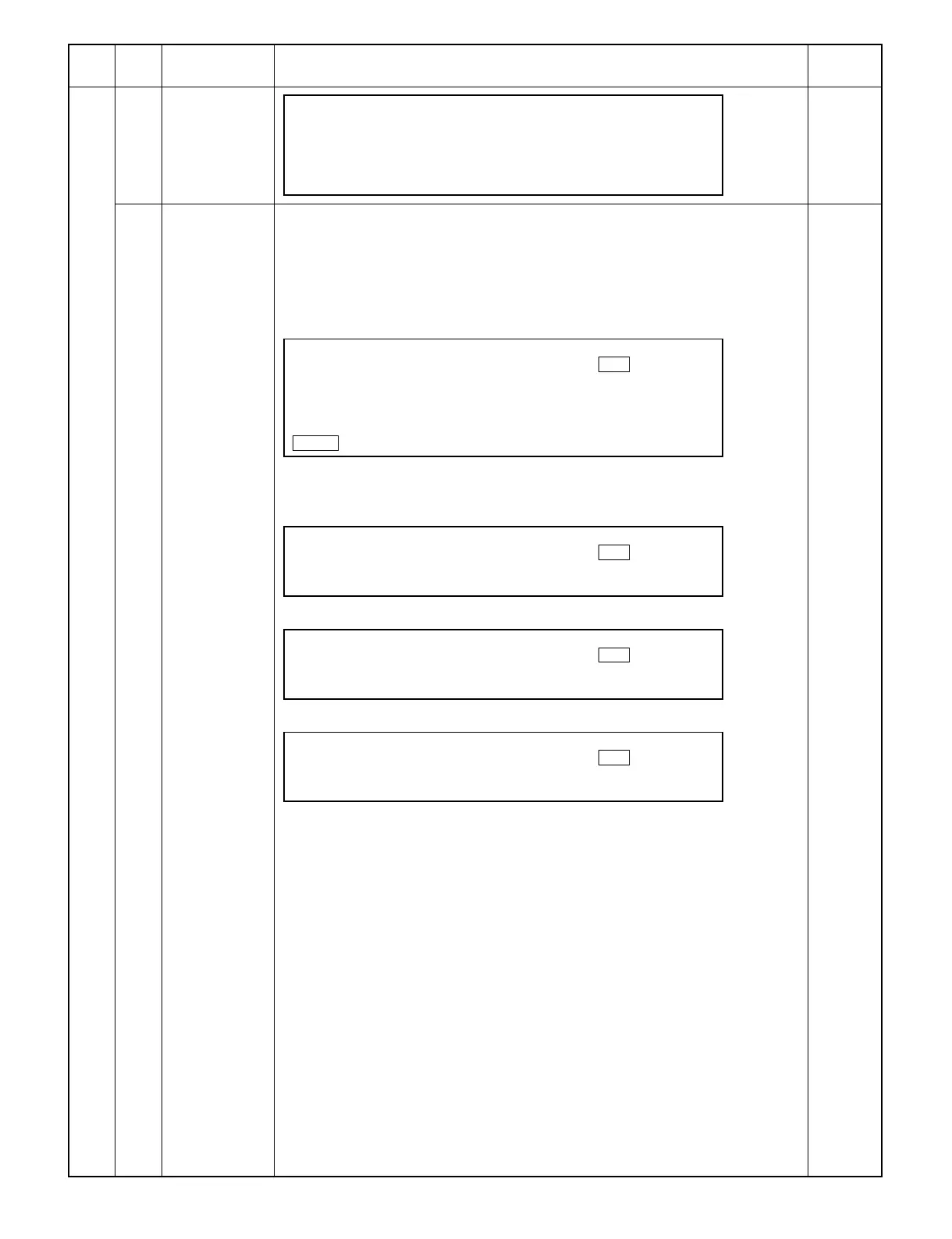
READY TO COPY
SELF-PRINTING MODE 0
ALL 1by1
HEIGHT
COPY RATIO
255%
READY TO COPY
SELF-PRINTING MODE 1
ALL 1by2
HEIGHT
READY TO COPY
SELF-PRINTING MODE 2
ALL 1by3
HEIGHT
READY TO COPY
SELF-PRINTING MODE 3
ALL 2by2
HEIGHT
9 – 84



 To Next Page