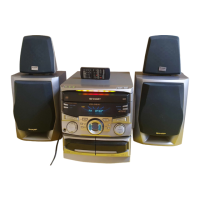
OPERATION
MANUAL
n
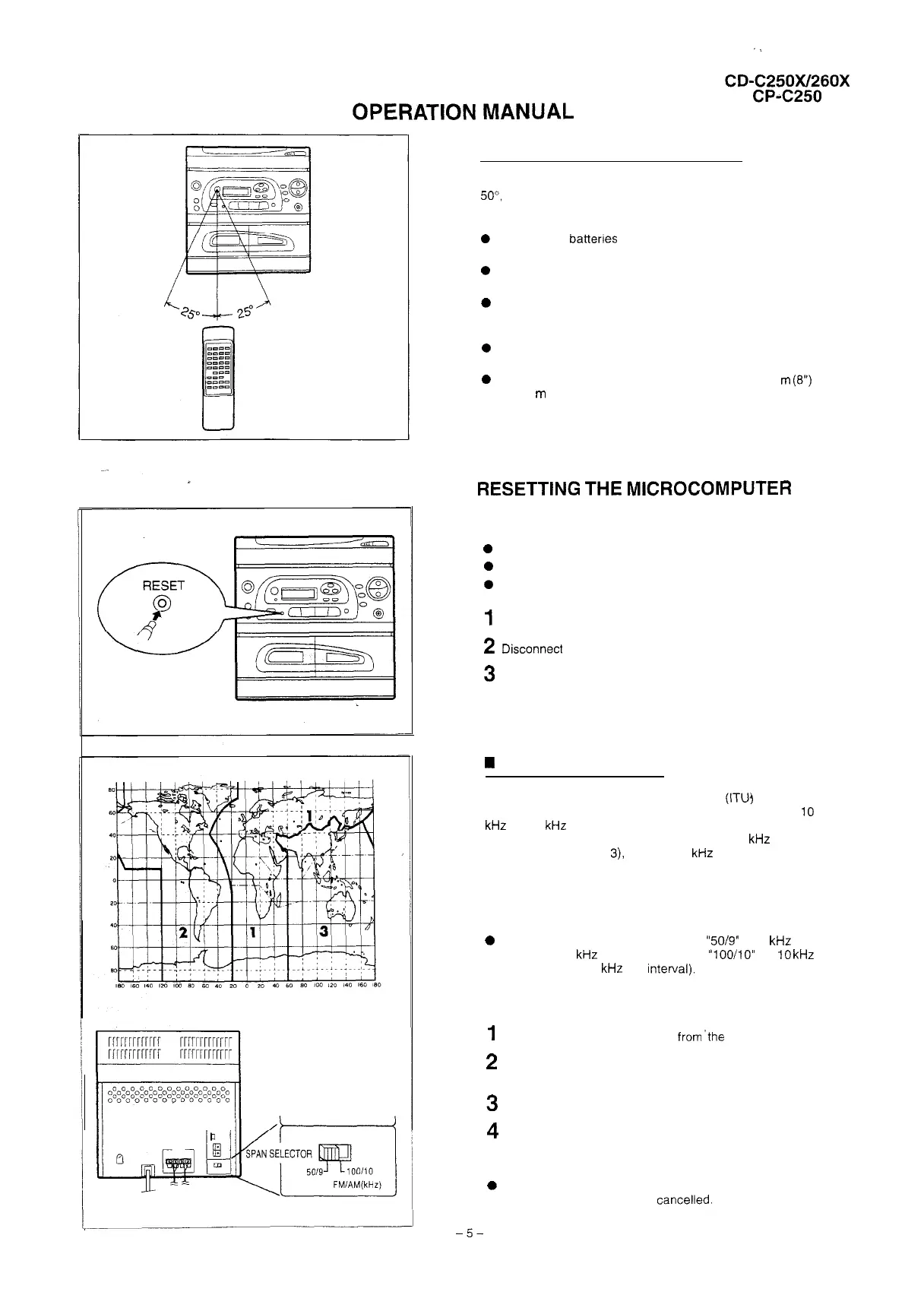
Proper use of the remote control
Aim the remote control at the remote control sensor within
50”,
with no obstacles, and operate as shawn.
Notes concerning use:
0
Replace the battenes if control distance decreases or
operation becomes erratic.
0
Periodically clean the transmitter window on the remote
control and the sensor on the main unit with a soft cloth.
0
Exposing the sensor on the main unit to strong light can
interfere with operation. Change the lighting or the direc-
tion of the unit.
0
Keep the remote control away from moisture, excessive
heat, shock, and vibrations.
0
The remote control’s usable range is between 0.2
m
(6”)
and 6
m
(20’) away from the sensor.
RESETTING
THE
MICROCOMPUTER
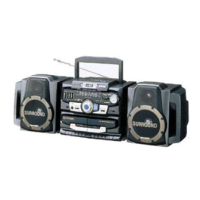
Reset the microcomputer by performing the following
procedure for the cases shown below:
0
To erase all of the stored memory contents, or
0
If the display does not function properly, or
0
The unit does not operate properly.
1
Set the POWER switch to STAND-BY.
2
Dtsconnect
the AC power lead from the AC socket.
3
Press the RESET button for at least 5 seconds
H
AM/FM interval (span)
The International Telecommunication Union
(ITUJ
has estab-
lished that member countries should maintain either a
10
kHz
or a 9
kHz
interval between broadcasting frequencies
of any AM station. The illustration shows the 9
kHz
interval
zones (regions 1 and
3),
and the 10
kHz
interval zone (re-
gion 2).
Before using the unit, set the SPAN SELECTOR switch (on
the rear panel) to AM tuning interval (span) of your area.
0
Set the SPAN SELECTOR switch to
“5019”
for 9
kHz
AM
interval (50
kHz
FM interval), and
“lOO/lO”
for
10
kHz
AM interval (100
kHz
FM Interval).
To change the tuning zone:
1
Disconnect the AC power lead
from’the
AC socket
2
Press the RESET button on the front panel for at least
3
seconds.
3
Set the SPAN SELECTOR switch as desired.
4
Reconnect the AC power lead into an AC socket.
Note:
0
When the SPAN SELECTOR switch is switched, the
memorised stations will be cancelled.
-5-


 To Next Page