EasyManua.ls Logo

Sharp CP-SW1000W - User Manual

Sharp CP-SW1000W
11 pages
Print Icon
To Next Page IconTo Next Page
Loading...
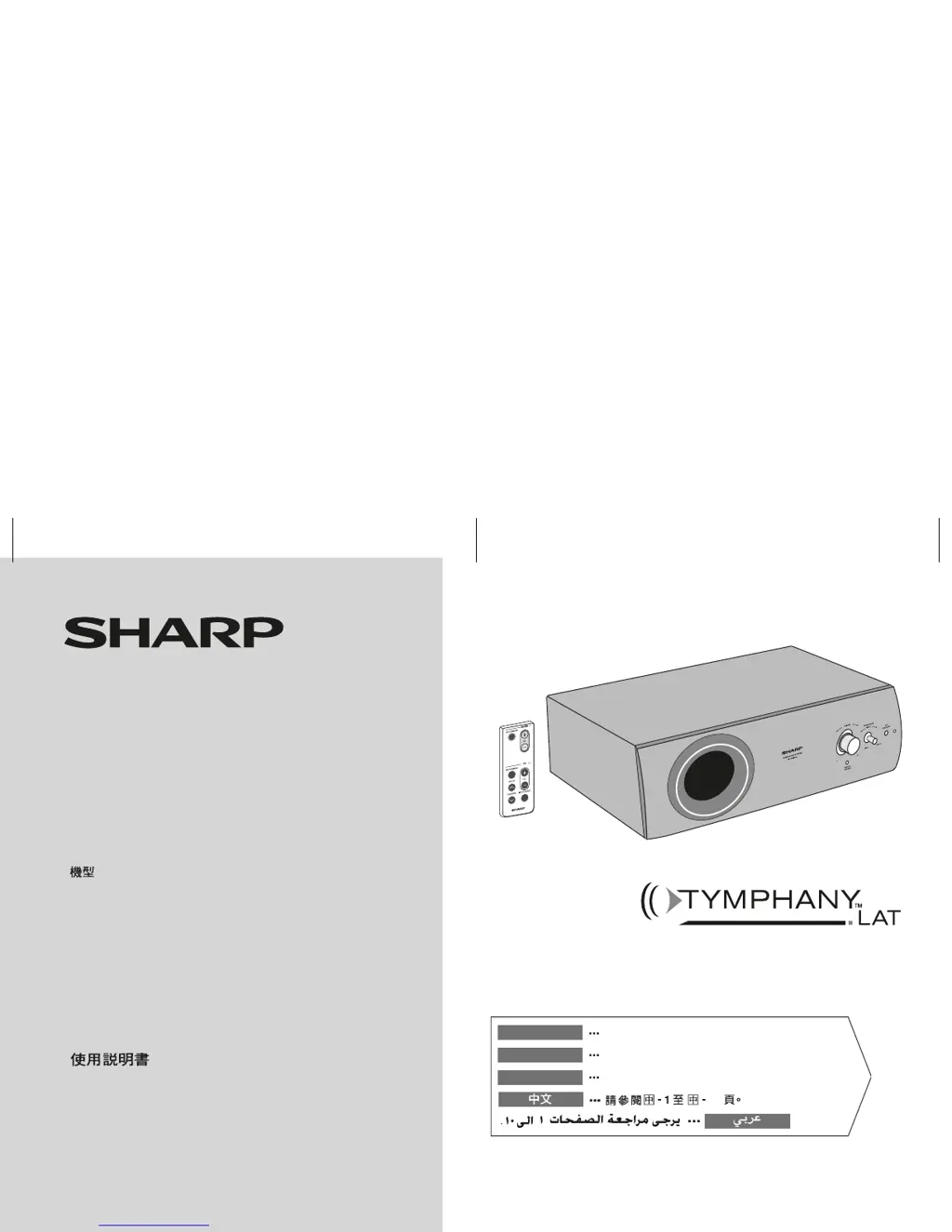
SUBWOOFER SYSTEM
CAISSON DE BASSES
SISTEMA SUBWOOFER
ѳࡱছ಴ᒐՁ஛
CP-SW1000W
10
Se reporter aux pages F-1 à F-10.
Consulte las páginas S-1 a S-10.
FRANÇAIS
ESPAÑOL
Please refer to pages E-1 to E-10.
ENGLISH
SHARP CORPORATION
MODEL
MODÈLE
MODELO
OPERATION MANUAL
MODE D’EMPLOI
MANUAL DE MANEJO
Note:
This product is recommended for flat panel (LCD and plasma)
TV and CRT TV.

Questions and Answers

  • B
    Brian CruzAug 7, 2025
    How to fix no sound on Sharp CP-SW1000W Subwoofer?
    • B
      brian53Aug 7, 2025
      If you're not hearing any sound from your Sharp Subwoofer, first verify that the input signal setting is correct. If the input is correctly set, check if the volume level is set to “0”. If so, increase the volume.
  • A
    Ashley ThomasAug 11, 2025
    Why is my Sharp CP-SW1000W Subwoofer remote control not working?
    • P
      Phillip Brown DDSAug 11, 2025
      If your Sharp Subwoofer remote control isn't working right, first ensure the battery polarity is correct. If that's not the issue, try replacing the battery. Also, make sure you're not too far away or at a bad angle, and that nothing is blocking the signal to the subwoofer. Strong light shining on the remote sensor could also be the problem, so try dimming the lights. Finally, make sure you are only using the remote control intended for the subwoofer.
  • J
    jessicabarkerAug 15, 2025
    Why Sharp Subwoofer cannot be turned on with the remote control?
    • J
      James OlsonAug 15, 2025
      If your Sharp Subwoofer isn't turning on, begin by ensuring it's properly plugged into the power outlet. If it still doesn't power up using the remote, check to see if the battery is inserted correctly.
  • M
    Matthew GarrisonAug 20, 2025
    Why is my Sharp Subwoofer power not turned on?
    • U
      ufigueroaAug 20, 2025
      If your Sharp Subwoofer isn't turning on, the first thing to check is whether it's properly plugged in. If it is plugged in, it's possible the protection circuit has been activated. If you suspect this, unplug the subwoofer, wait for at least 5 minutes, and then plug it back in.
  • T
    Thomas CortezAug 25, 2025
    What to do if I hear noise during playback on my Sharp CP-SW1000W Subwoofer?
    • C
      Curtis DunnAug 25, 2025
      If you're experiencing noise during playback with your Sharp Subwoofer, move the subwoofer away from any computers or mobile phones.
  • C
    Clifford HolmesAug 28, 2025
    What to do if Sharp CP-SW1000W Subwoofer button does not respond?
    • C
      Cynthia BradshawAug 28, 2025
      If your Sharp Subwoofer isn't responding when you press a button, try setting the unit to stand-by mode and then turning it back on.
  • A
    Anne SchmidtSep 1, 2025
    Why TV cannot be operated with the Sharp Subwoofer remote control?
    • K
      Kelsey TurnerSep 2, 2025
      When using the remote control of this unit, some or all TV functions may not be operable. Use the remote control supplied with the TV.

Sharp CP-SW1000W Specifications

General IconGeneral
TypeActive Subwoofer
Driver Size10 inches
Impedance8 Ohms
Sensitivity88 dB
Weight12.5 kg

Related product manuals