ENGLISH
E-7
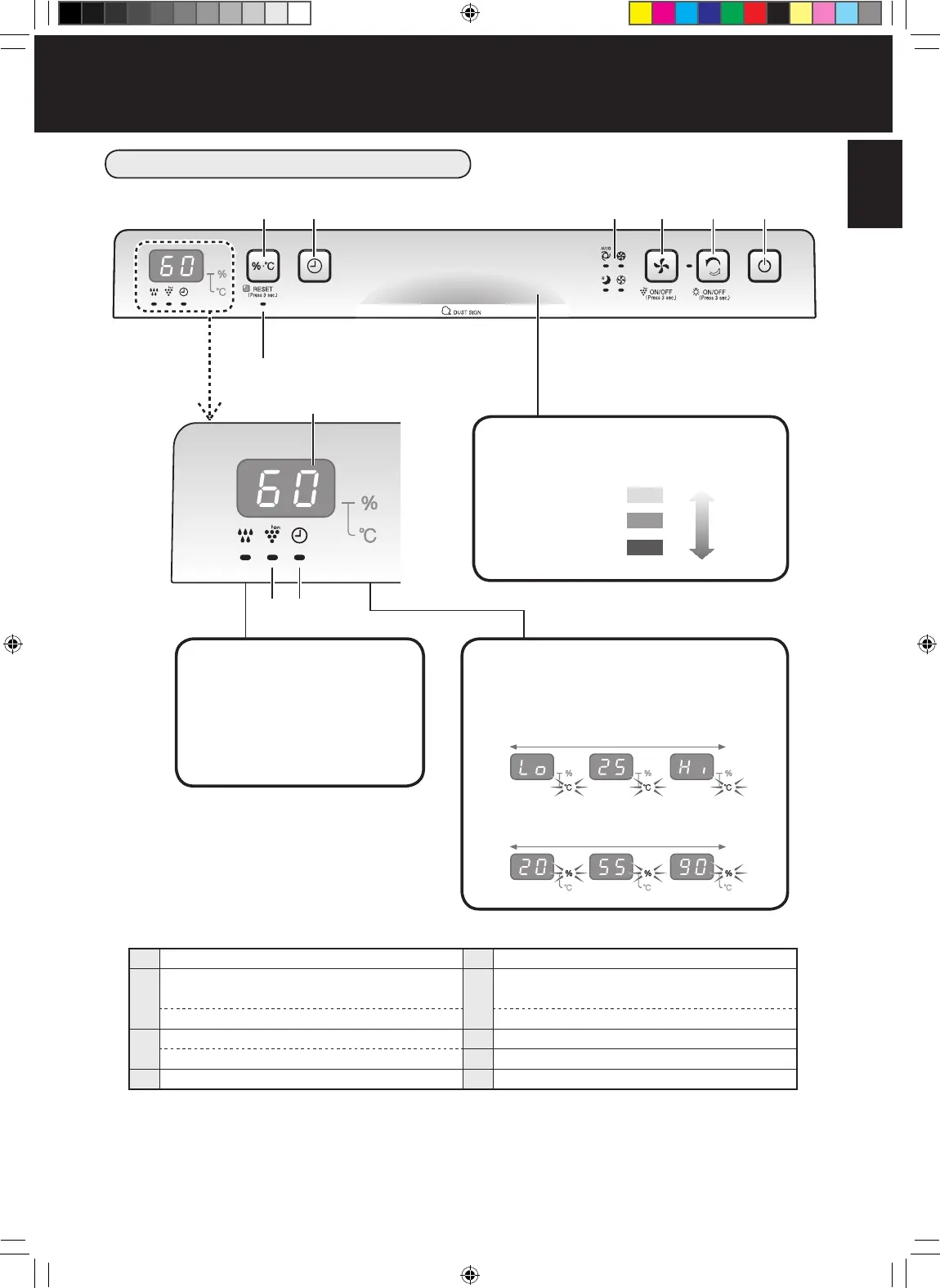
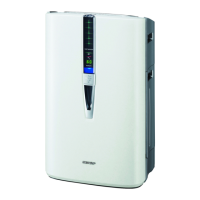
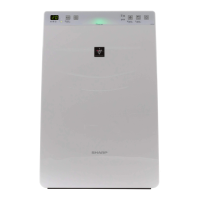
OPERATION PANEL / DISPLAY
1
START/STOP
5
OFF Timer Button
2
CLEAN ION SHOWER Button /
Indicator Light (green)
6
Display Select Button
(Press 3 sec.) LIGHT ON/OFF Button (Press 3 sec.) FILTER RESET Button
3
FAN SPEED Button
7
Filter Indicator Light (orange)
(Press 3 sec.) Plasmacluster Ion ON/OFF Button
8
Plasmacluster Ion Indicator Light (blue)
4
Fan Speed Indicator Lights (green)
9
OFF Timer Indicator Light (green)
6
7
98
5 4 3 2 1
Humidify Light
Green................. Humidify ON
Green................. Unit needs water
(Flashing)
Off ...................... Humidify OFF
Humidity / Temperature monitor
Indicates the approximate humidity /
temperature level in the room.
Temperature 0 to 50ºC is displayed at 1ºC-intervals.
Humidity 20 to 90% is displayed at 1%-intervals.
-1ºC or less 51ºC or more
Display
Dust Sign
Indicates the air purify level 3 colours.
Green
Orange
Red
Clean
Impure
KC-F32EU_OM_WEST.indb 7 2017-09-28 08:58:18


 To Next Page