12
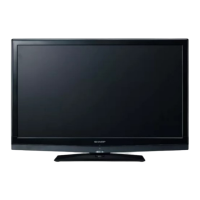
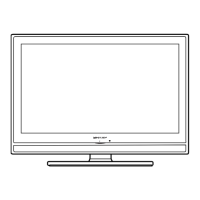
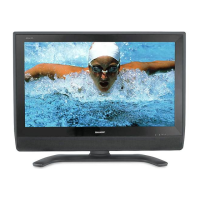
LC-26AF3 M/H/X
LC-32AF3 M/H/X
LC-37AF3 M/H/X
Center Angle
P1200
7
6
8
Top Cover Ass’y
KEY Unit
5
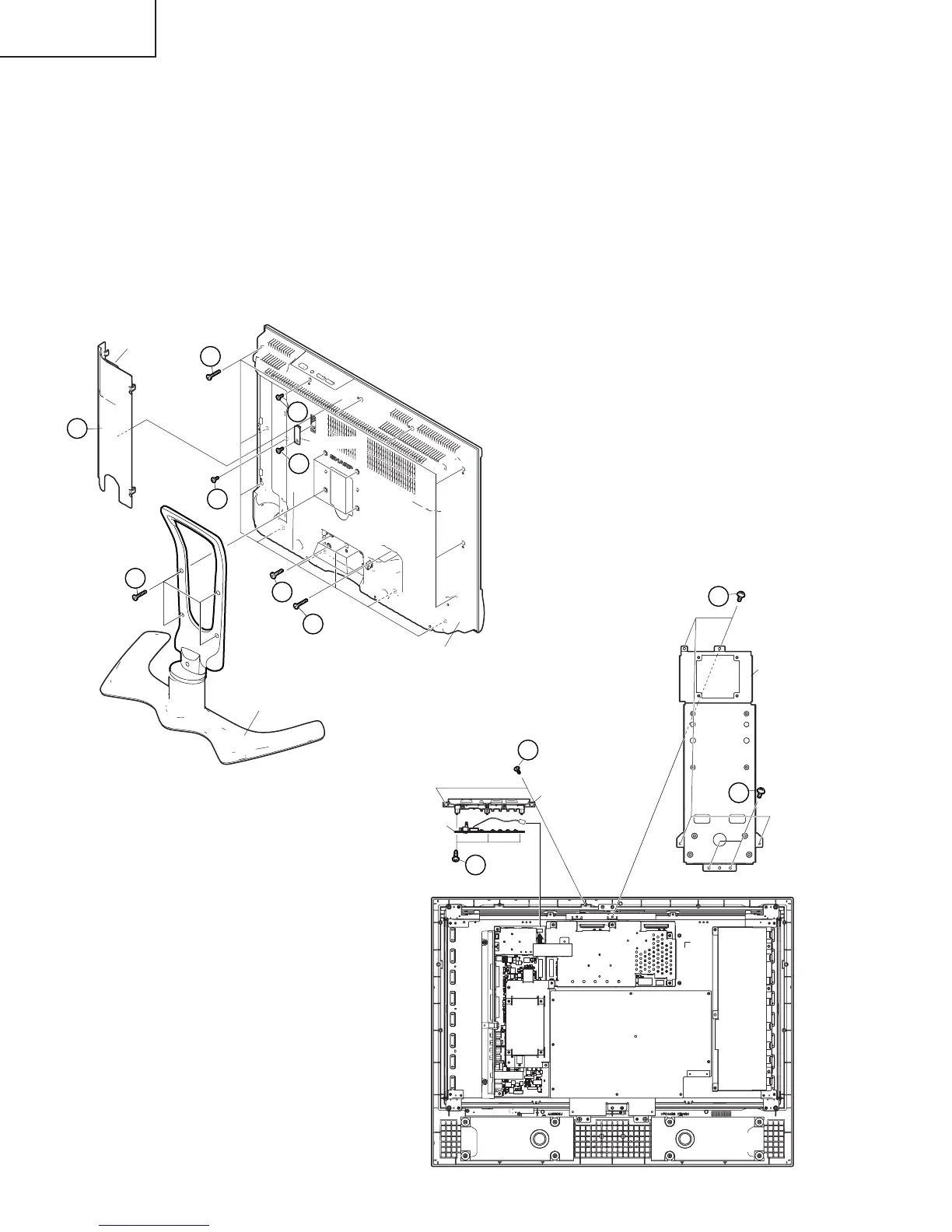
REMOVING OF MAJOR PARTS (LC-26AF3H/M/X)
1. Remove the Terminal Cover1.
2. Remove the 1 lock screw 2 and detach the ID Cover.
3. Remove the 4 lock screws 3 and detach the stand.
4. Remove the 21 lock screws 4 and detach the Rear Cabinet.
5. Remove the 2 lock screws 5 and the 4 lock screws 6 and detach the Center Angle.
6. Loosen the 2 top cover ass’y fixing screws7, and unplug the connecting cable from the KM (P1200) connector
of the AV unit to remove the top cover ass’y.
7. Remove the 3 lock screws 8 from Top Cover, and detach the KEY Unit.
4
4
1
4
4
3
4
Terminal Cover
ID Cover
Stand
Rear Cabinet
2





 To Next Page