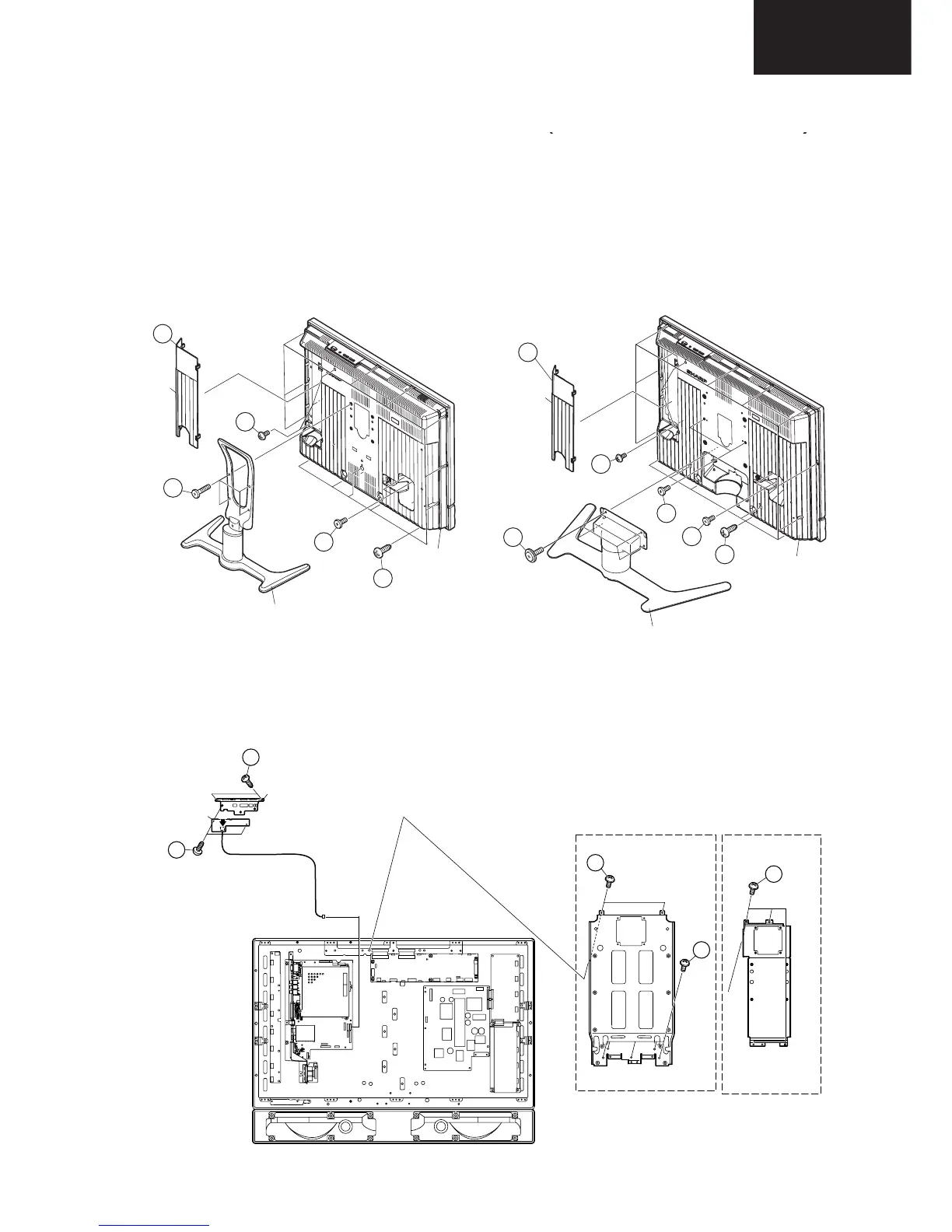
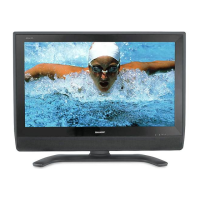
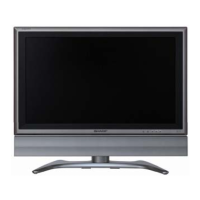
(LC-26GA5E)
1. Remove the Terminal Cover 1 .
2. Remove the 4 lock screws 2 and detach the Stand.
3. Remove the 2 lock screws 3 and the 3 lock screws 4.
4. Remove the 13 lock screws 5 from the Rear Cabinet, and detach the Rear Cabinet.
(LC-32GA5E)
1. Remove the Terminal Cover 1 .
2. Remove the 4 lock screws 2 and detach the Stand.
3. Remove the 4 lock screws 3 and the 3 lock screws 4.
4. Remove the 15 lock screws 5 from the Rear Cabinet, and detach the Rear Cabinet.
Terminal
Cover
Stand
Rear Cabine
1
2
4
3
5
1
2
3
3
4
5
Terminal
Cover
Stand
Rear Cabinet
5. Remove the 4 (LC-26GA5E) / 7 (LC-32GA5E) lock screws 6 and detach the Center Angle.
6. Remove the KEY Unit.
6-1. Remove the 2 lock screws 7 from the Top Control Cover.
6-2. Remove the 2 lock screws 8 from the KEY Unit.
(LC-26GA5E) (LC-32GA5E)
KE
LC-32GA5E
LC-26GA5E
P1006
KE
Center Angle
Center Angle
6
6
6
7
8
Top Control Cover
KEY Unit








 To Next Page